















This guide will walk you through processing store credit in Swap. To learn how to request a return, please follow this guide.
Processing Store Credit
- Go to your Swap Dashboard
- In the "Type" column, you can see which returns are store credit.
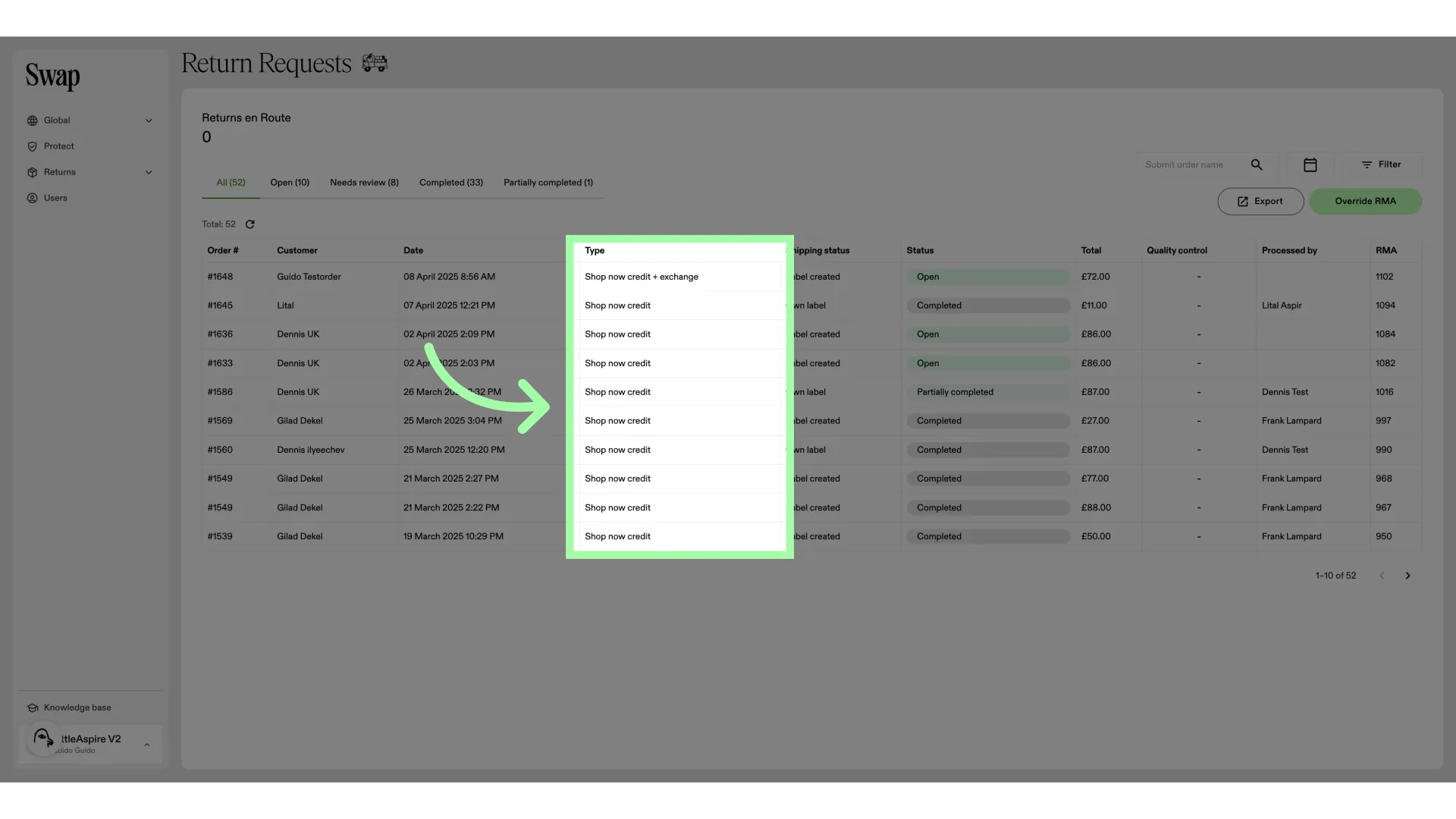
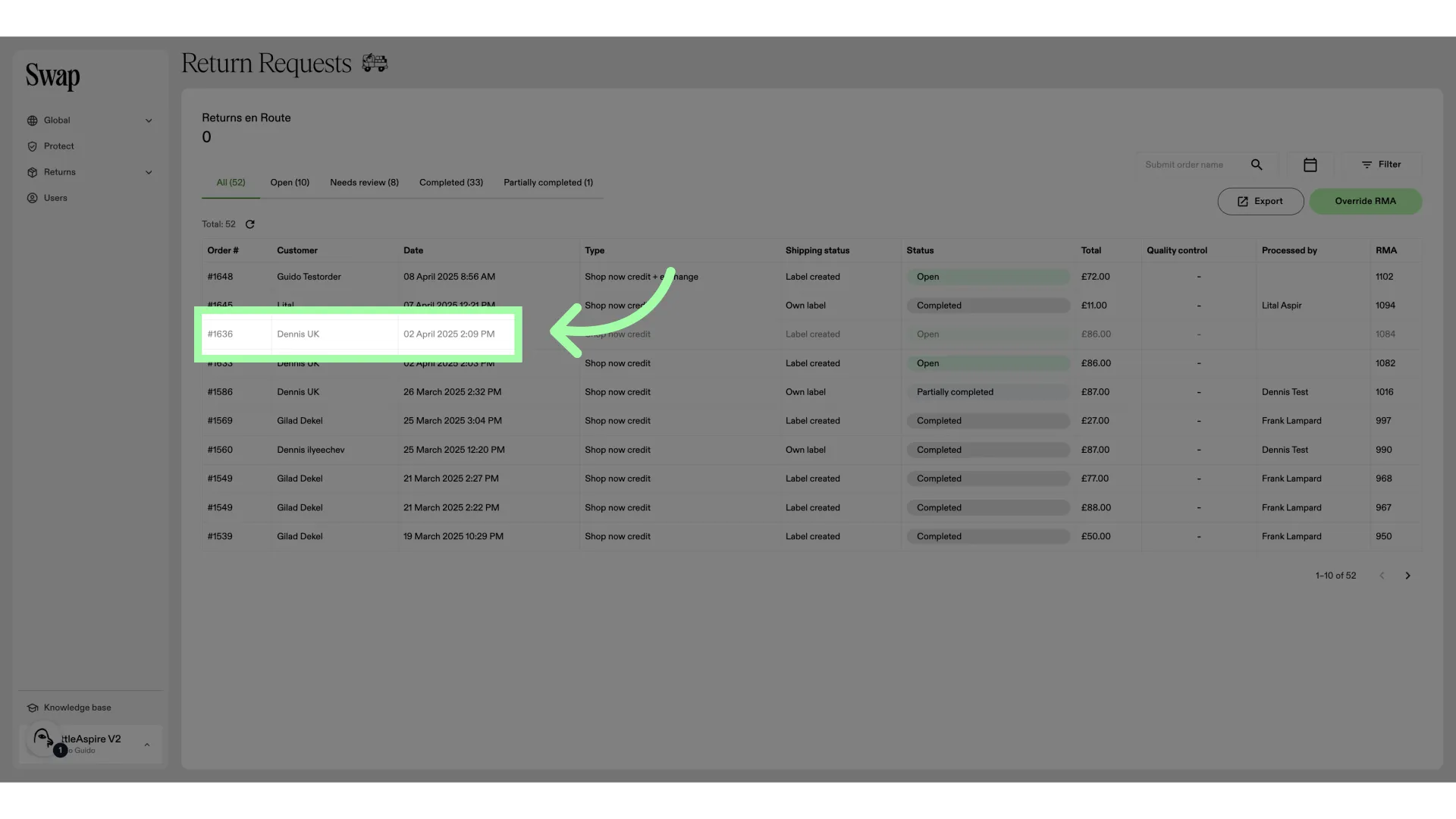
- Let's open an RMA
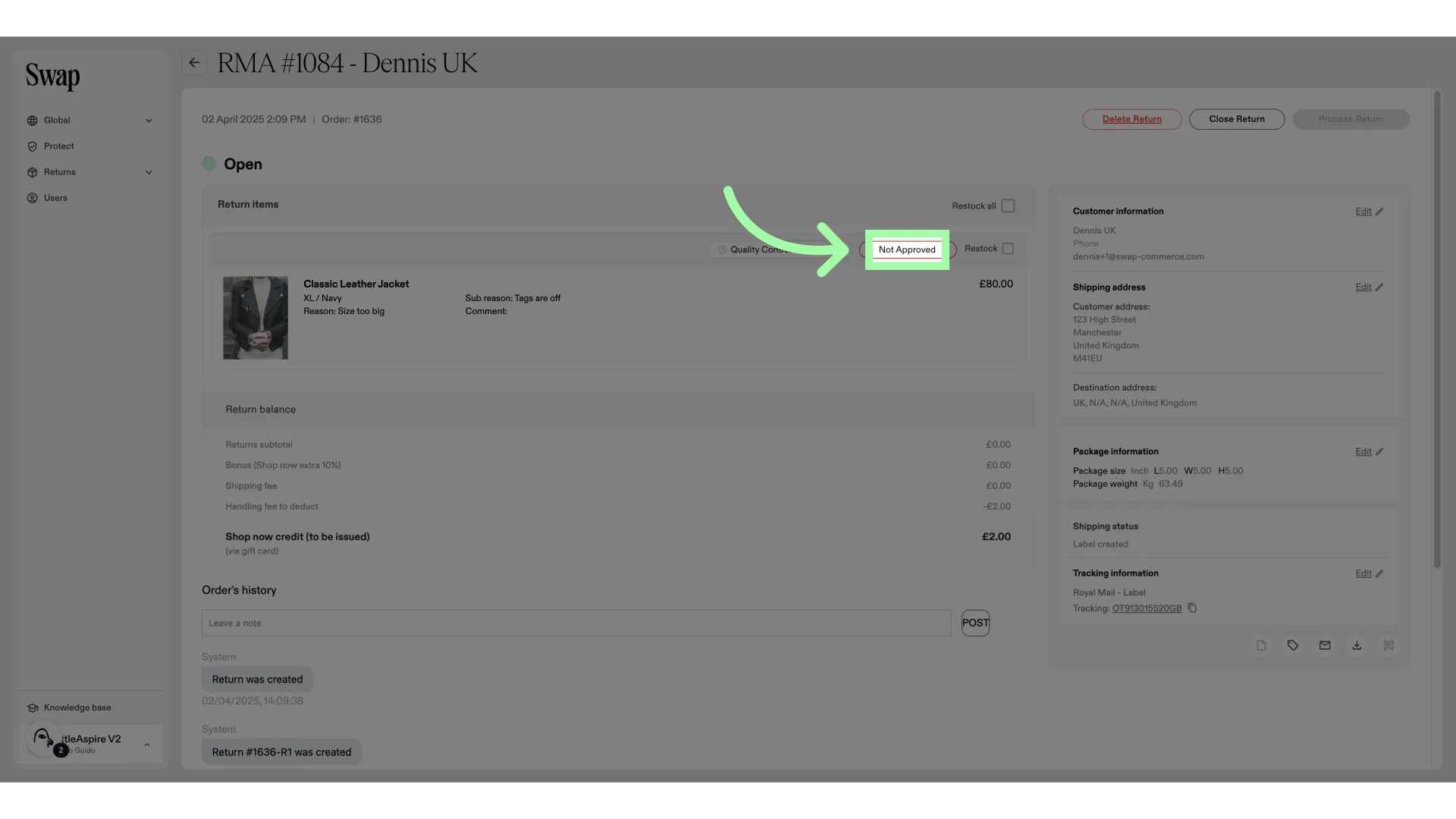
- This item has not been approved.
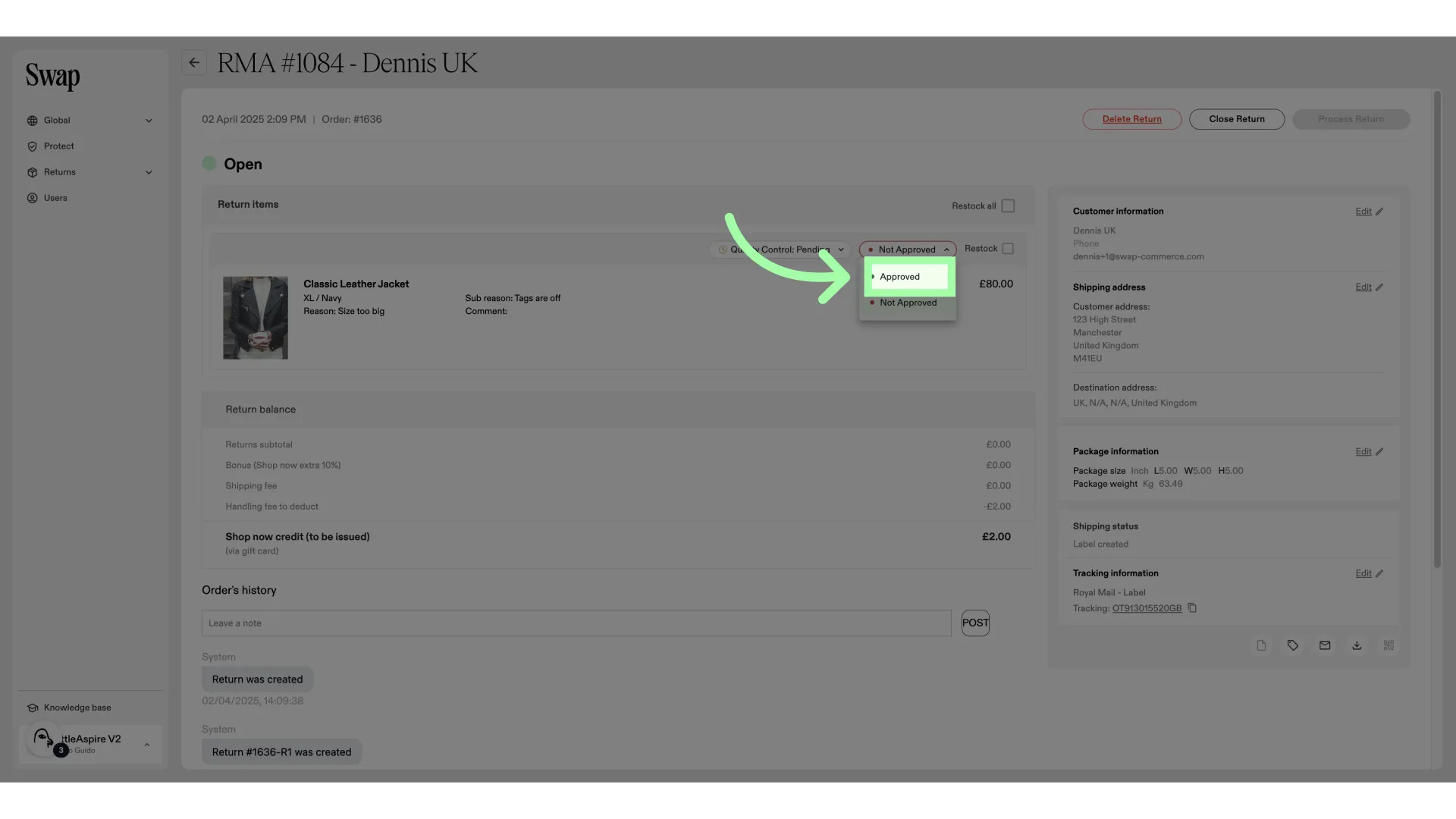
- Click "Approved" to approve the item
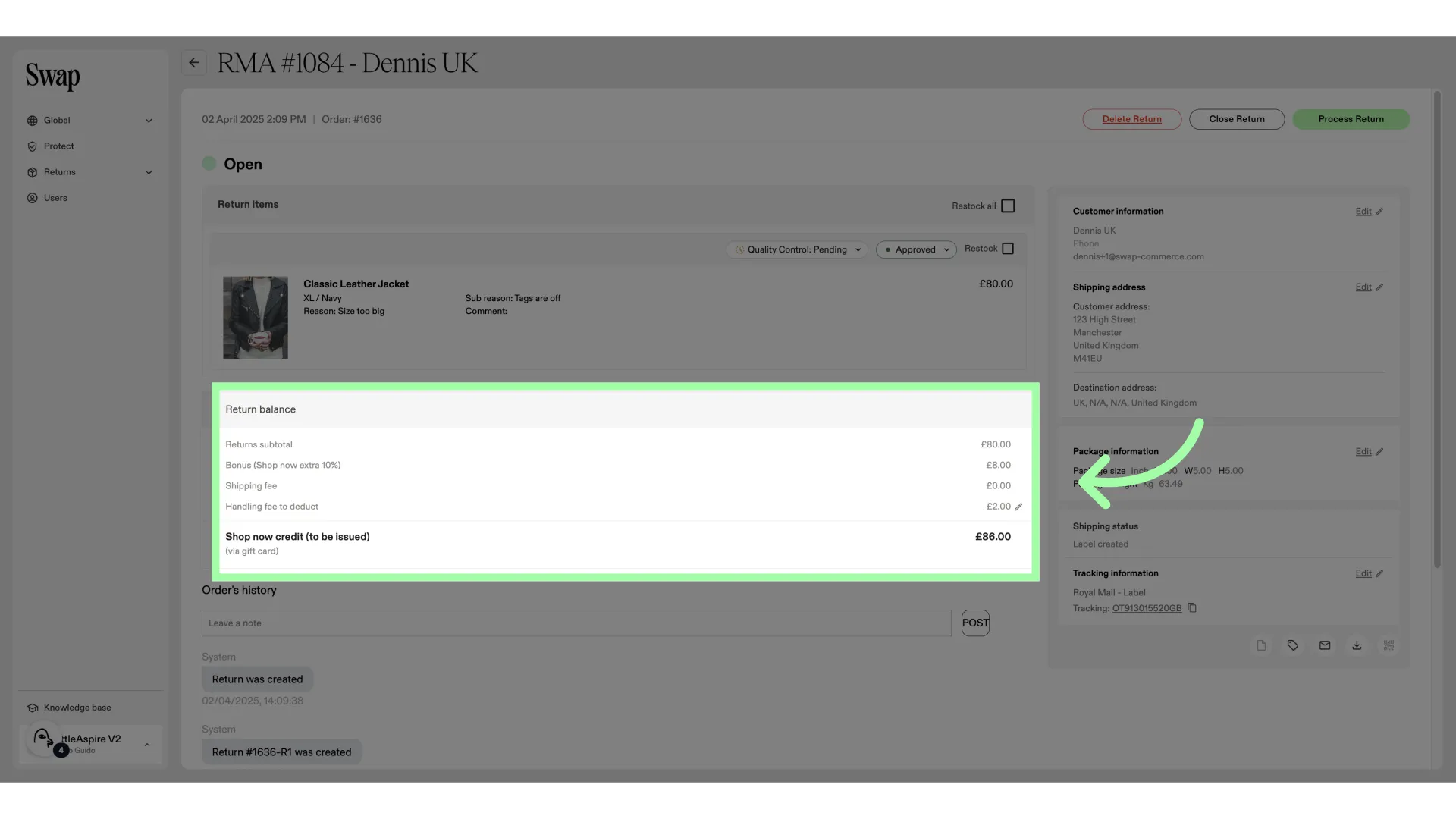
- Here, you can find a financial breakdown of the RMA. The bonus credit is visible in this breakdown.
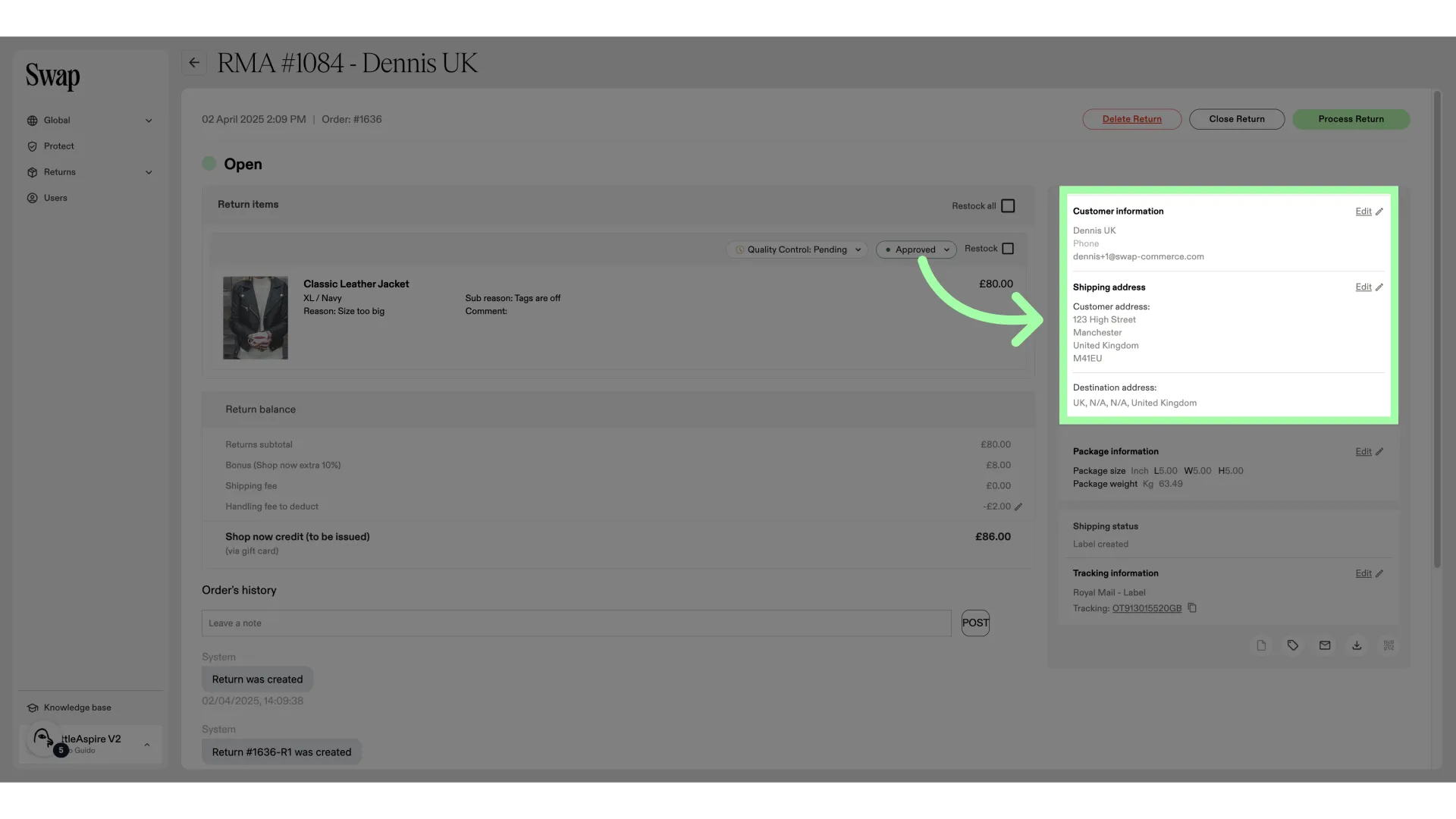
- Here, you will find the customer info and shipping address
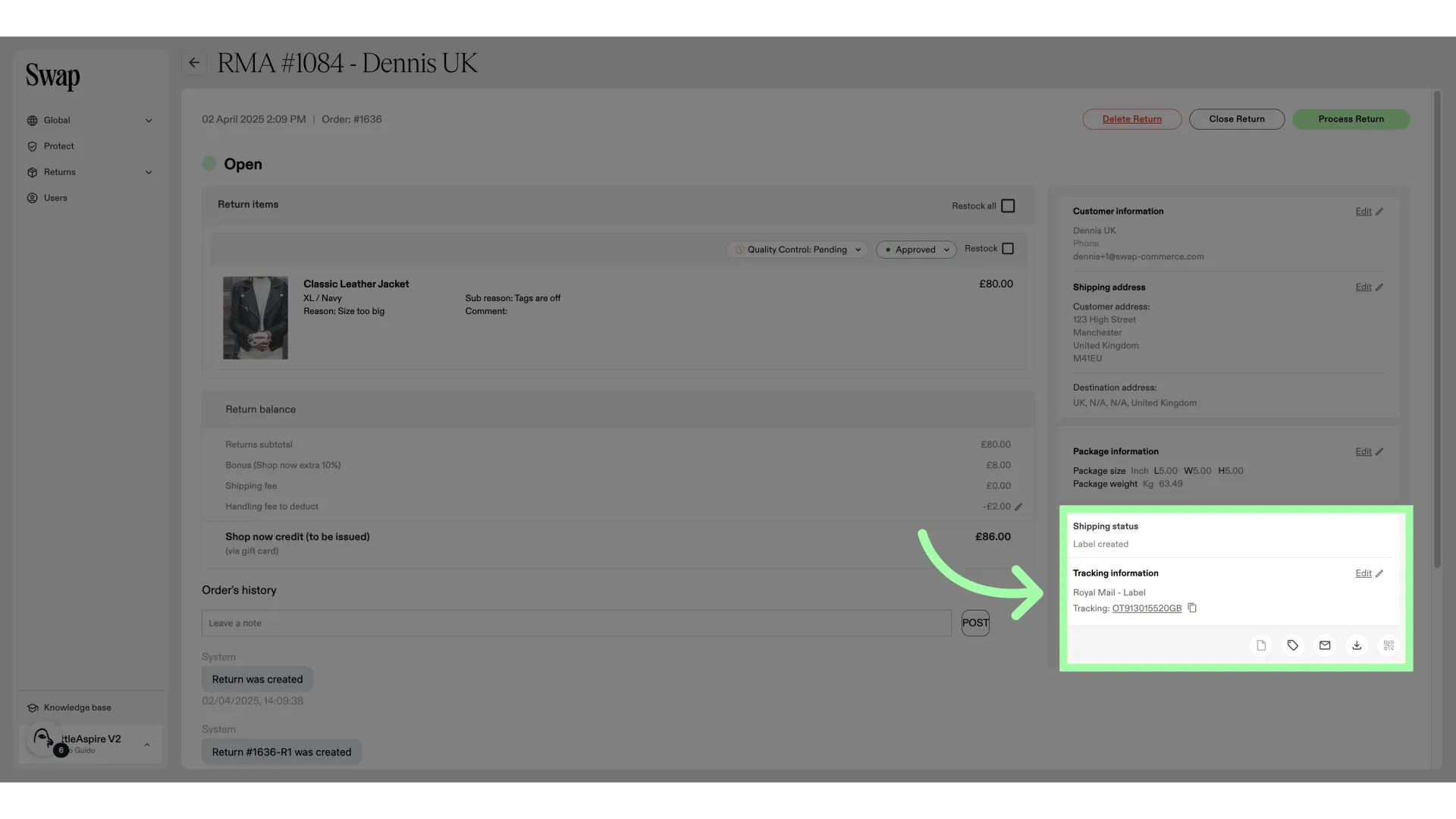
- This is the shipping carrier information
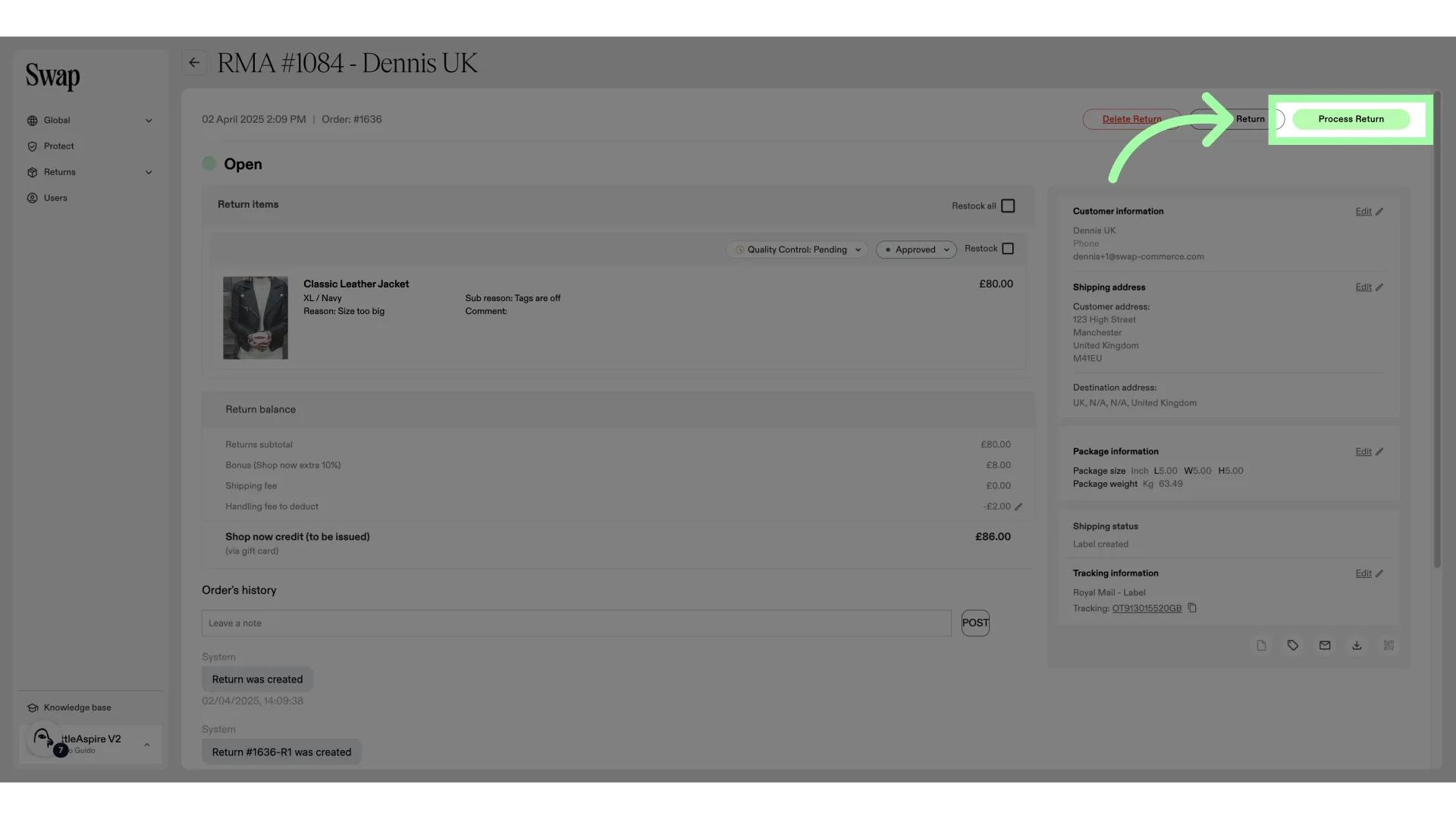
- Click "Process Return" to process and close the RMA
- Shop Now credit will be issued after requesting the return. Shop Later credit will be issued after approving the return.