















In this guide, you will learn how to process an Exchange in Swap. To learn how to request a return, please follow this guide.
Processing an Exchange
- Go to the Swap Dashboard
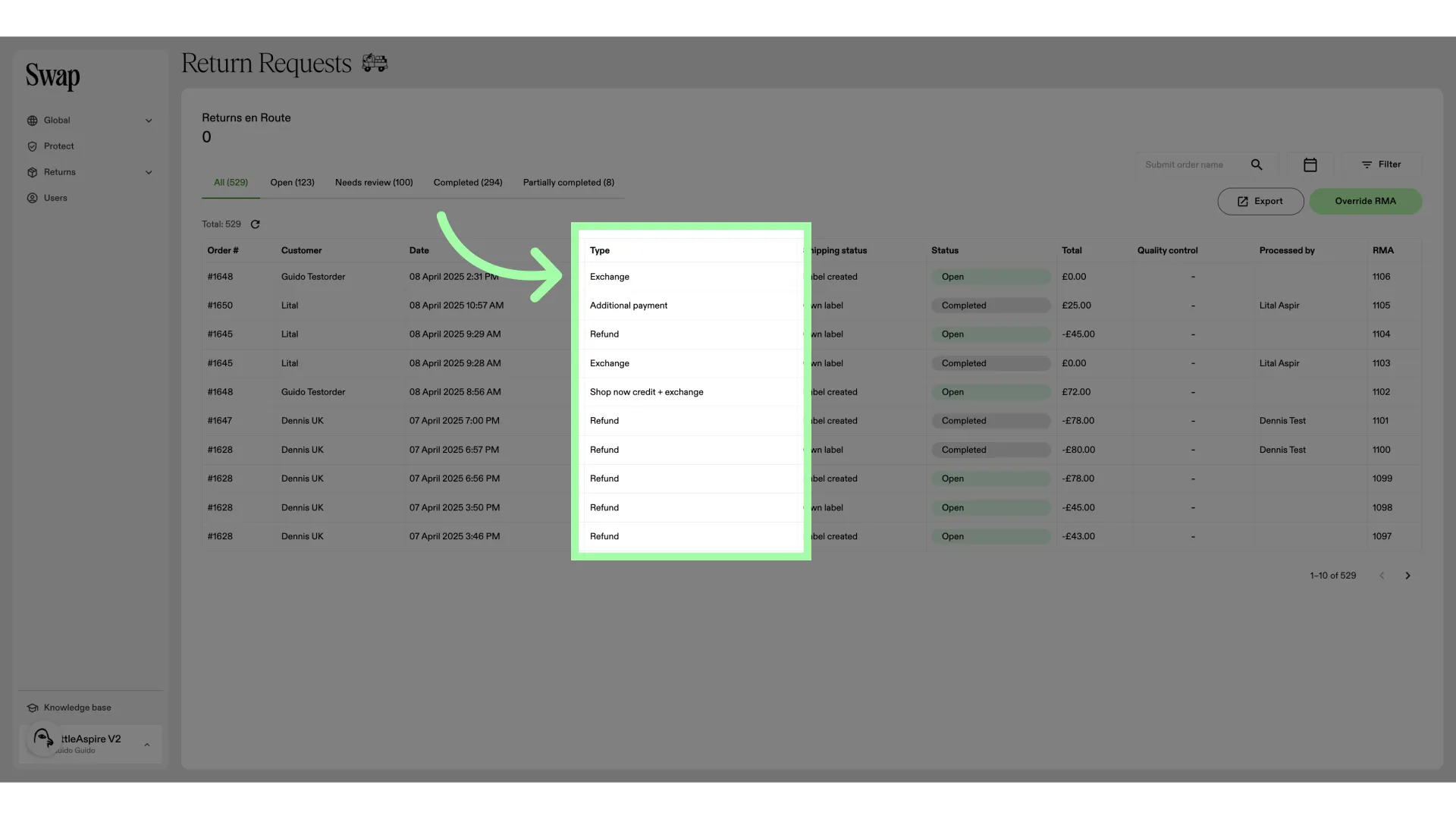
- In the "Type" column, you can see which returns are exchanges.
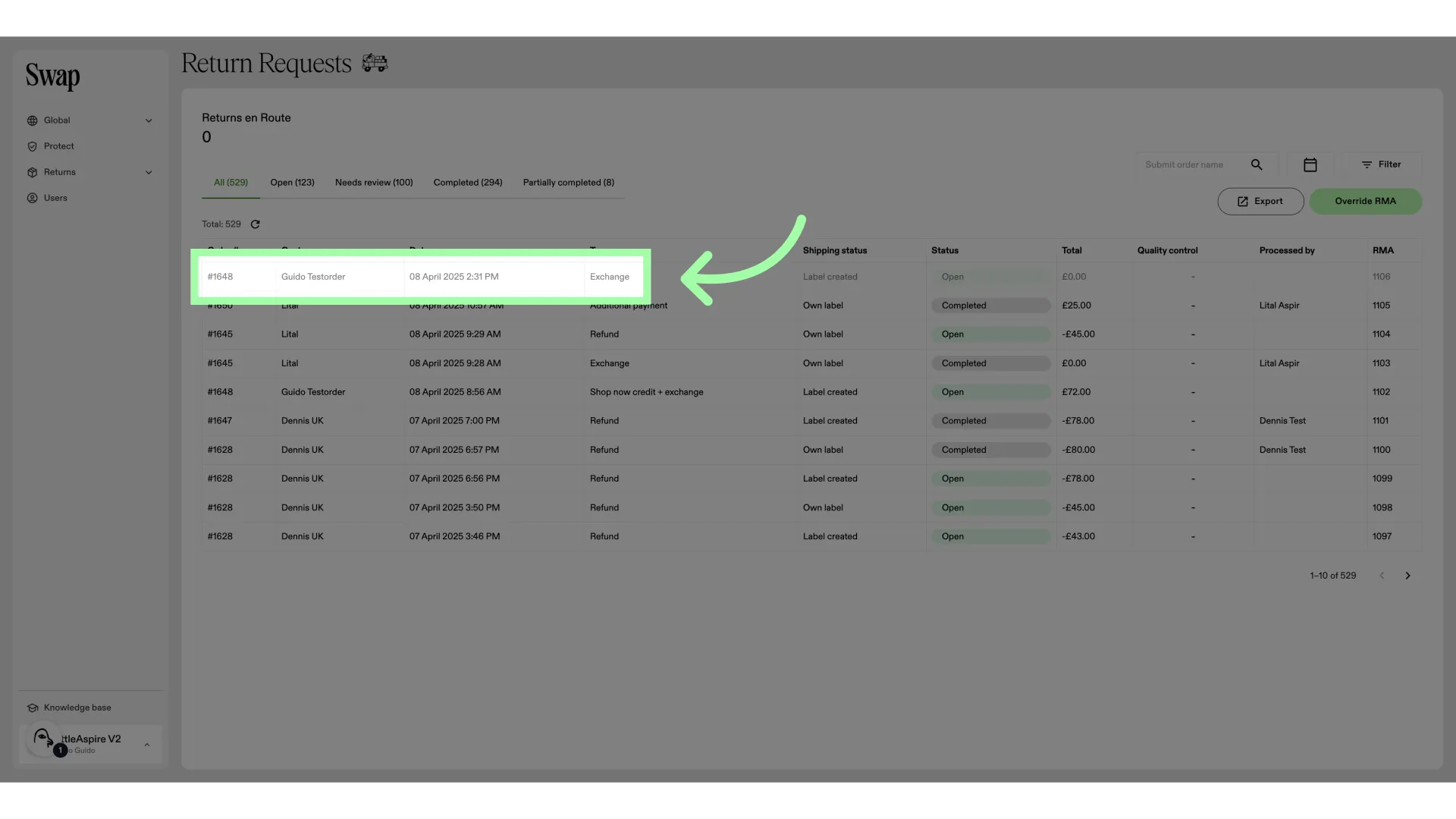
- Let's open an RMA
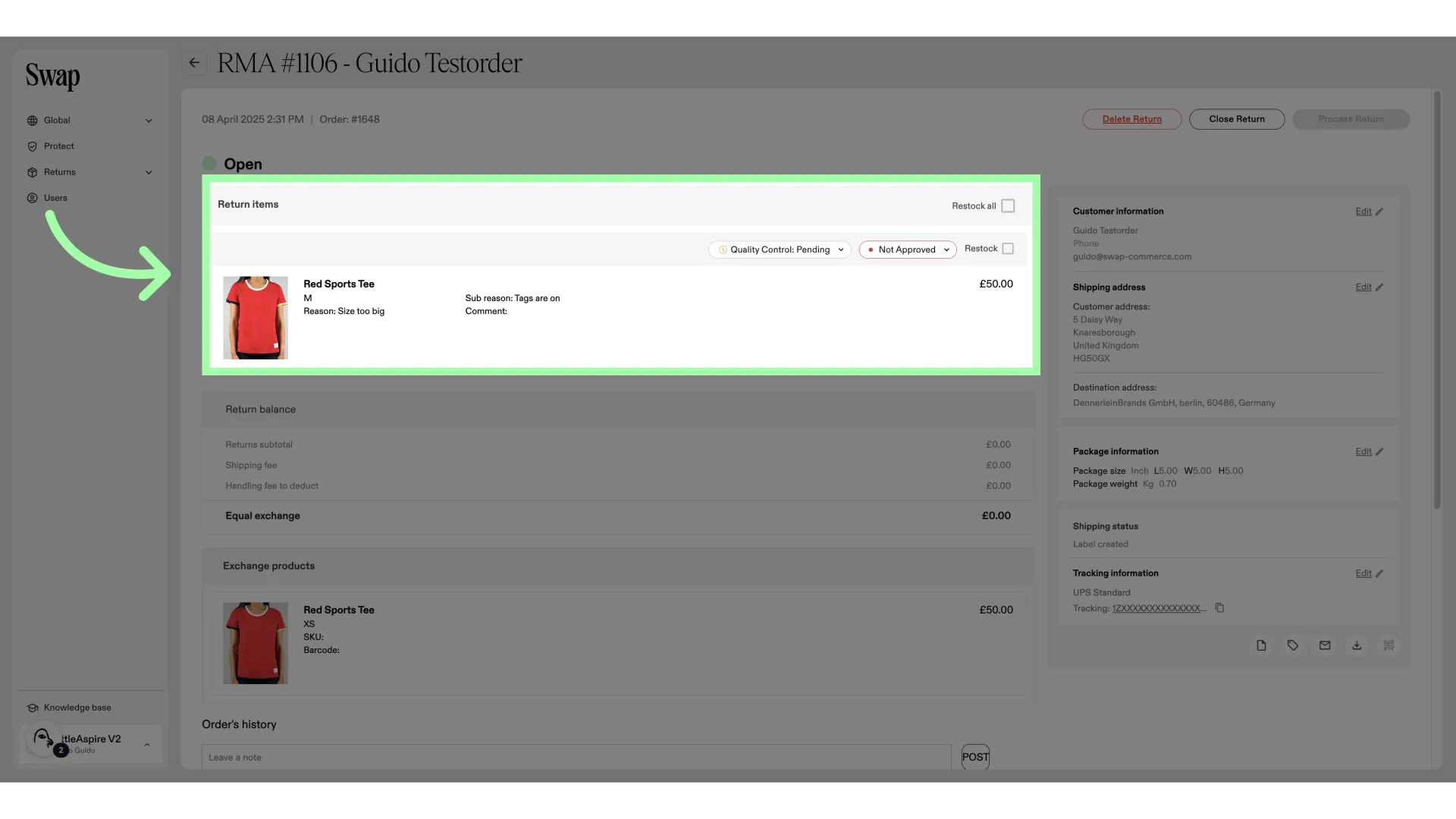
- This is the item that is being returned
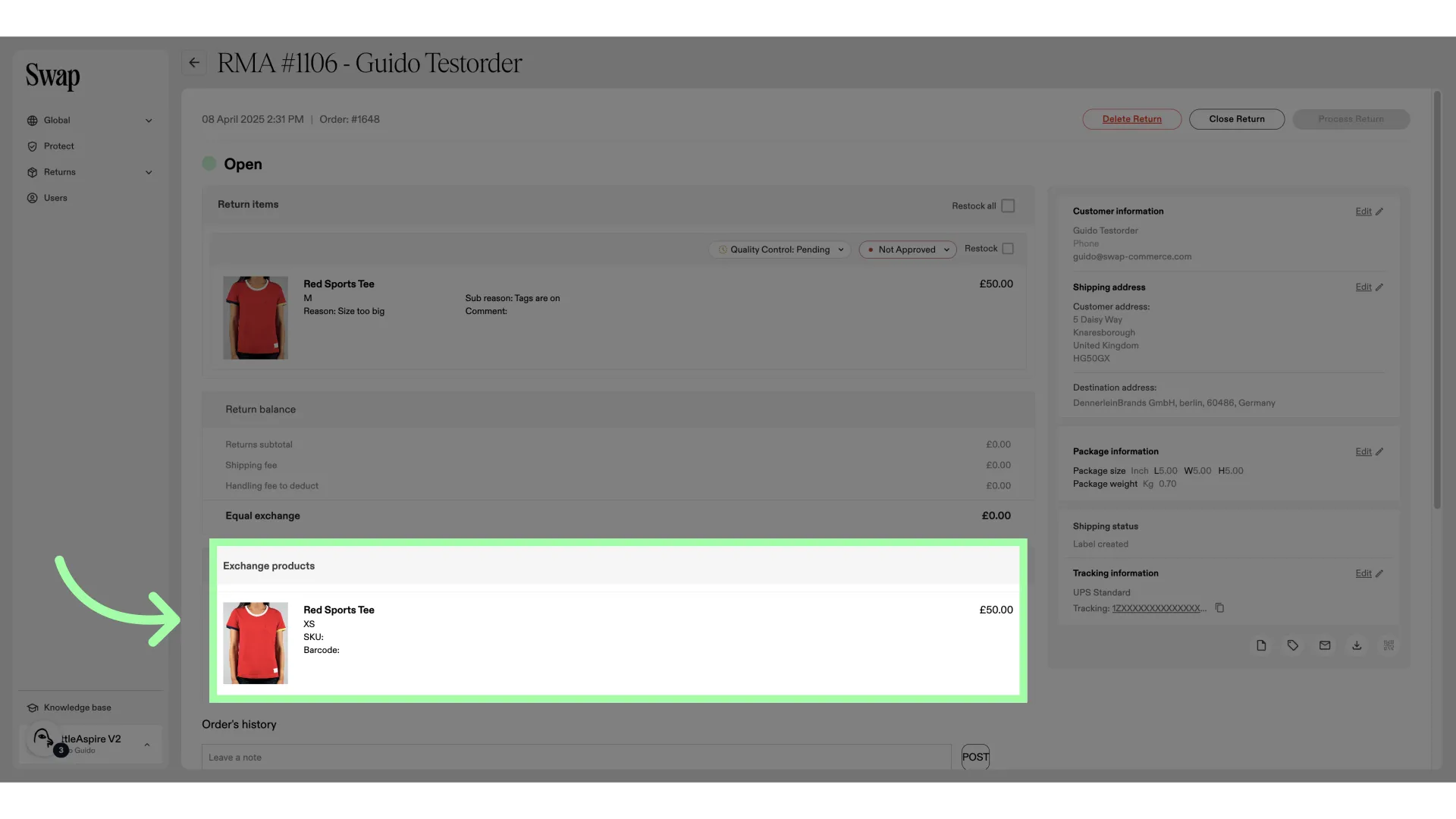
- This is the item that it is being exchanged for
- The item is not approved
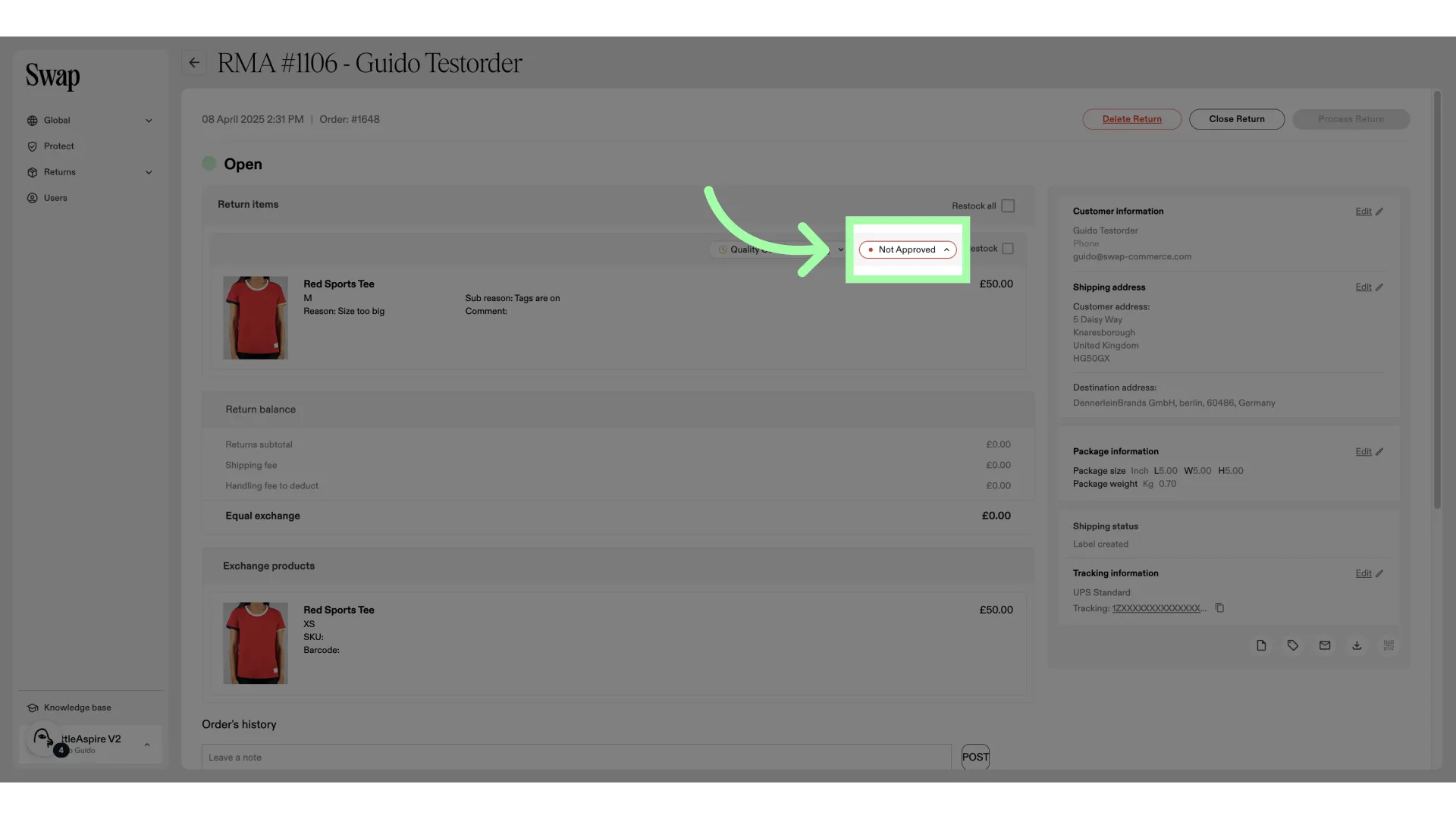
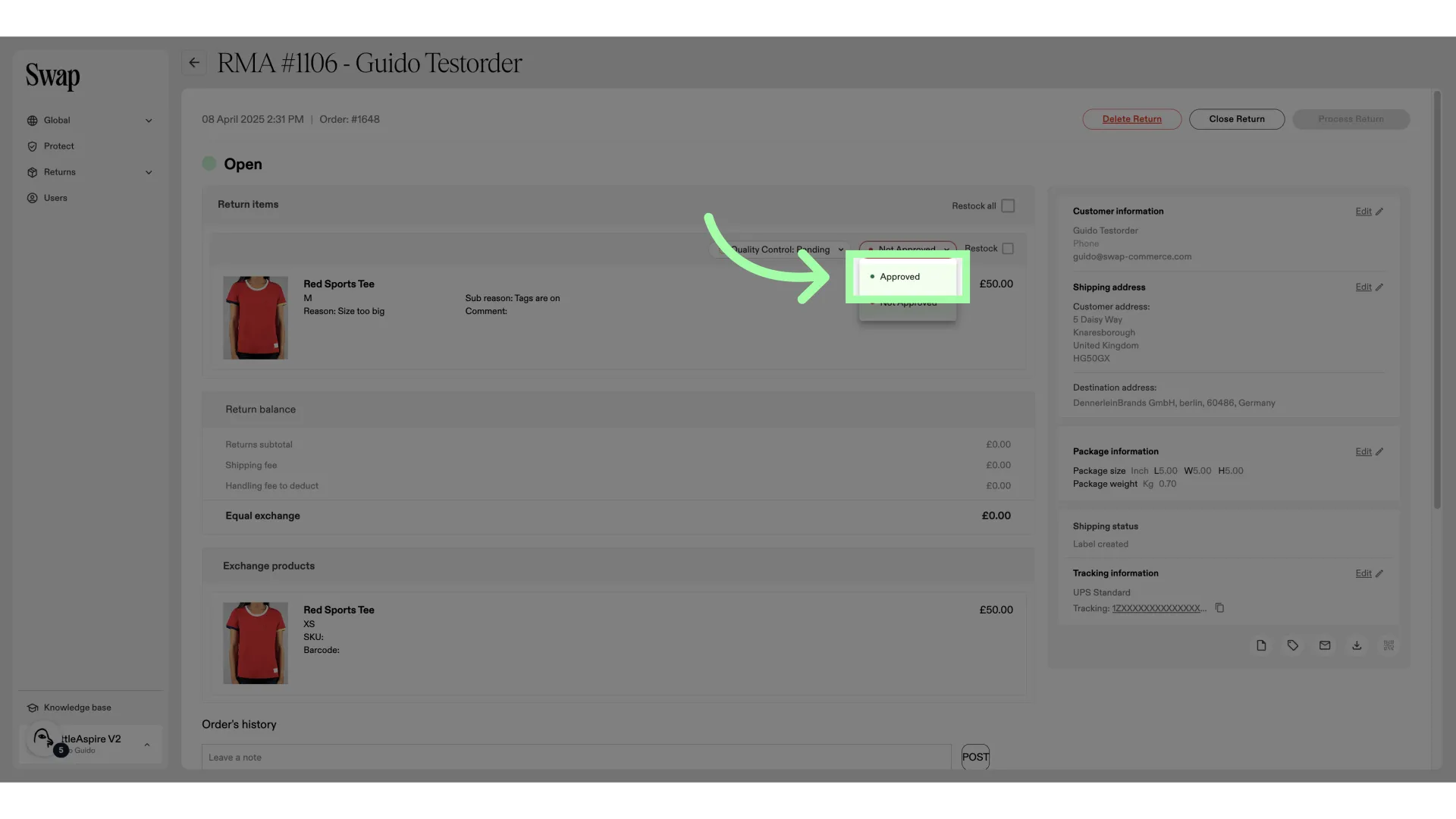
- Click "Approved" to approve the item
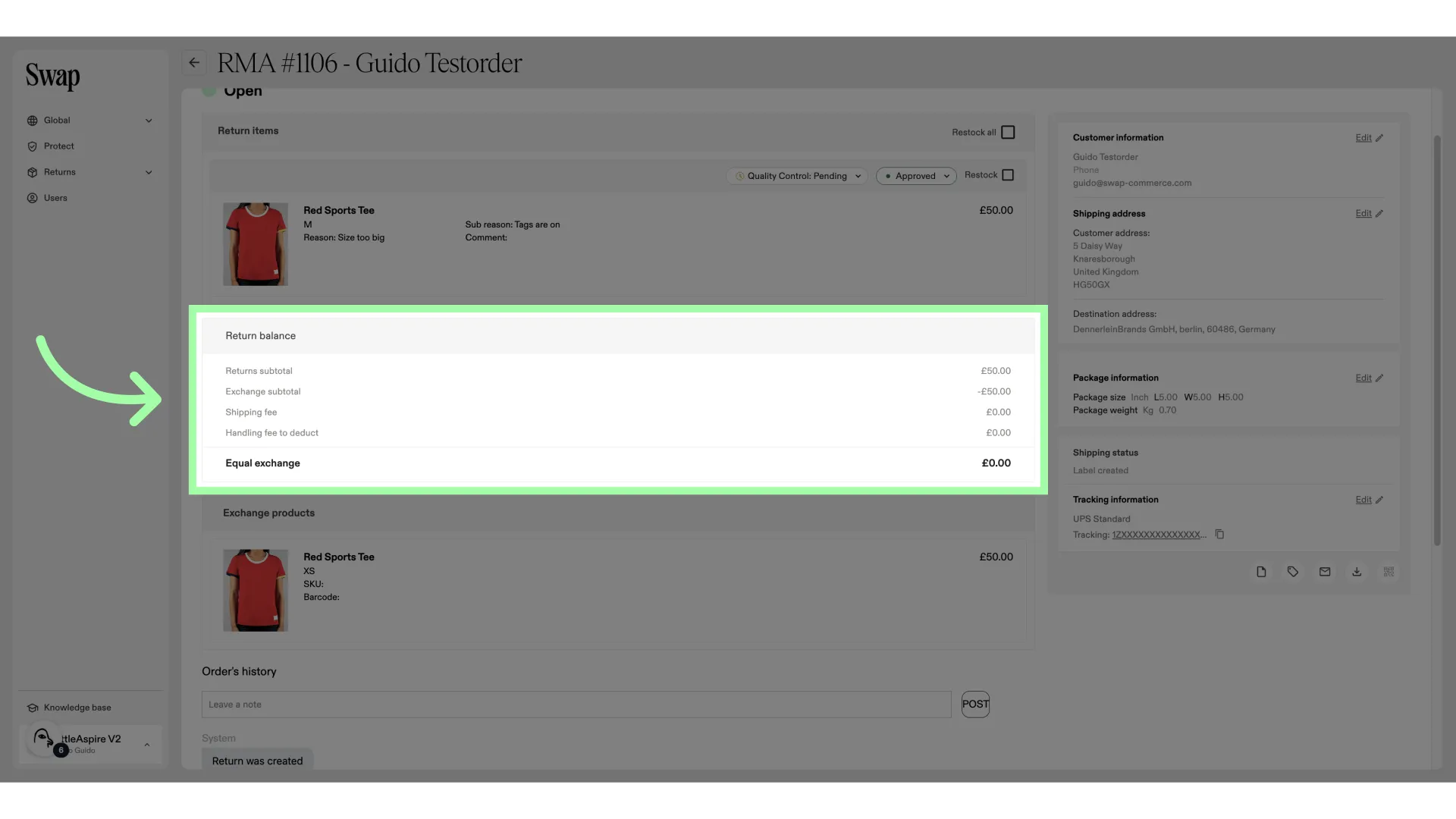
- Here, you can find a financial breakdown of the RMA. In this case, it is an equal exchange
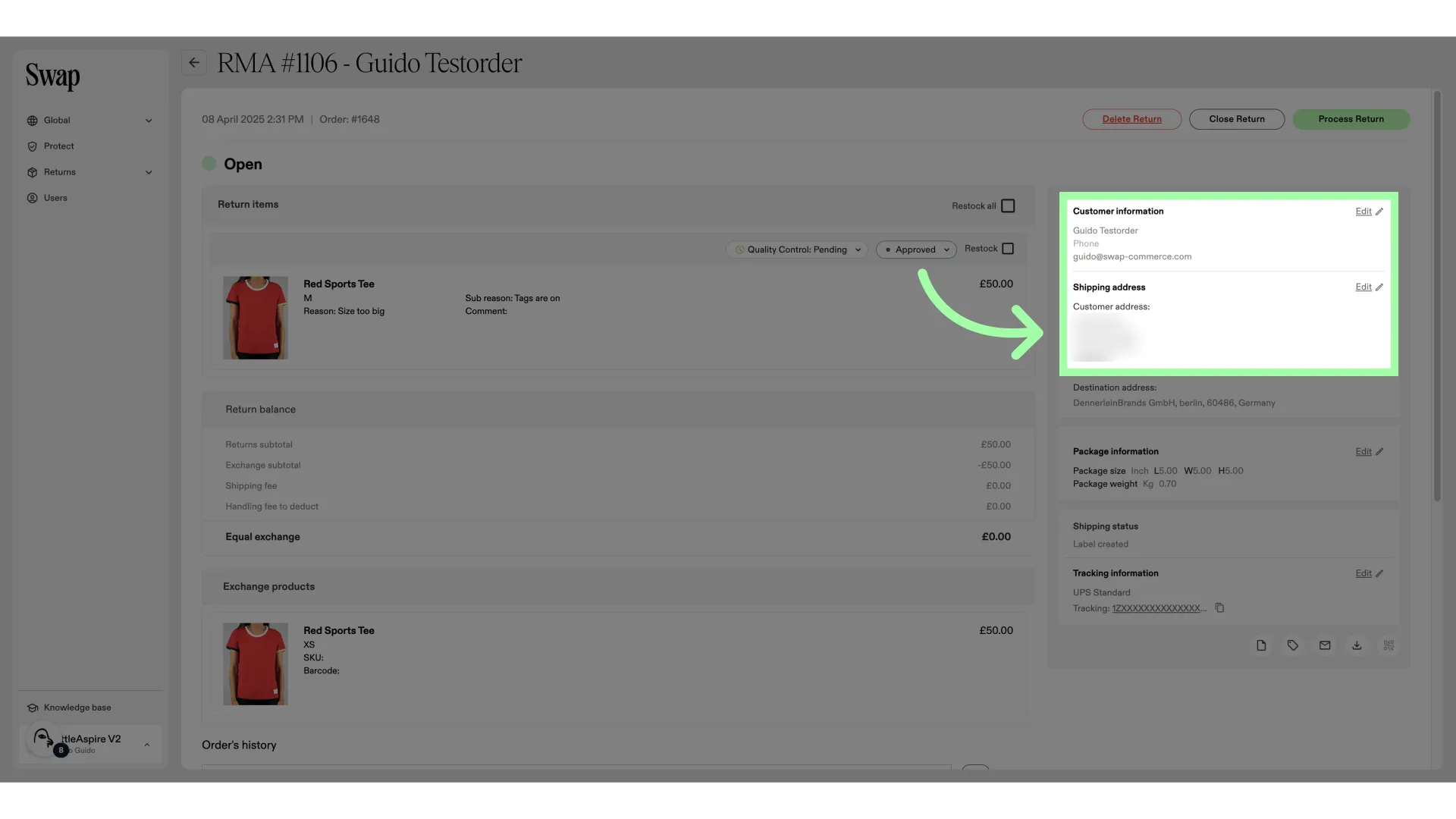
- Here, you will find the customer info and shipping address
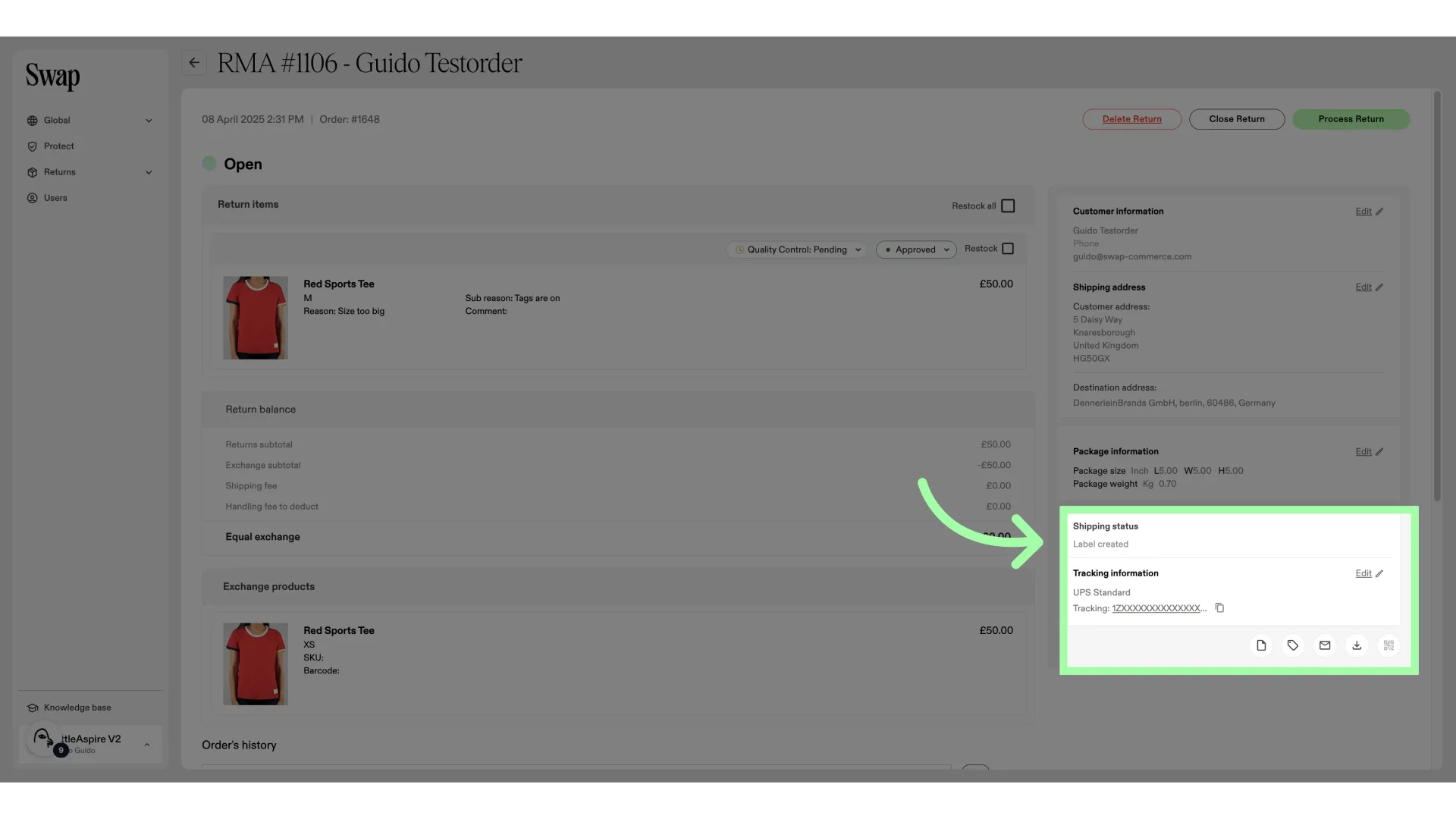
- This is the shipping carrier information
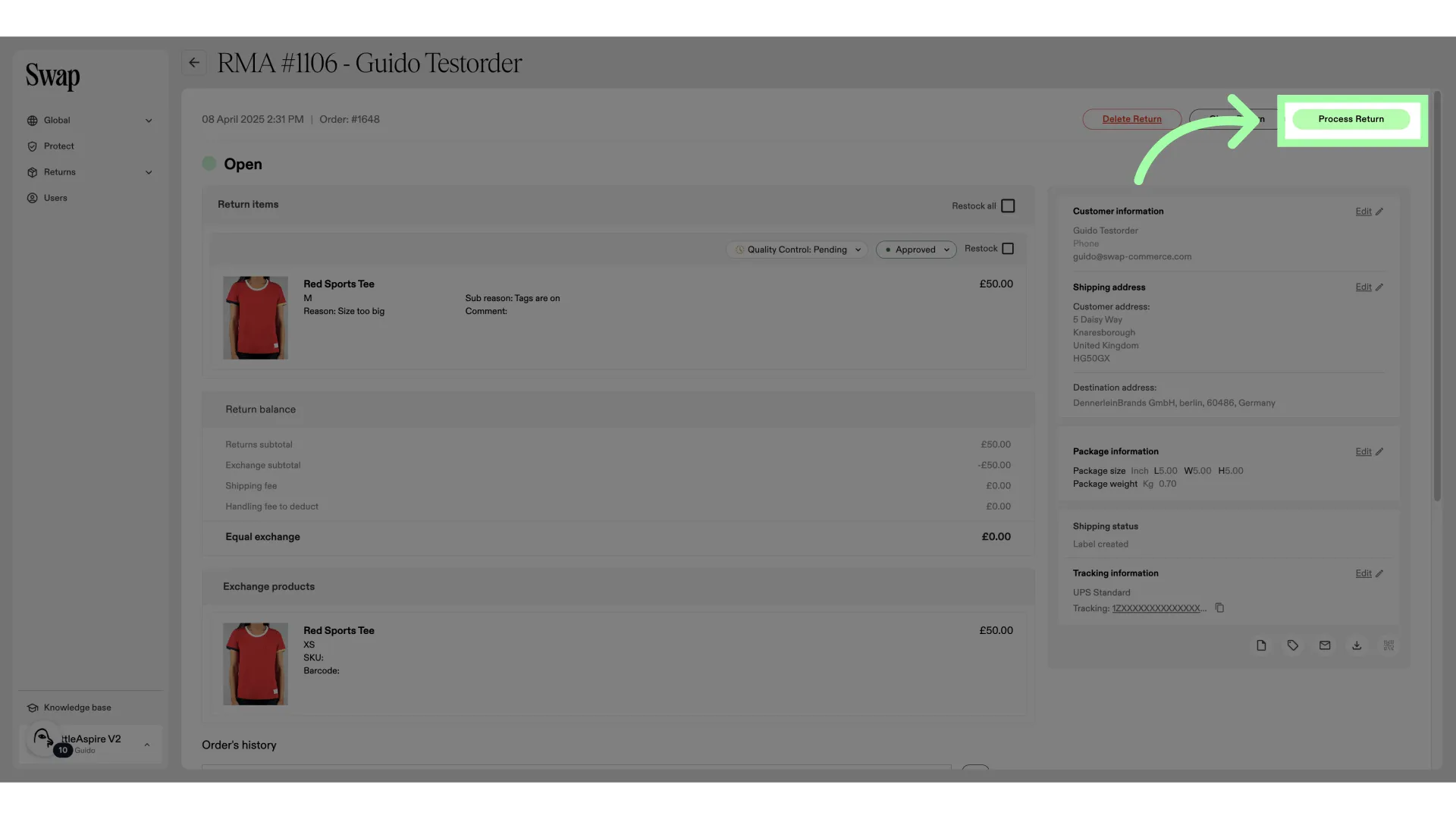
- Click "Process Return" to process and close the RMA
Identifying exchange orders in Shopify
In Returns V2, exchange orders do not carry an order name prefix. This is intentional — prefixes were not reliably applied in all cases in Returns V1 either, so they are not a consistent identifier.
To identify exchange orders or trigger automations in Shopify, use order tags rather than order name prefixes.