















This article explains how to sync return tracking numbers to your Shopify orders, so your team can cross-reference return shipments directly in Shopify or in connected tools like Gorgias.
Prerequisites
- This setting requires you to be using Shopify's Returns API or Exchange API. If you're not, the toggle will be unavailable in your dashboard.
- Split shipments are not currently supported.
Enabling return tracking sync
- Go to Returns → Settings → Returns in your dashboard.
- Locate the Update return tracking number in Shopify setting.
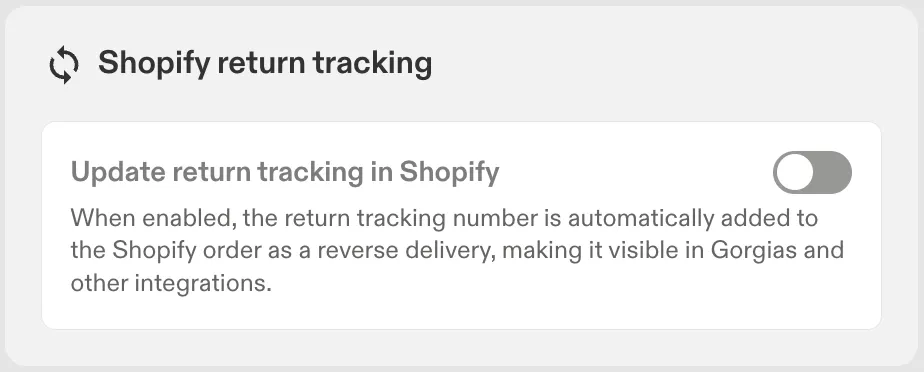
- Switch the toggle to On.
How it works
- Once enabled, when a return label is generated, Swap updates the tracking number on the corresponding reverse delivery in Shopify.
- This update happens after the RMA is created, so it doesn't delay the label page.
- If a label is regenerated, Swap updates the existing reverse delivery in Shopify with the new tracking number, rather than creating a duplicate.
- Every sync attempt — successful or failed — is recorded in the RMA log.
Limitations
- Split shipments are not currently supported for tracking sync.
- If the sync to Shopify fails for any reason, the return process itself is not affected — only the Shopify tracking update is skipped.