















Setting the tab name
This article explains how to customise the name shown in the browser tab when a customer opens your returns portal.
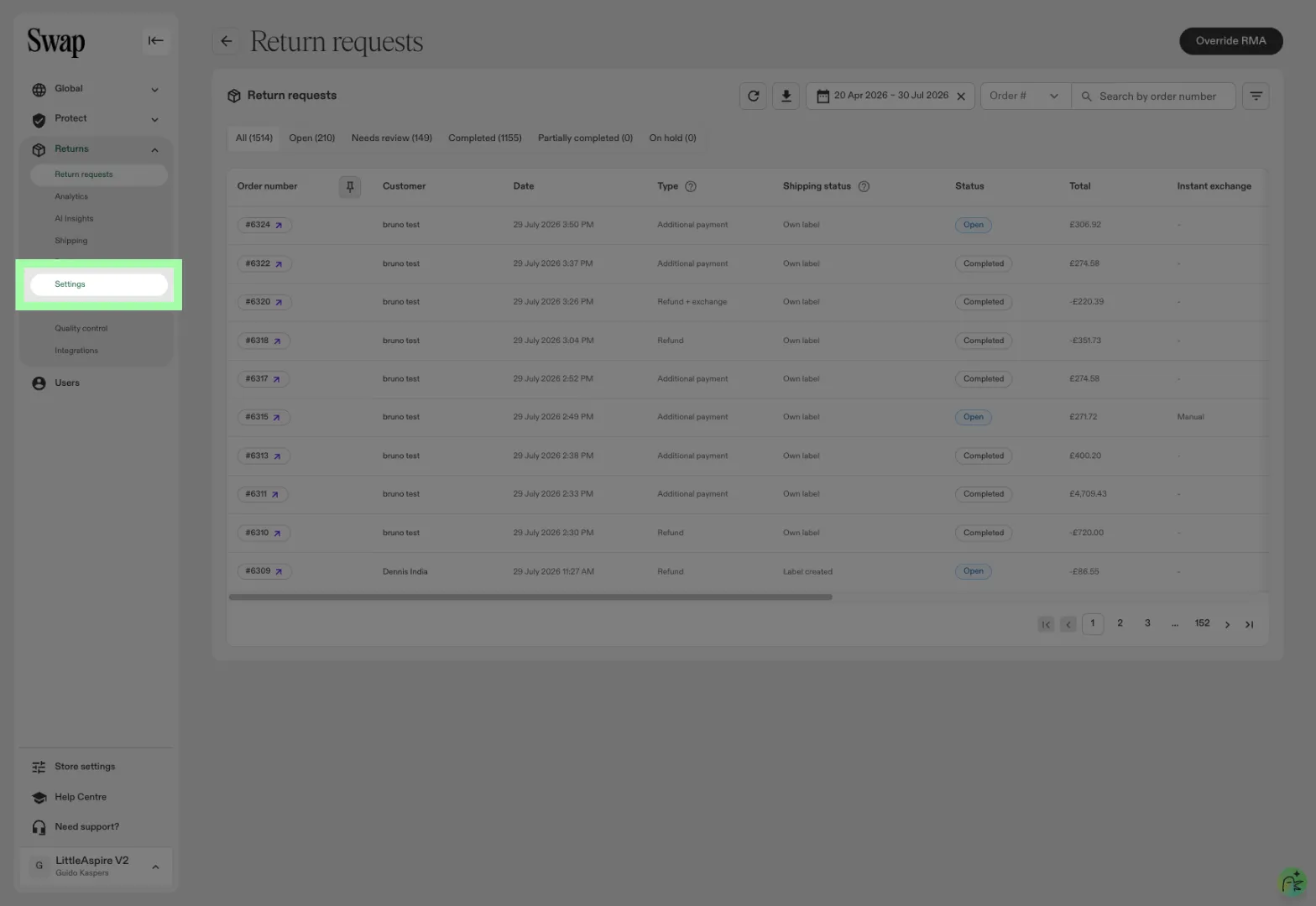
- Go to Settings → General in your dashboard.
- Locate the Returns portal tab name field.
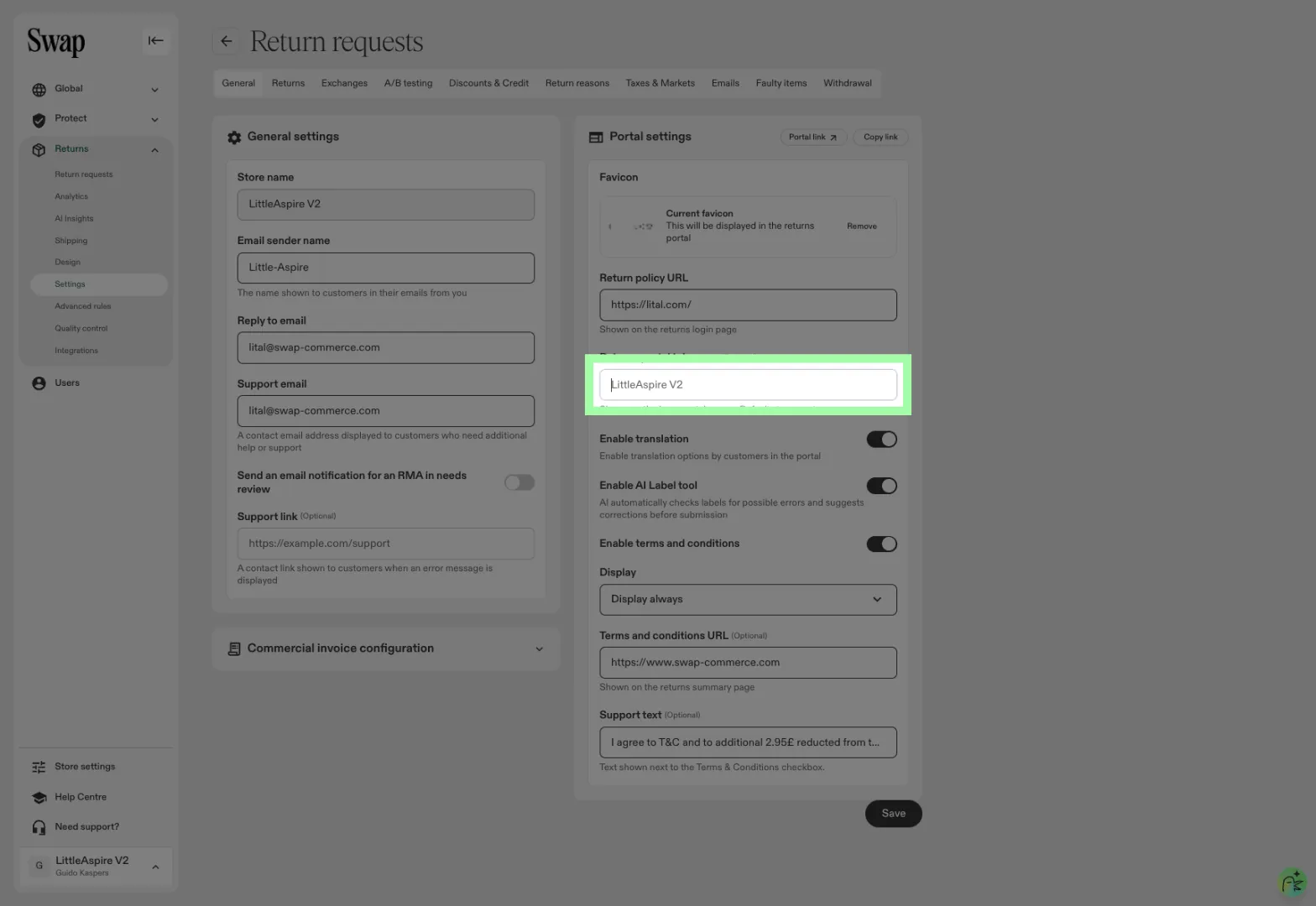
- Enter the name you want customers to see in their browser tab.
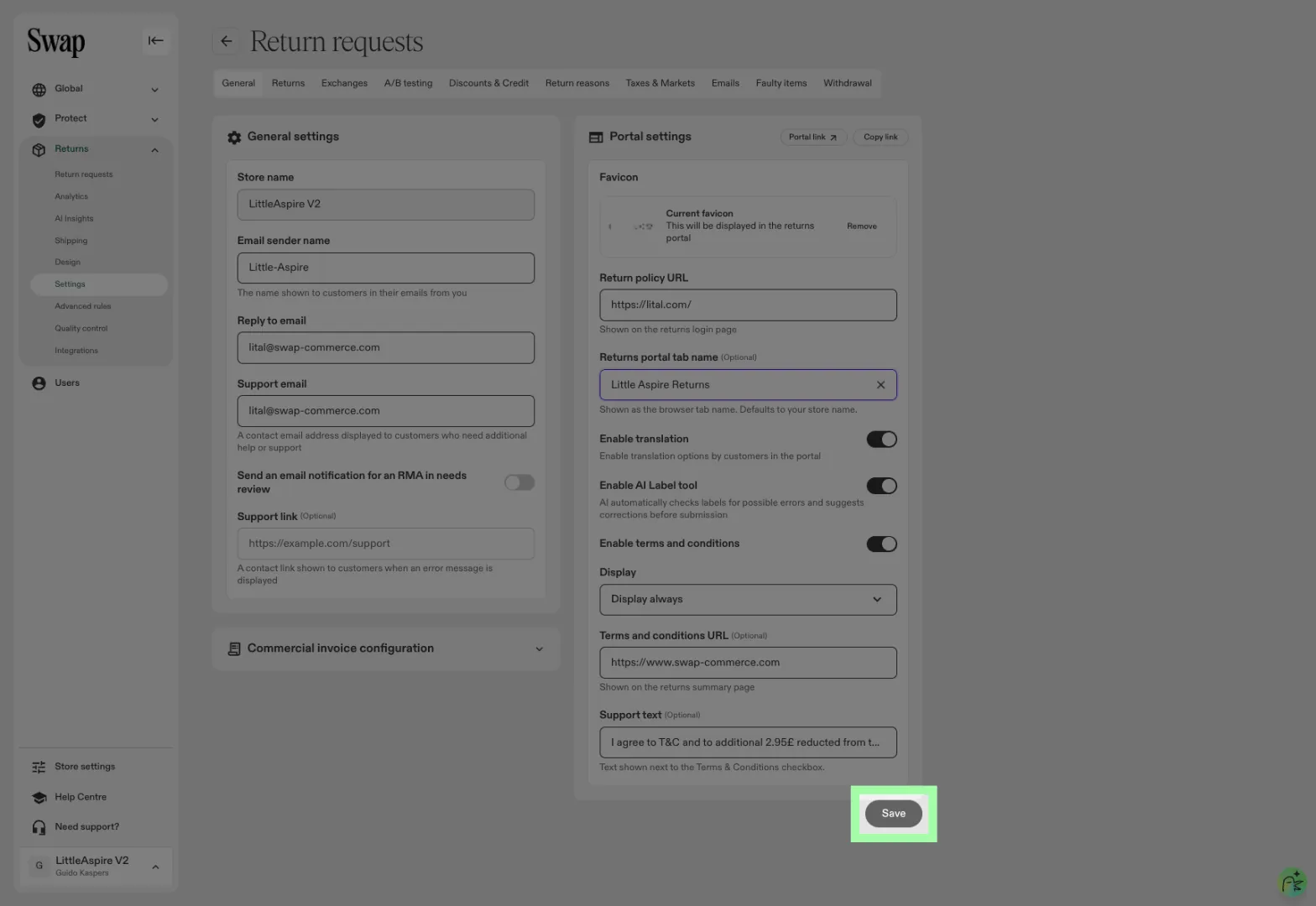
- Save your changes.
Default behaviour
- If left blank, the tab name defaults to your store name.
- If a default name can't be determined, it falls back to Returns portal.