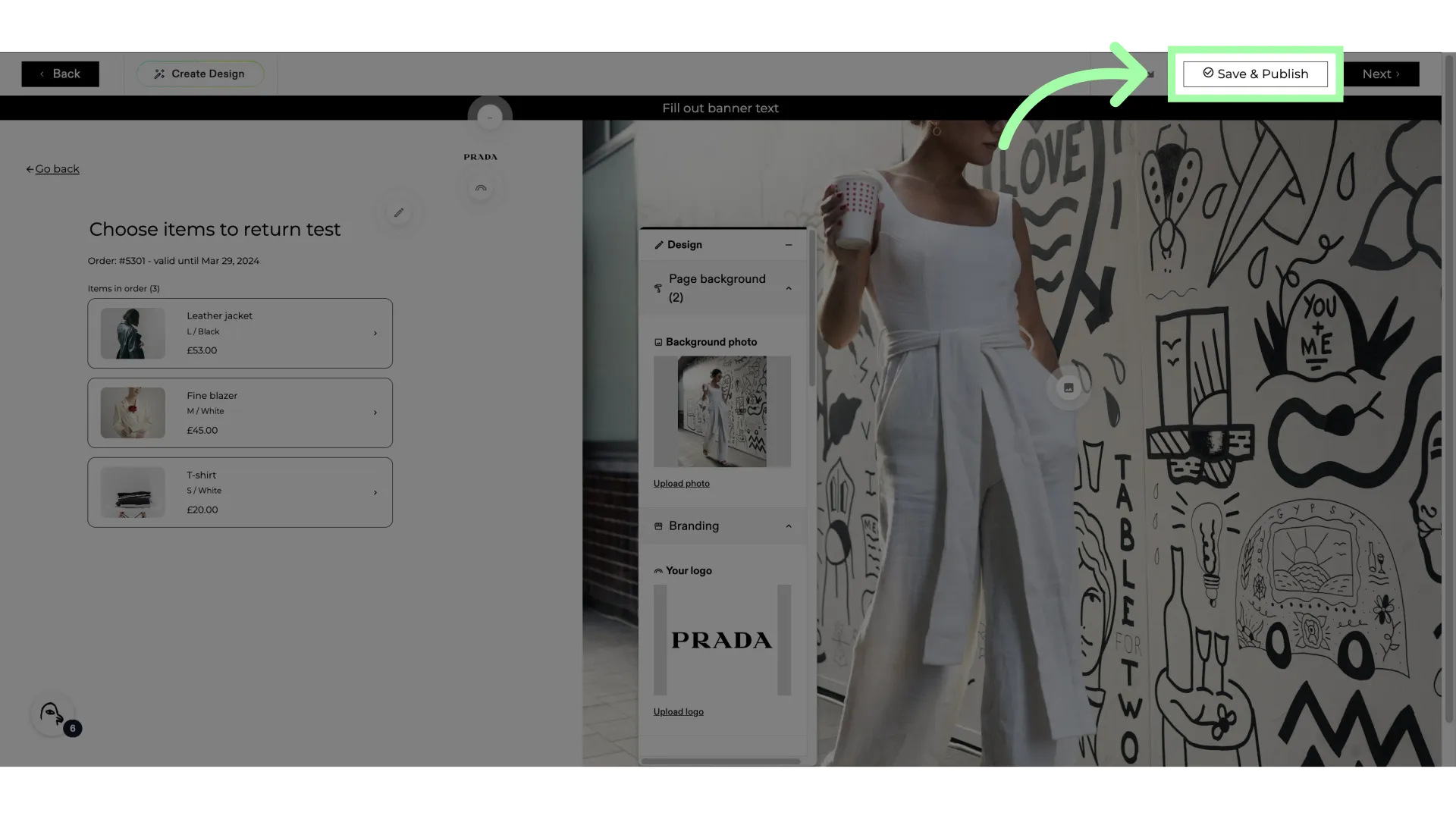
This guide offers instructions on changing the background of the Returns Portal. The recommended image size is 1080x2000. The maximum file size allowed is 1 mb. Supported formats include PNG, JPEG, GIF, and WebP.
Changing the Background
- Go to your Swap Dashboard
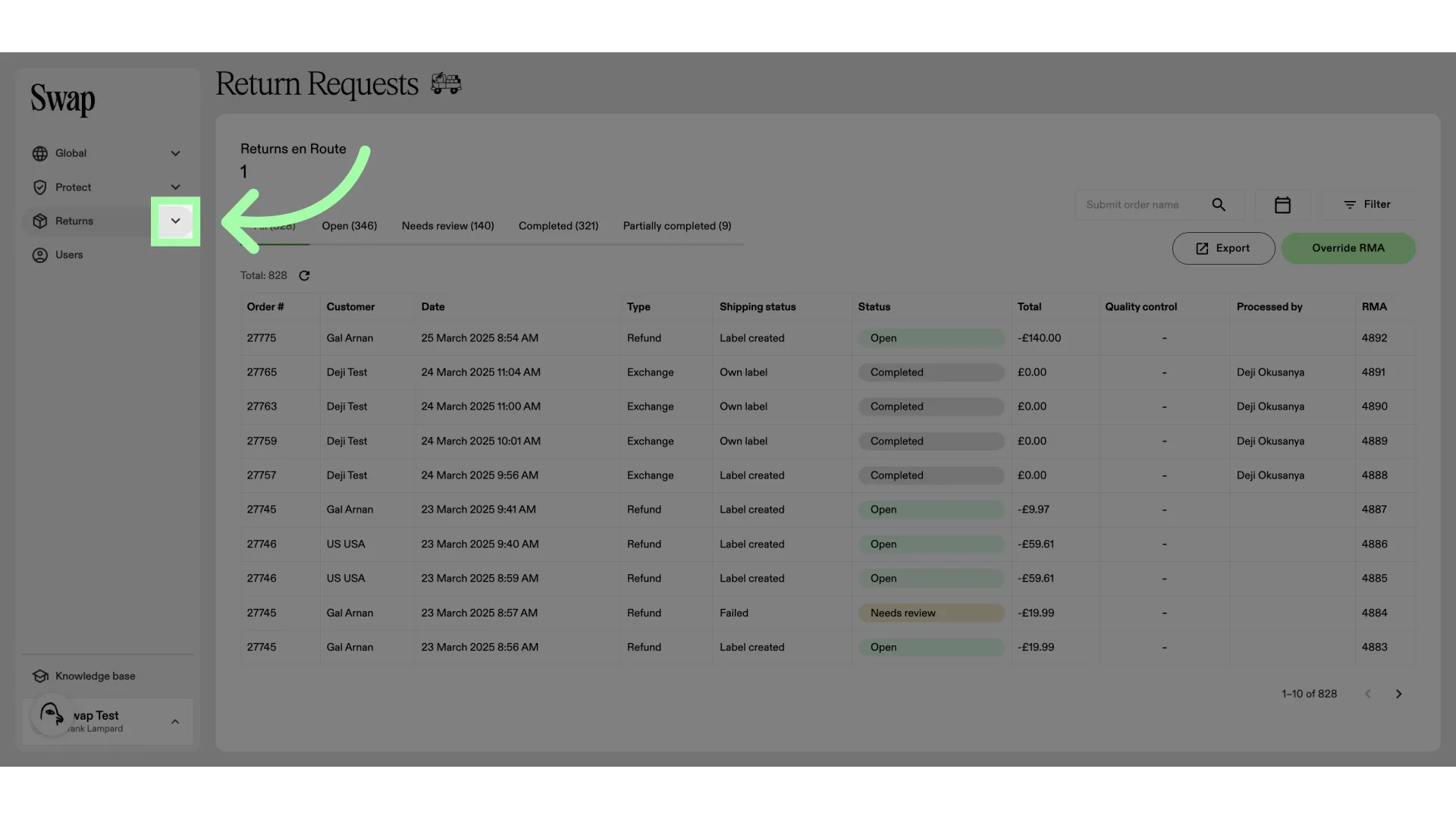
- Open the Returns drop-down menu
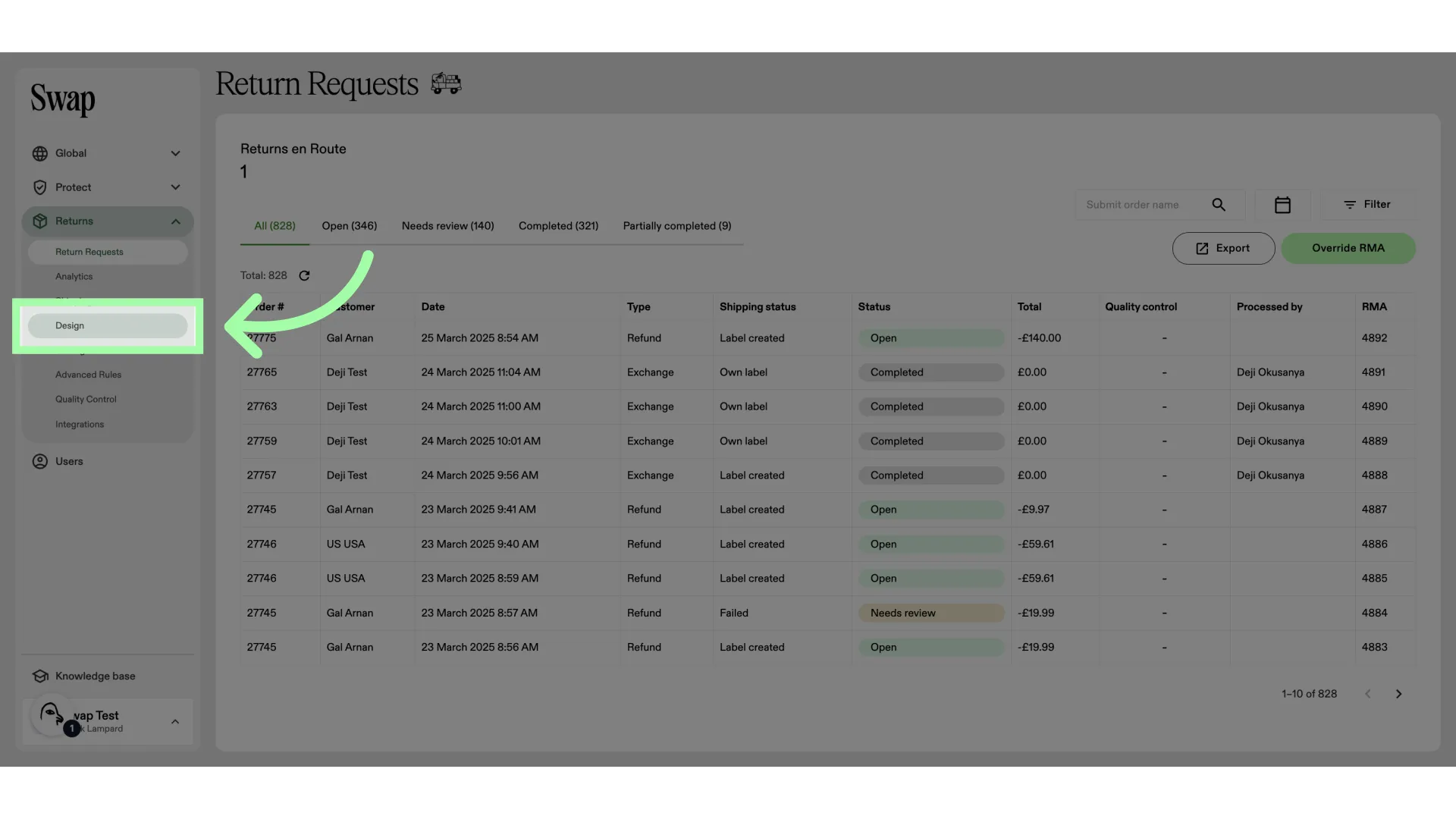
- Click "Design"
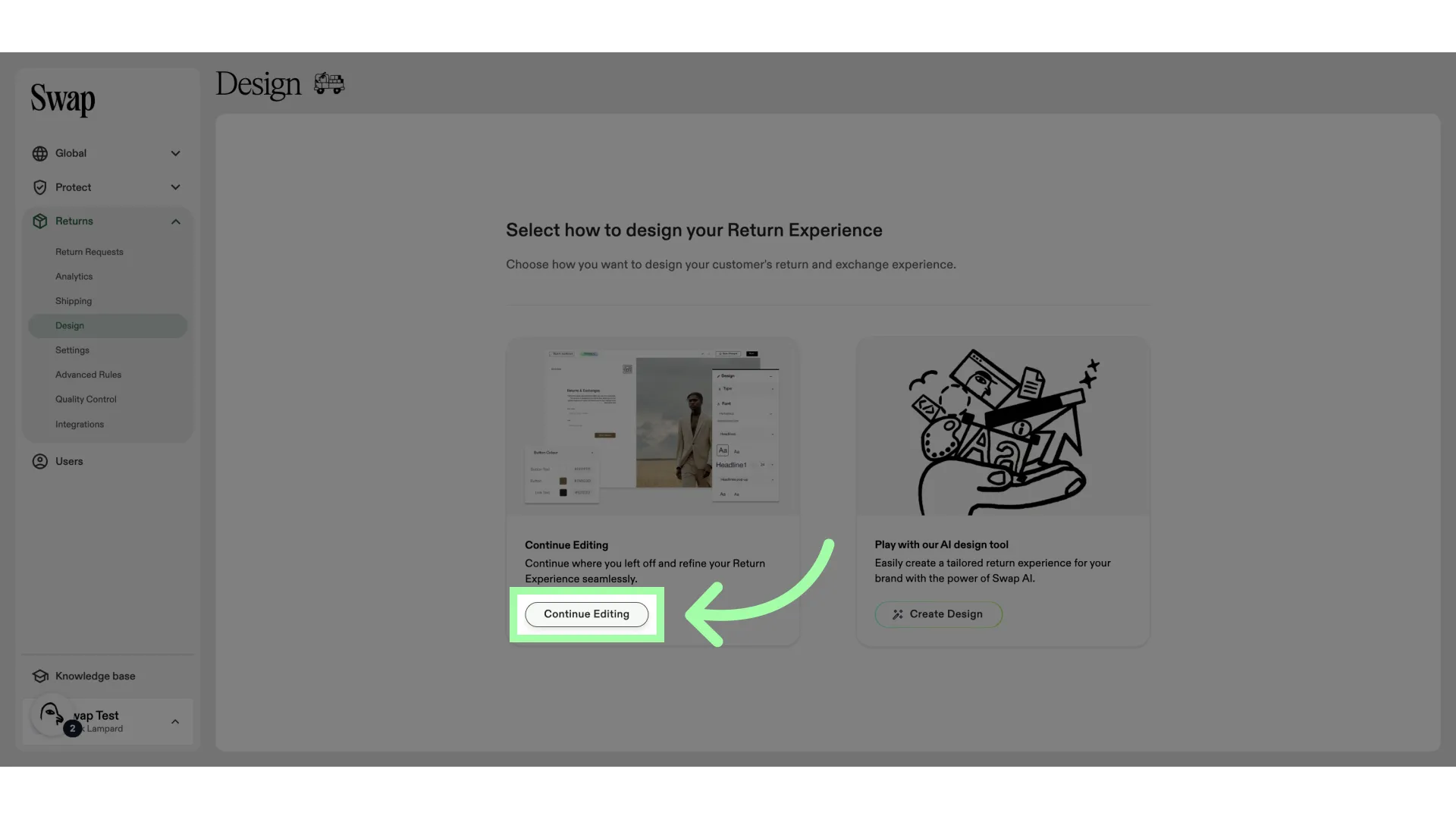
- Click "Continue Editing"
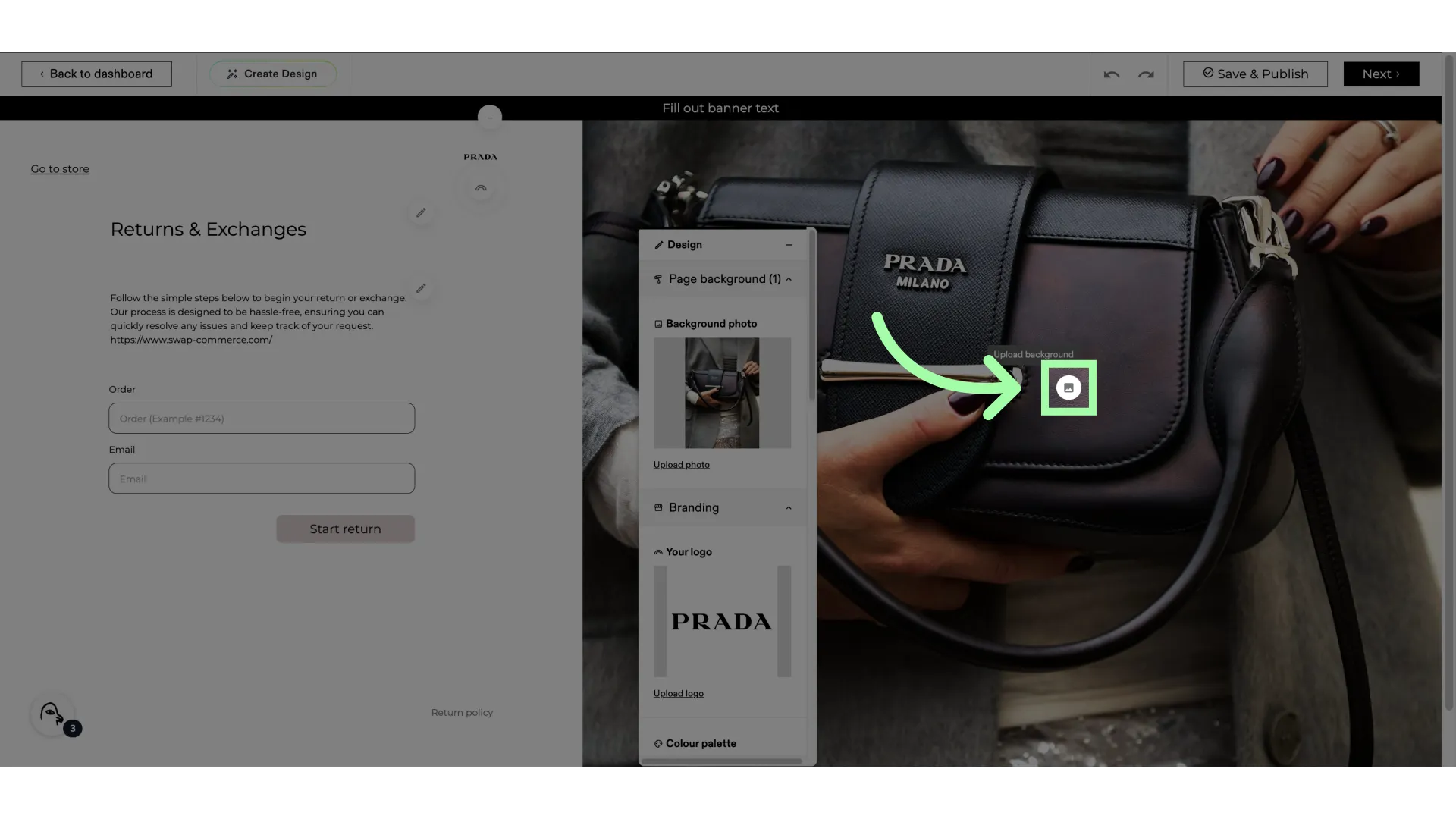
- Click here to upload a (new) background image
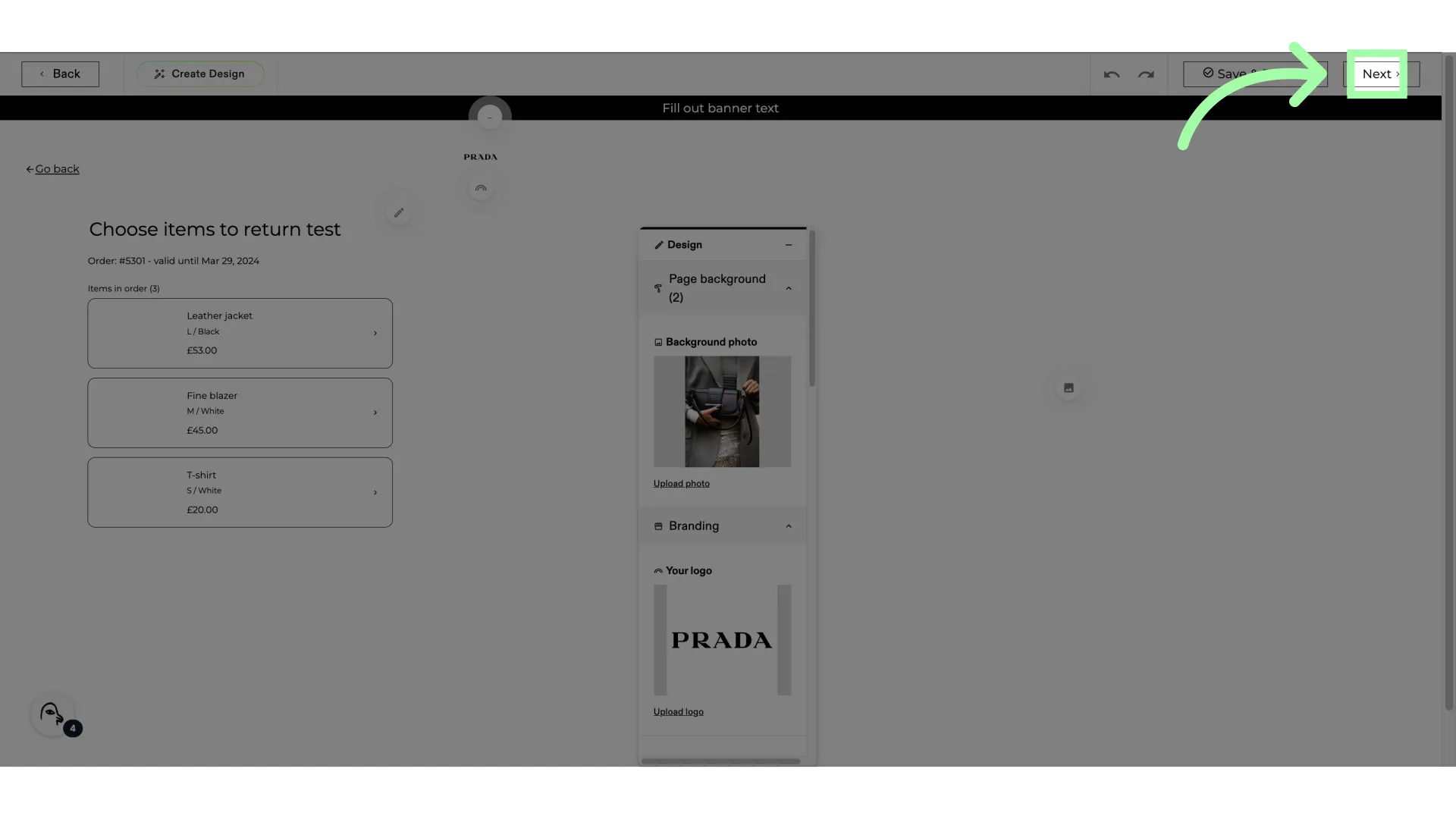
- Click "Next" to change other backgrounds
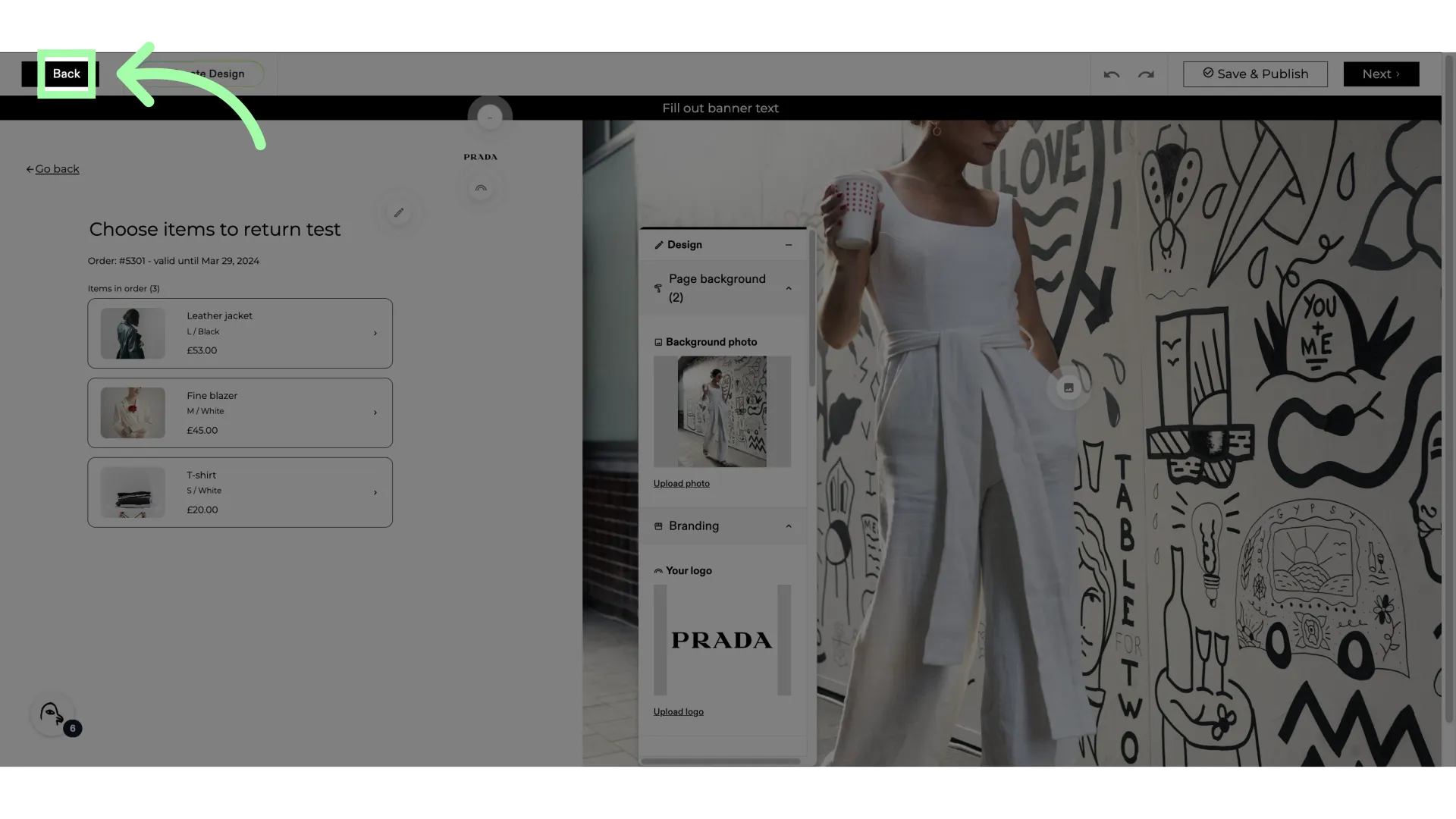
- Click "Back" to return to the previous step
- When finished, click "Save & Publish"