This guide will walk you through editing the portal entry text.
How to Add the Text
- Go to your Swap Dashboard
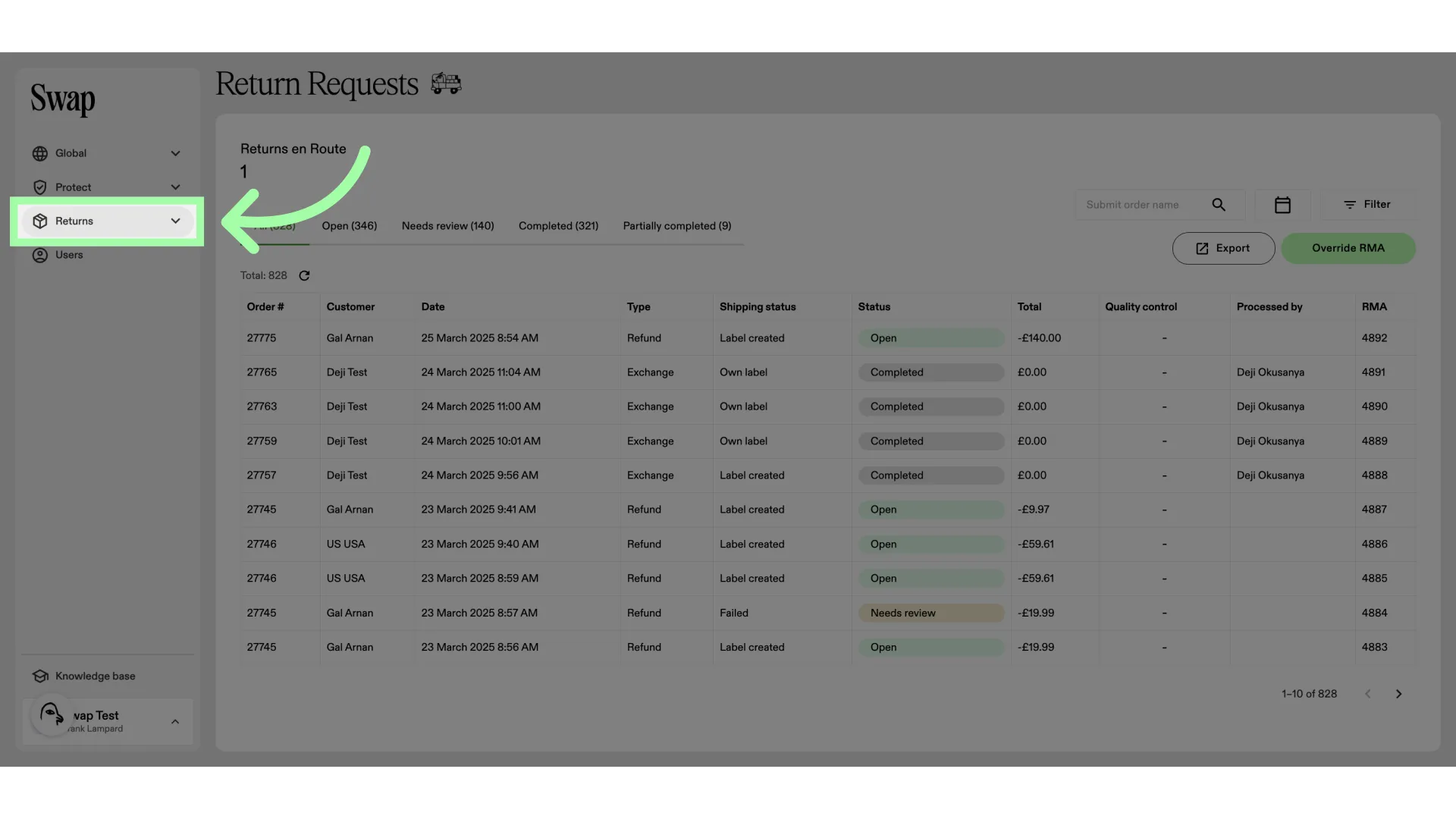
- Open the Returns drop-down menu
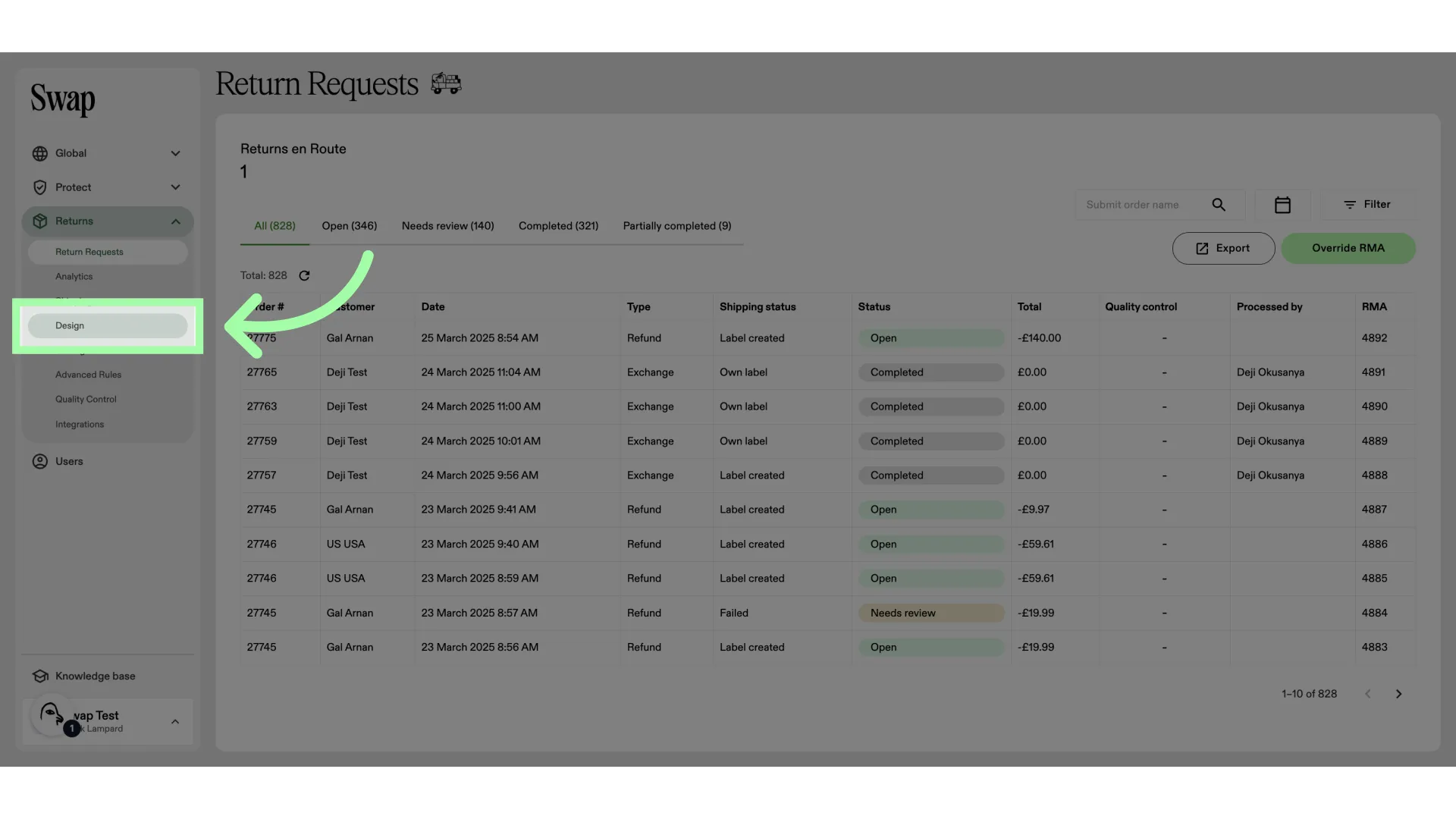
- Open the Design settings
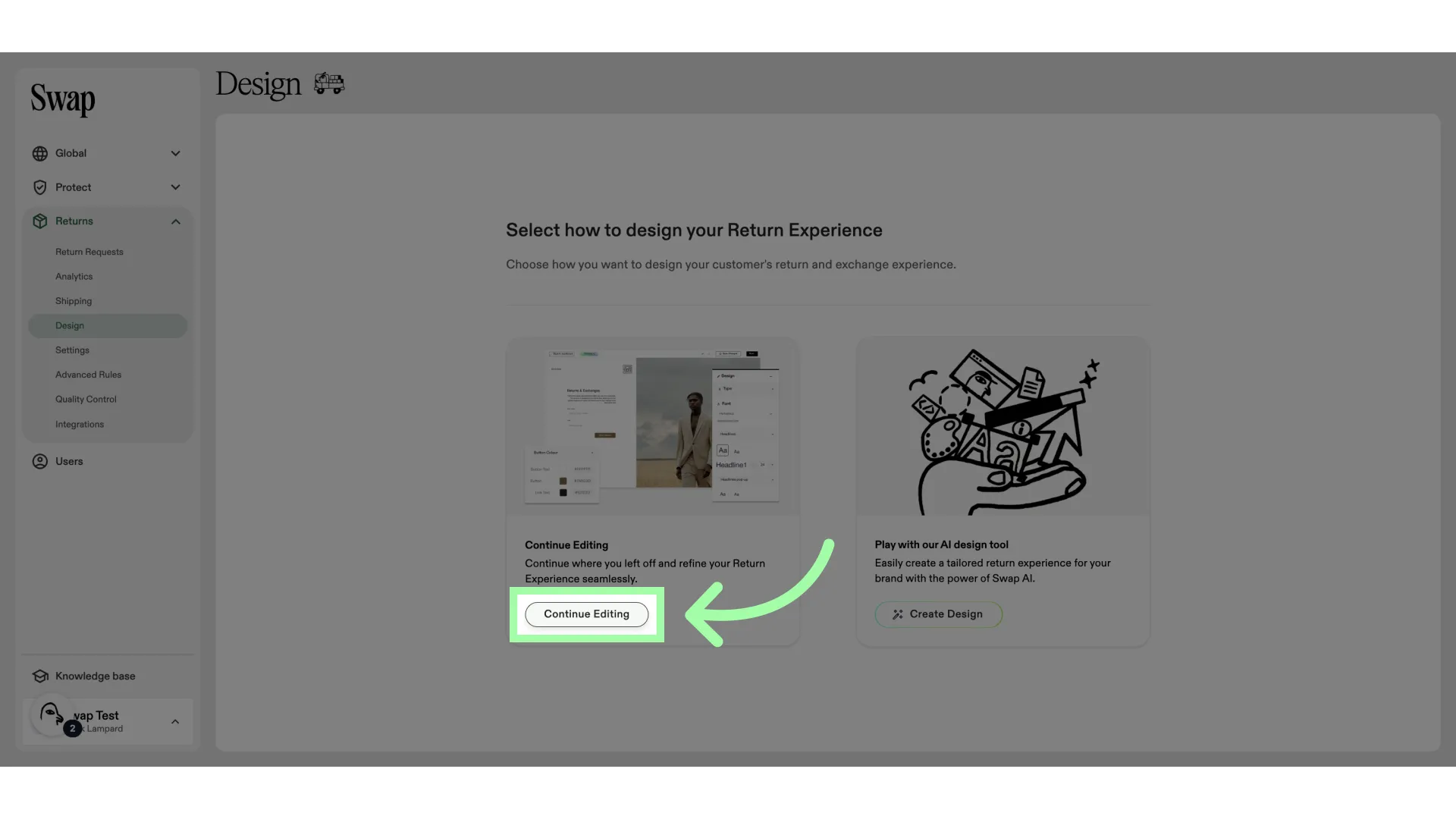
- Click "Continue Editing"
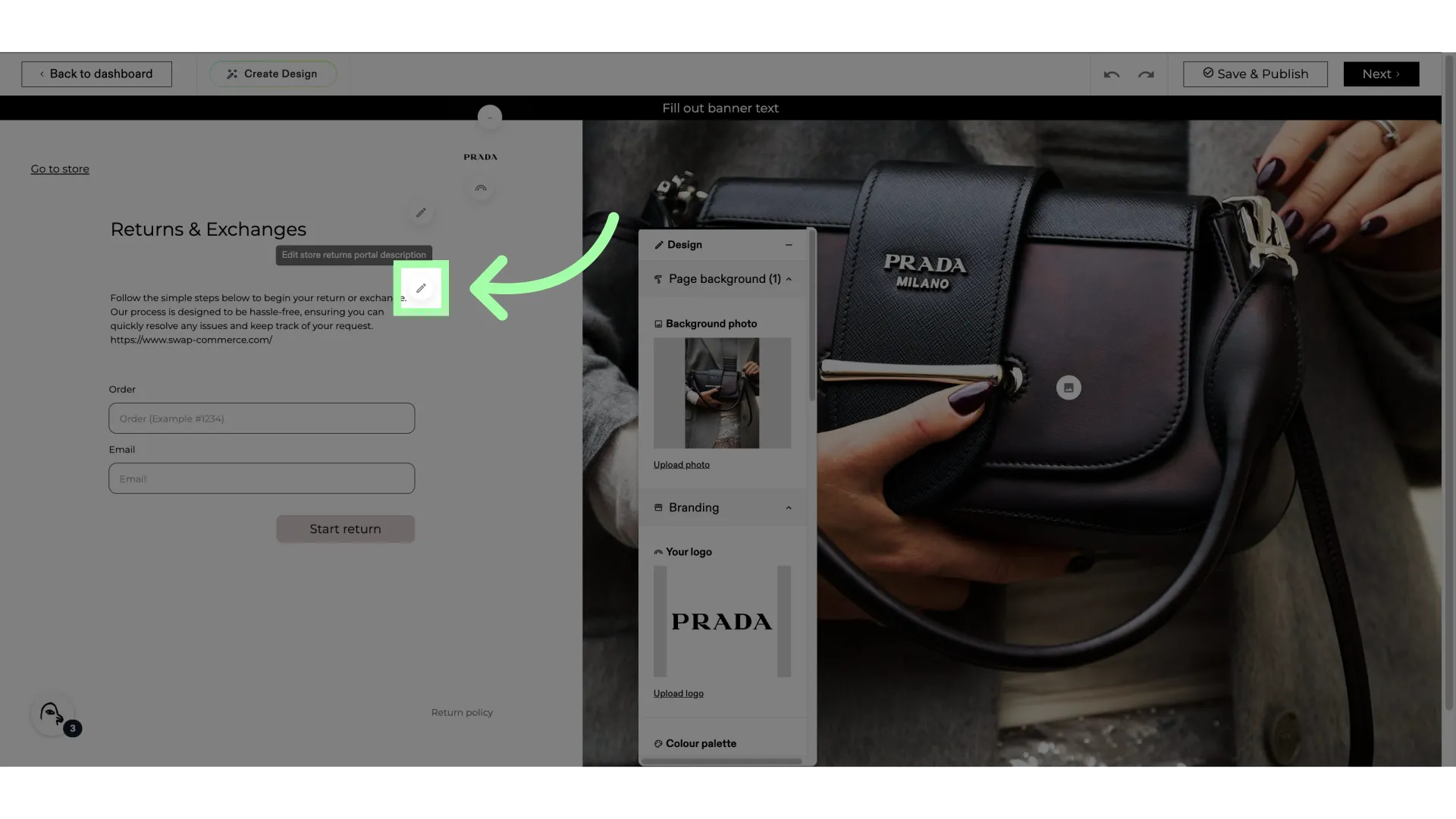
- Click here to start editing the portal entry text
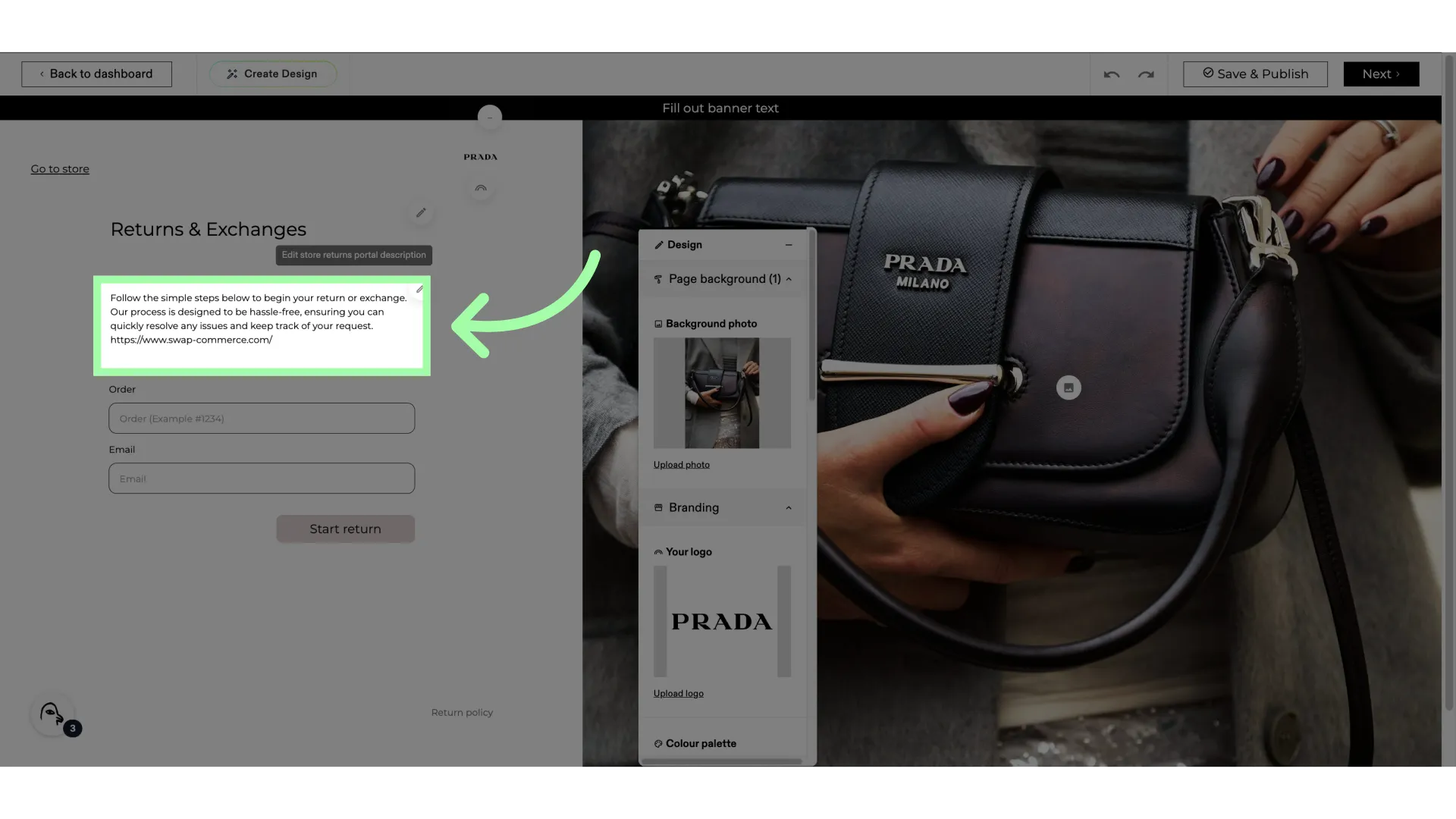
- Edit the text here
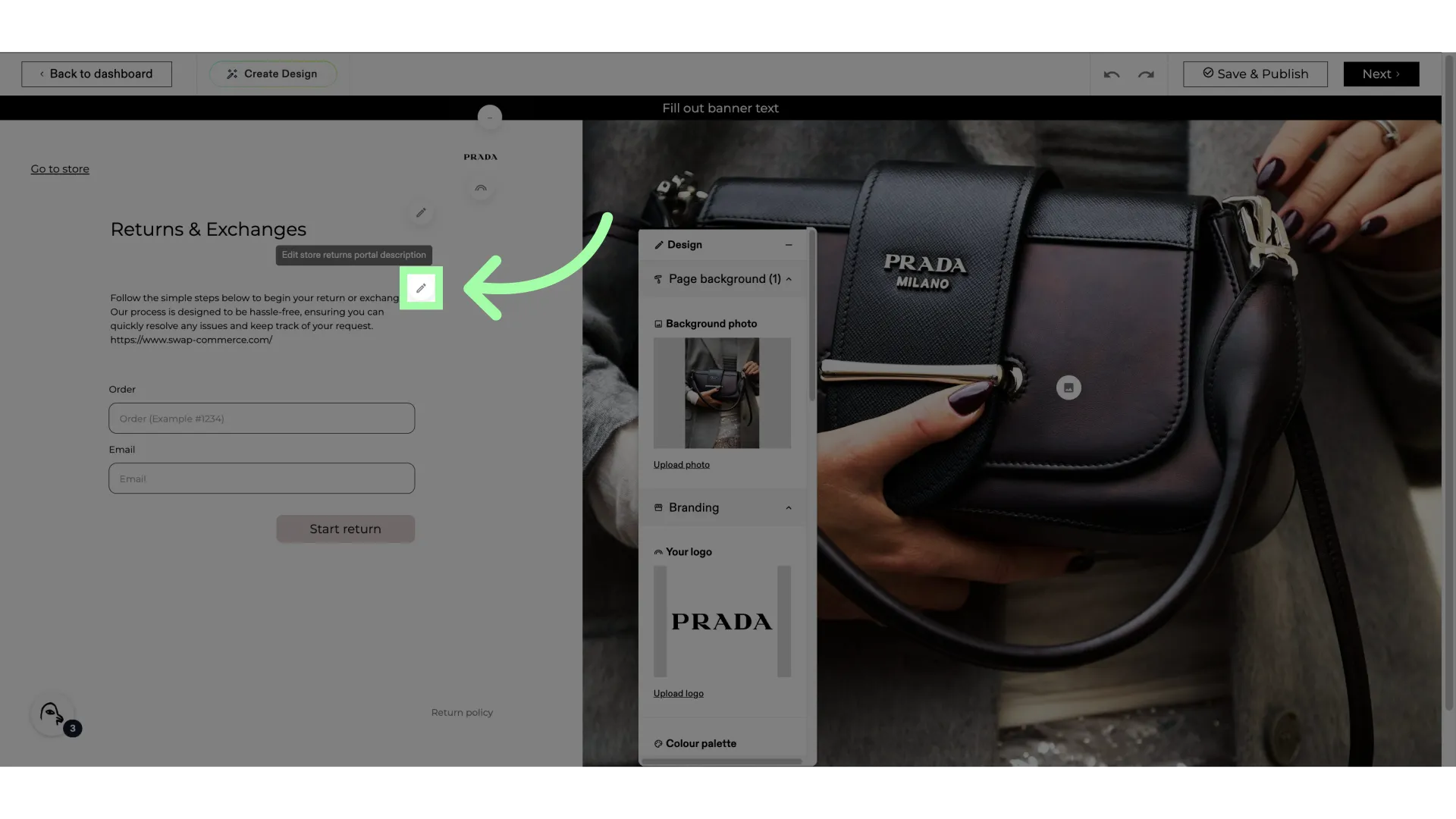
- Edit the text here
- Click "Save & Publish"
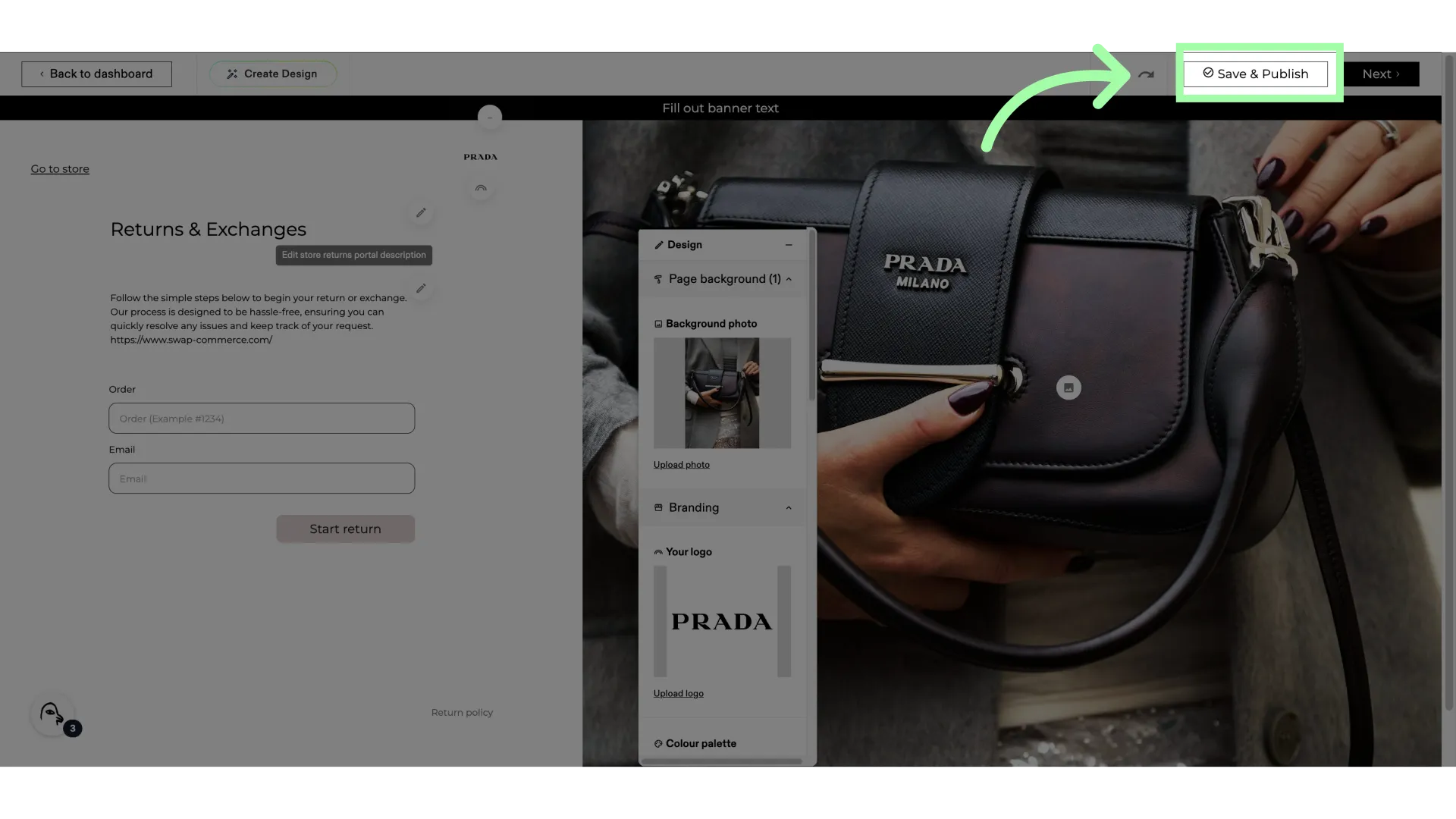
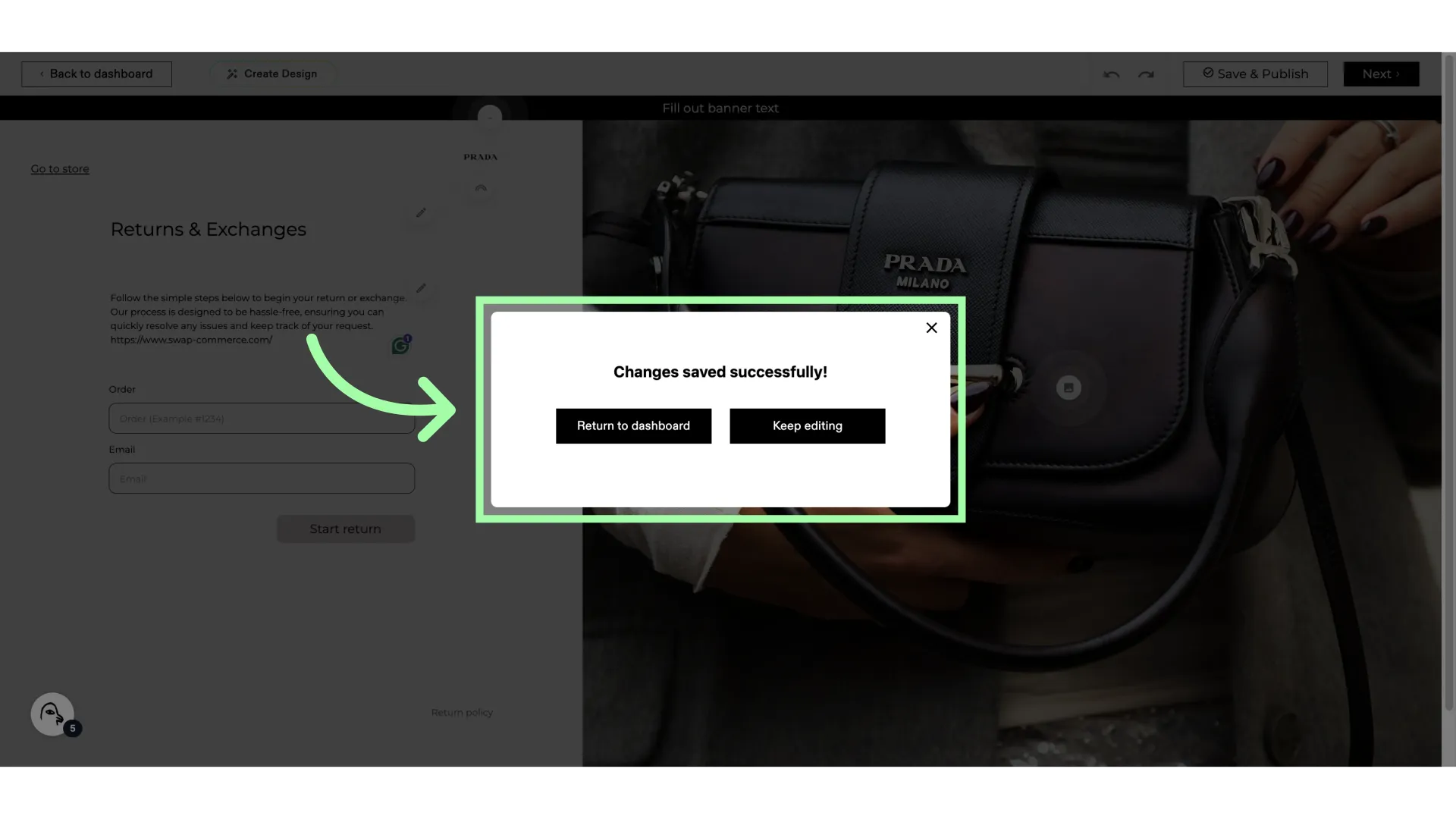
- Your changes are now saved