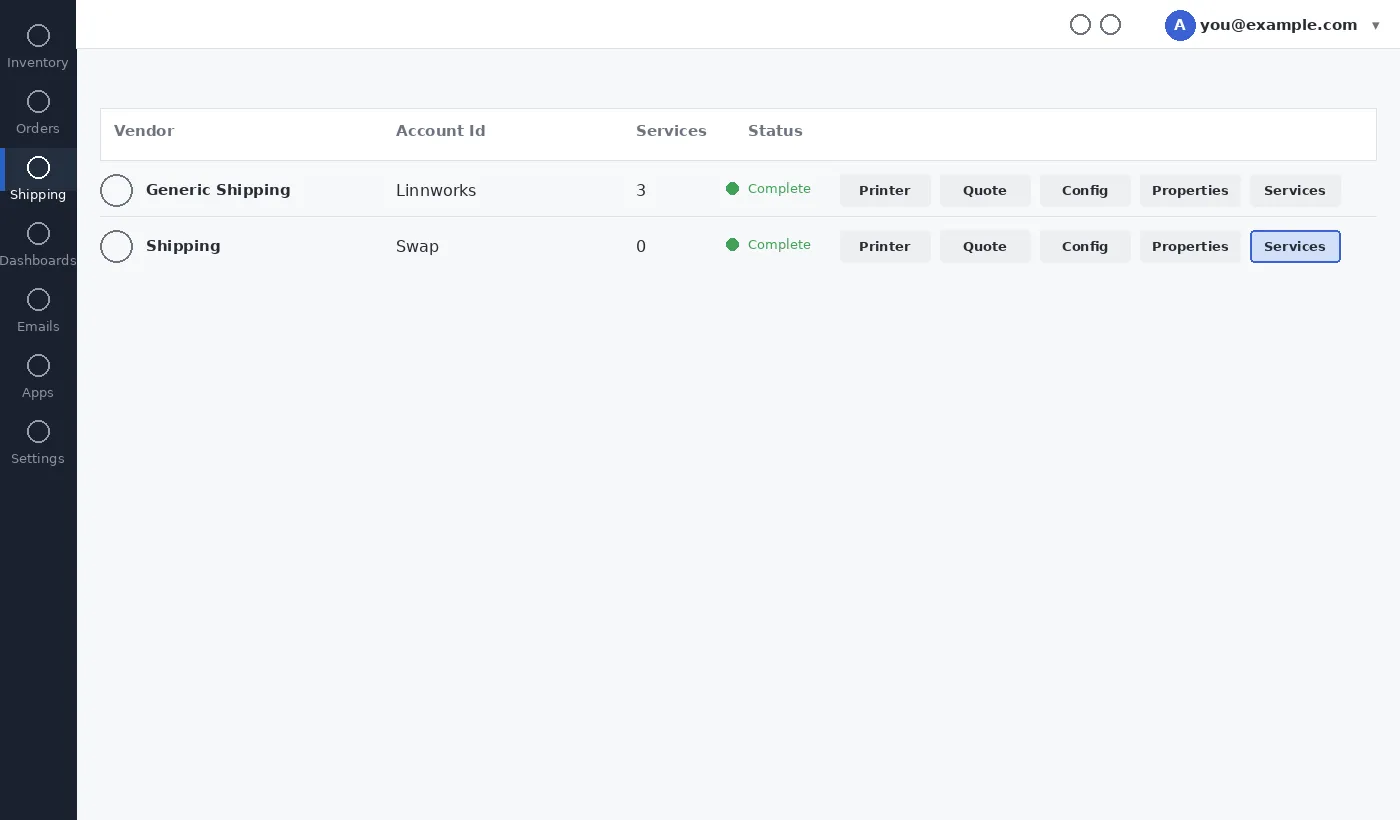











Connect Swap to your Linnworks account as a shipping carrier integration, so orders can route through Swap for label generation and fulfilment.
Before you start
Make sure you have:
- Admin access to your Linnworks.net account
- A Swap API account and credentials — if you're not sure, contact your Swap account manager
Step 1: Find and connect Voila
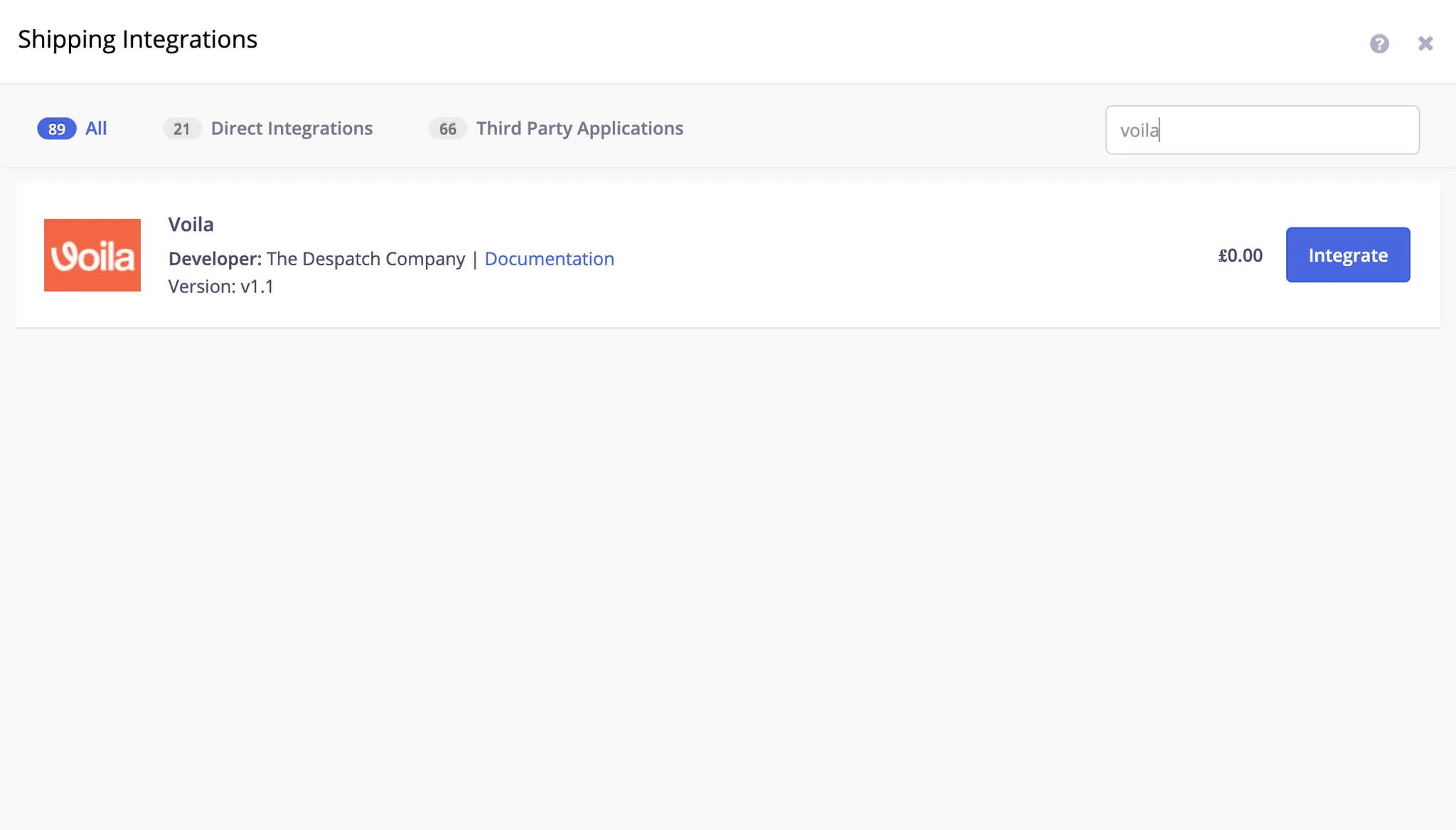
- In Linnworks, go to Shipping > Integrations.
- Click + Add Integration.
- Search for Voila (developer: The Despatch Company) and click Integrate.
Step 2: Authorise the connection
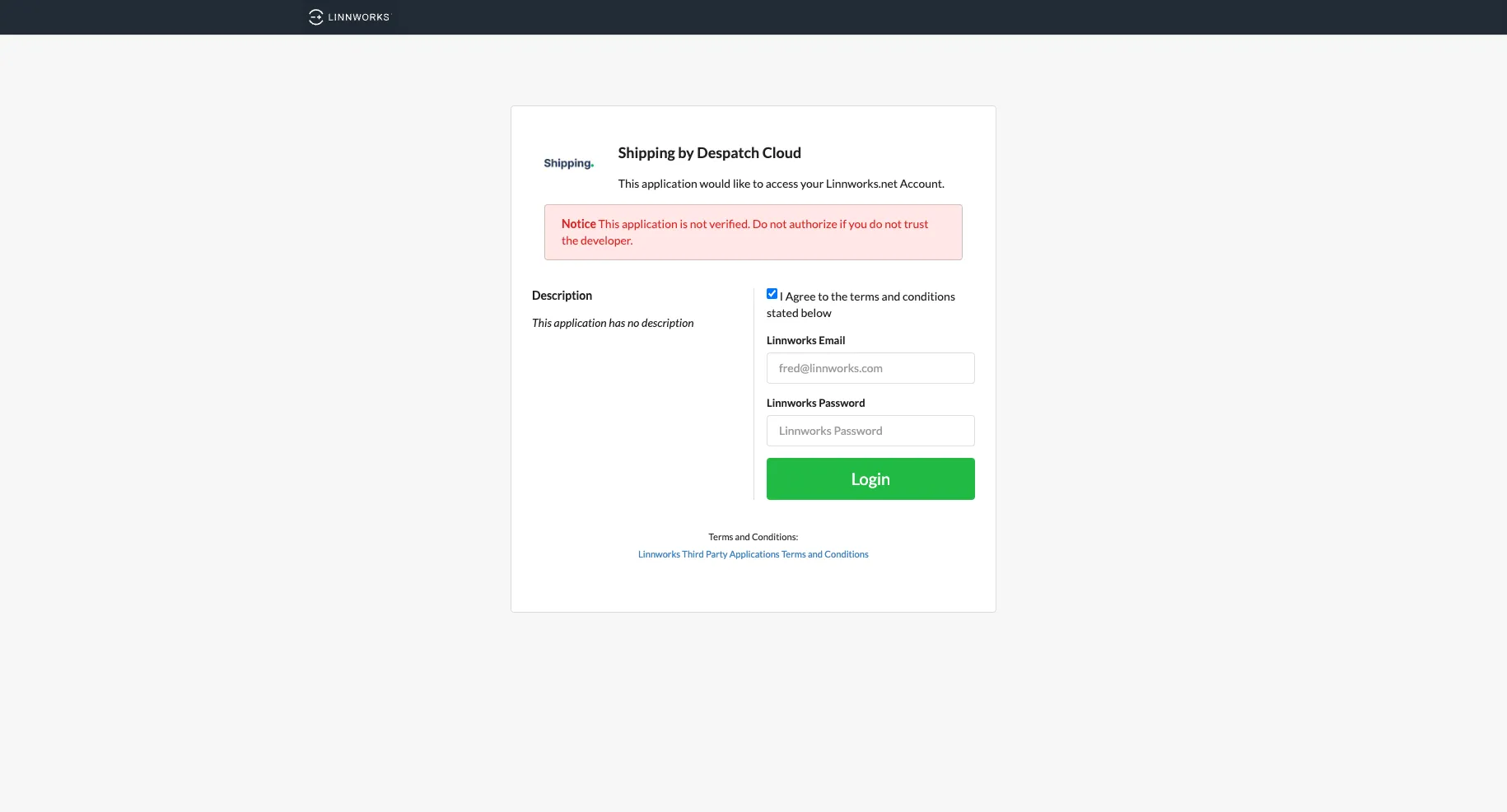
- You'll be asked to sign in with your Linnworks.net account and agree to the terms. The OAuth app is called ‘Shipping by Despatch Cloud’, but will connect you to Voila.
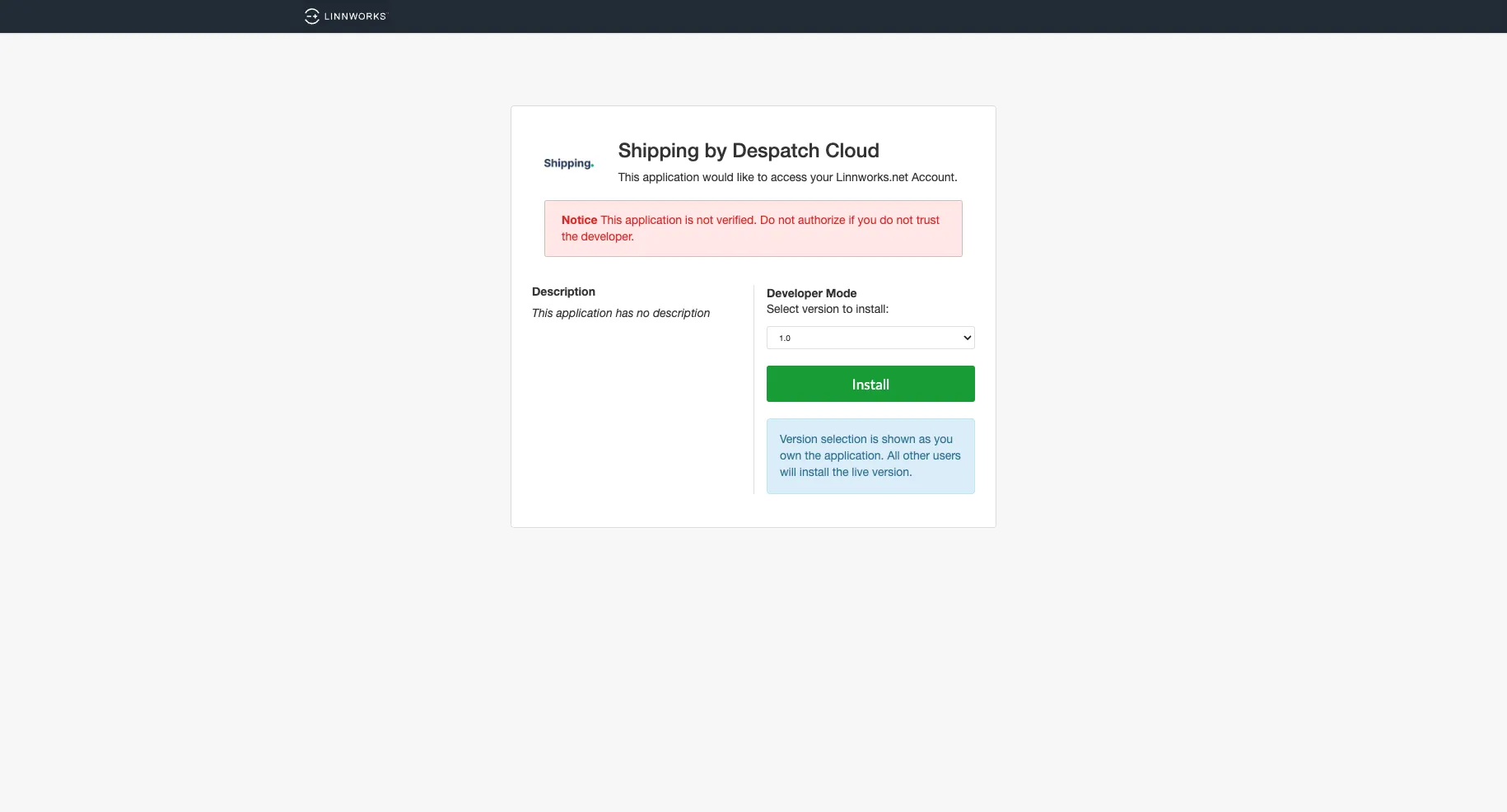
2. Click Install to confirm the version.
Step 3: Name your integration and enter your credentials
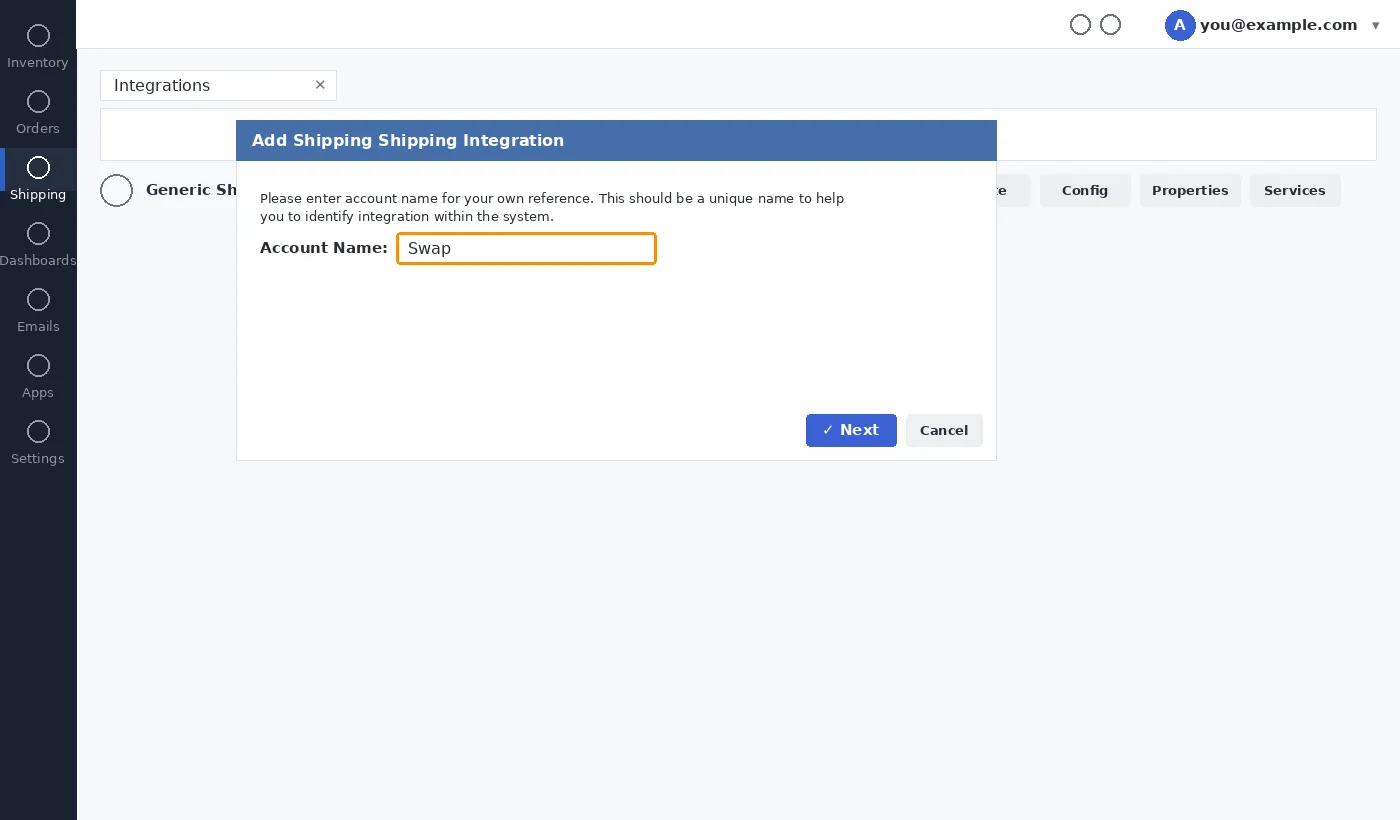
- Enter an account name you'll recognise later (for example, "Swap"), then click Next.
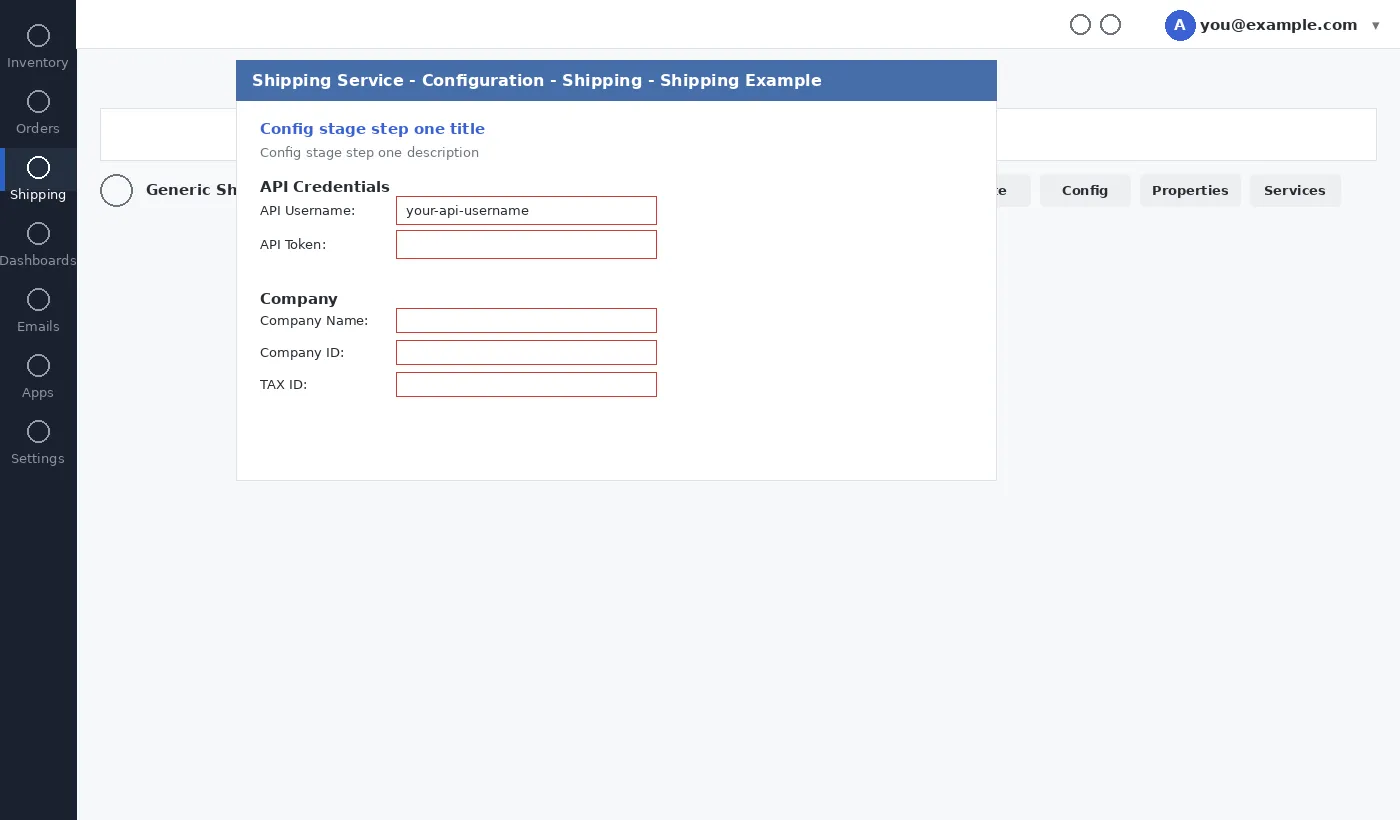
2. Enter your Swap API Username and API Token. If you don't have these, ask your Swap contact to generate them for you.
3. Fill in your company and contact details, then click Next.
4. Click Close once registration is complete.
Managing your Swap services
- Back on the Integrations screen, click Services next to your new integration.
- Use the dropdown to add the shipping services you need, then click Add. Only custom presets populate here — system presets won't display, and it can take up to two minutes for new presets to appear.