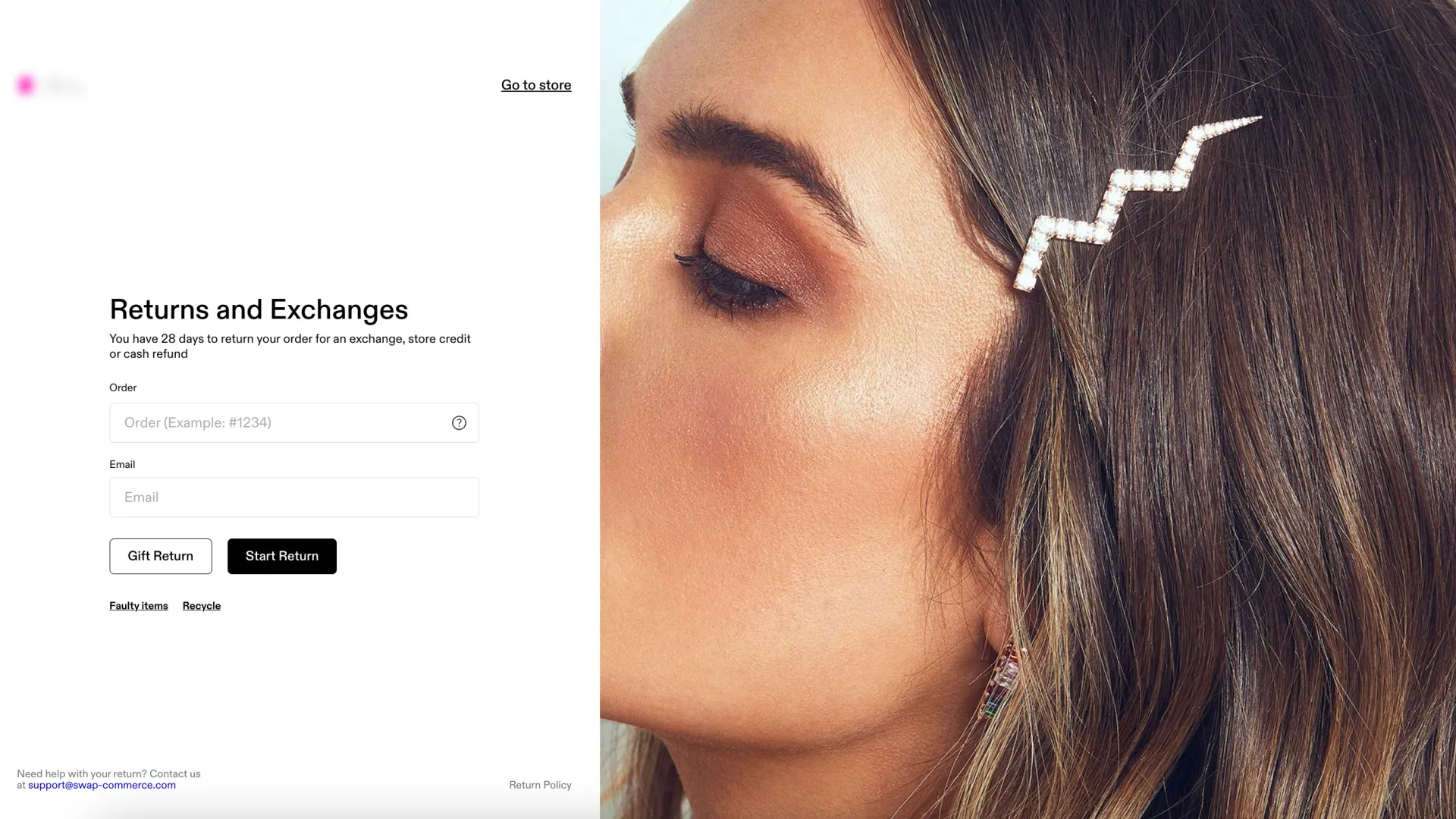
Swap automatically enforces your brand's return window policy, ensuring that customers cannot initiate a return outside the specified timeframe, whether it's 14 days, 30 days, or any other period. However, we understand that there may be exceptional cases where you need to override this policy.
Overriding the Return Window Policy
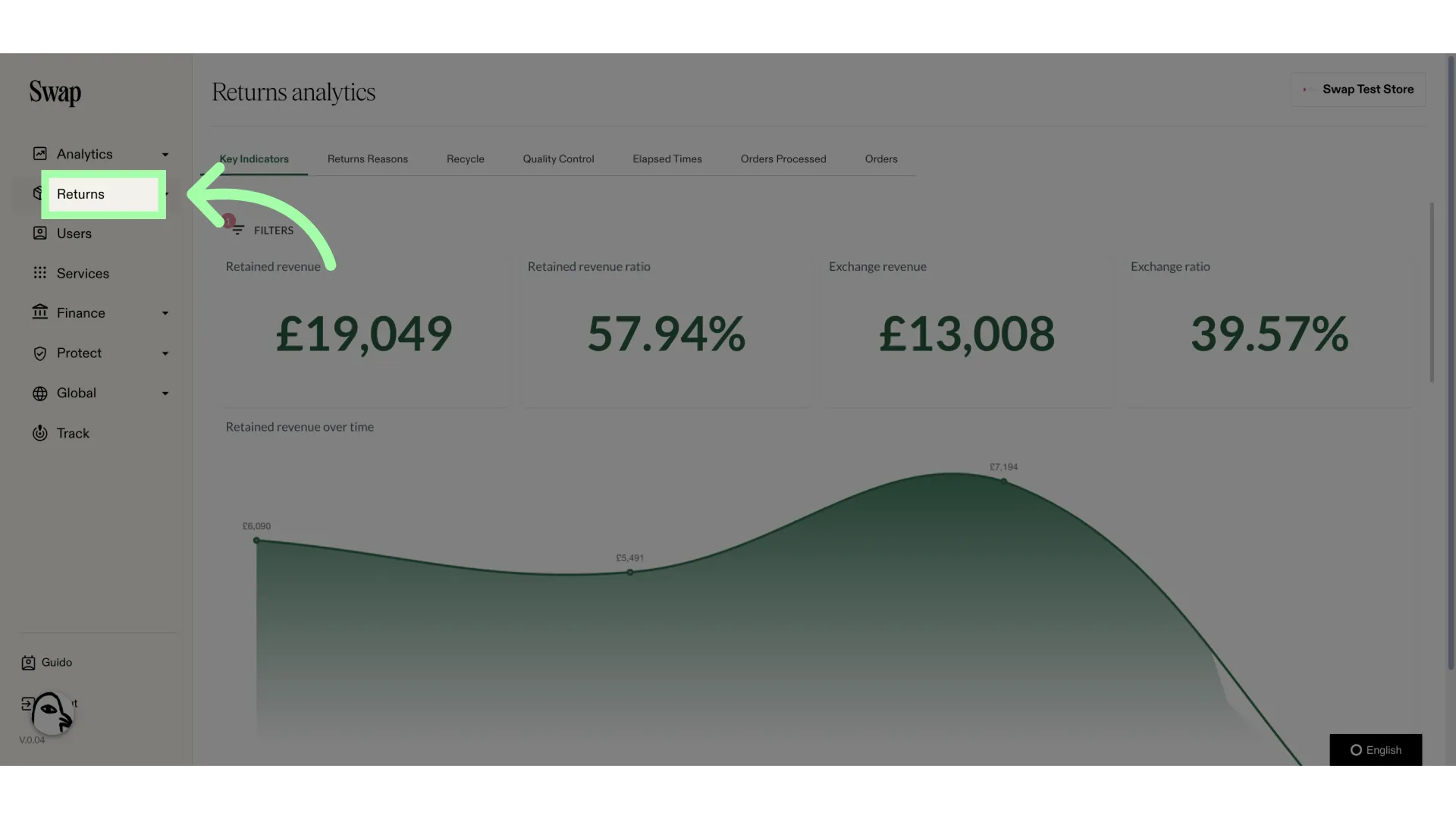
1. Click "Returns"
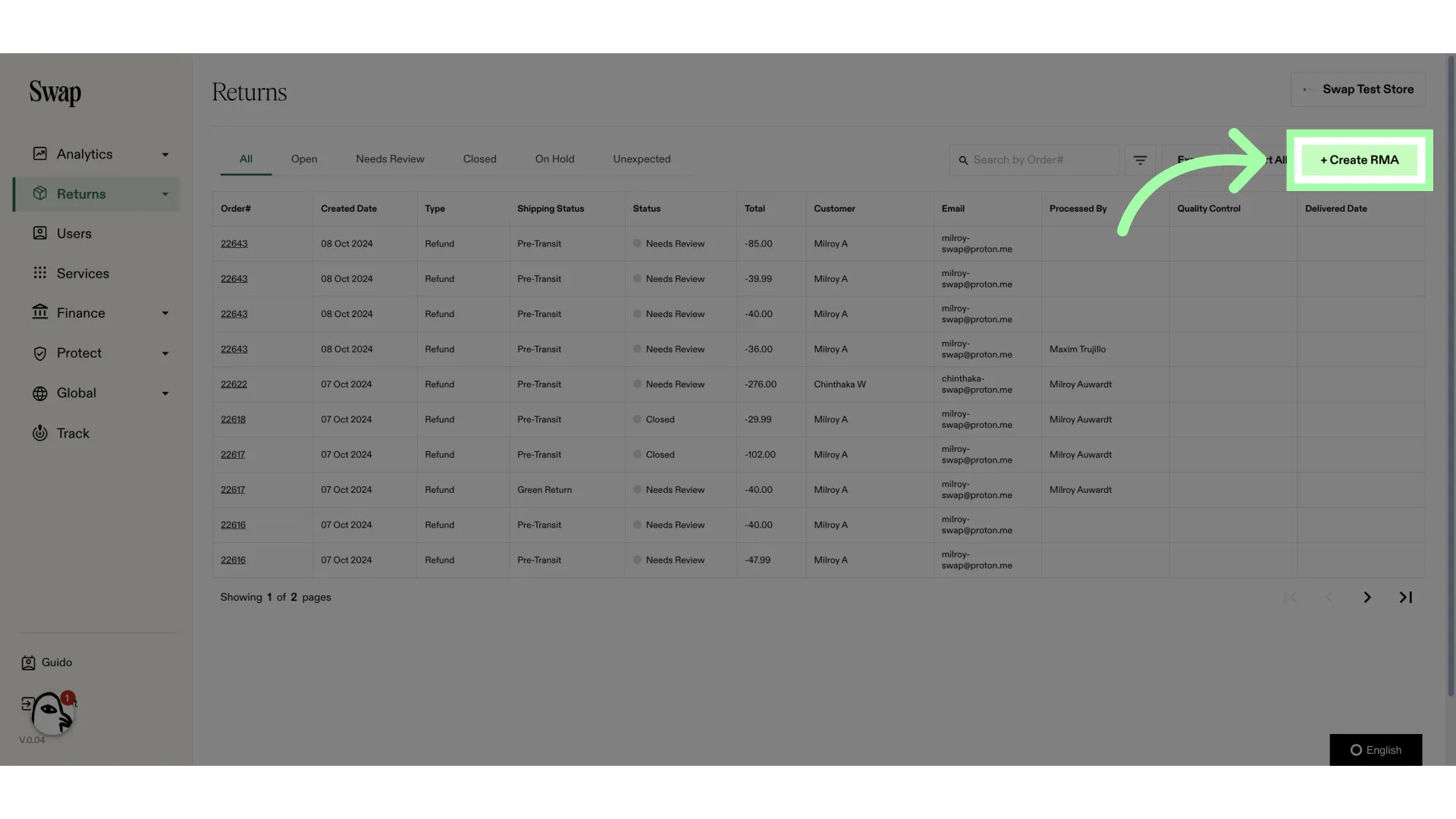
2. Click "+ Create RMA"
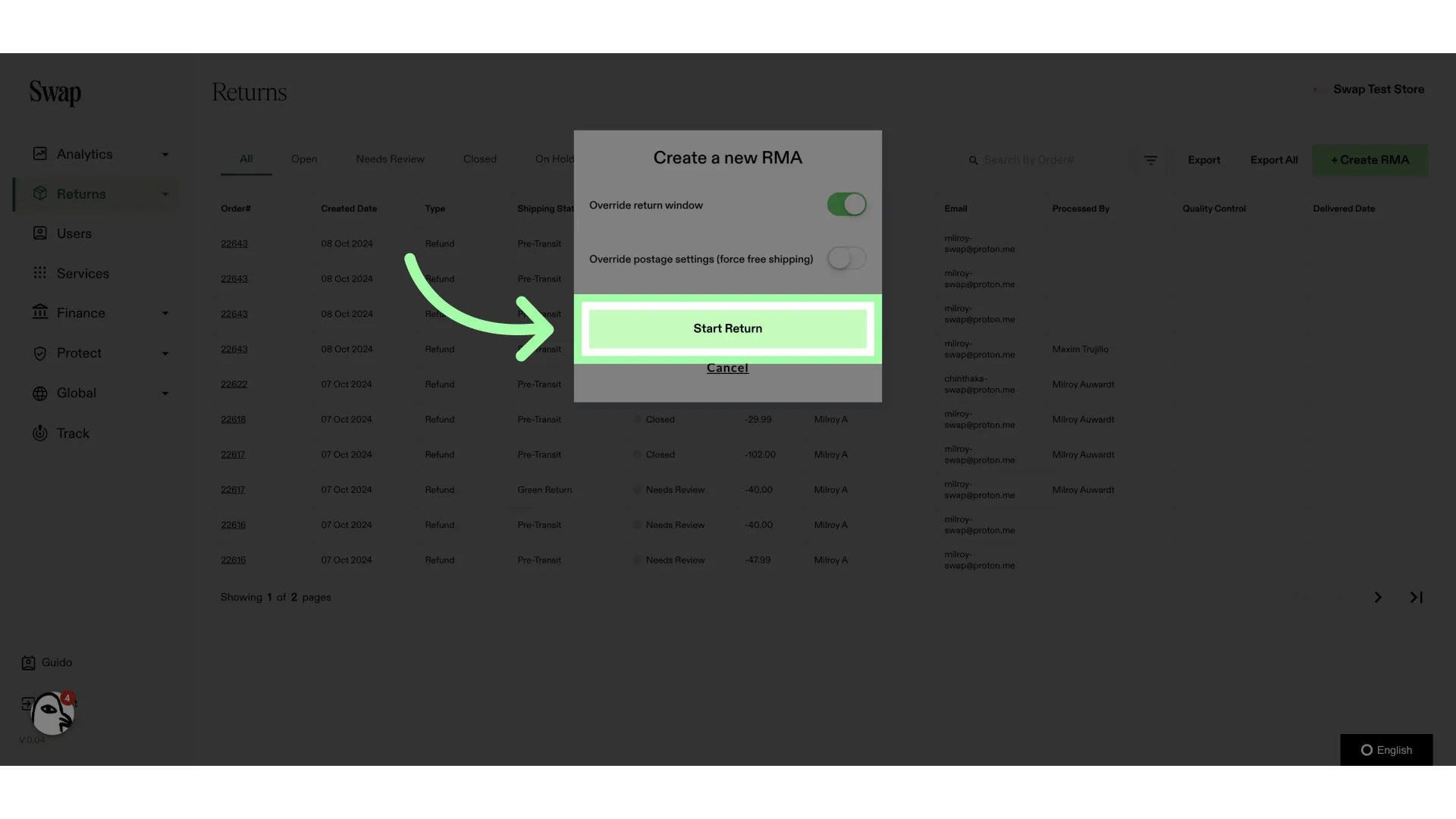
3. Enable the toggle
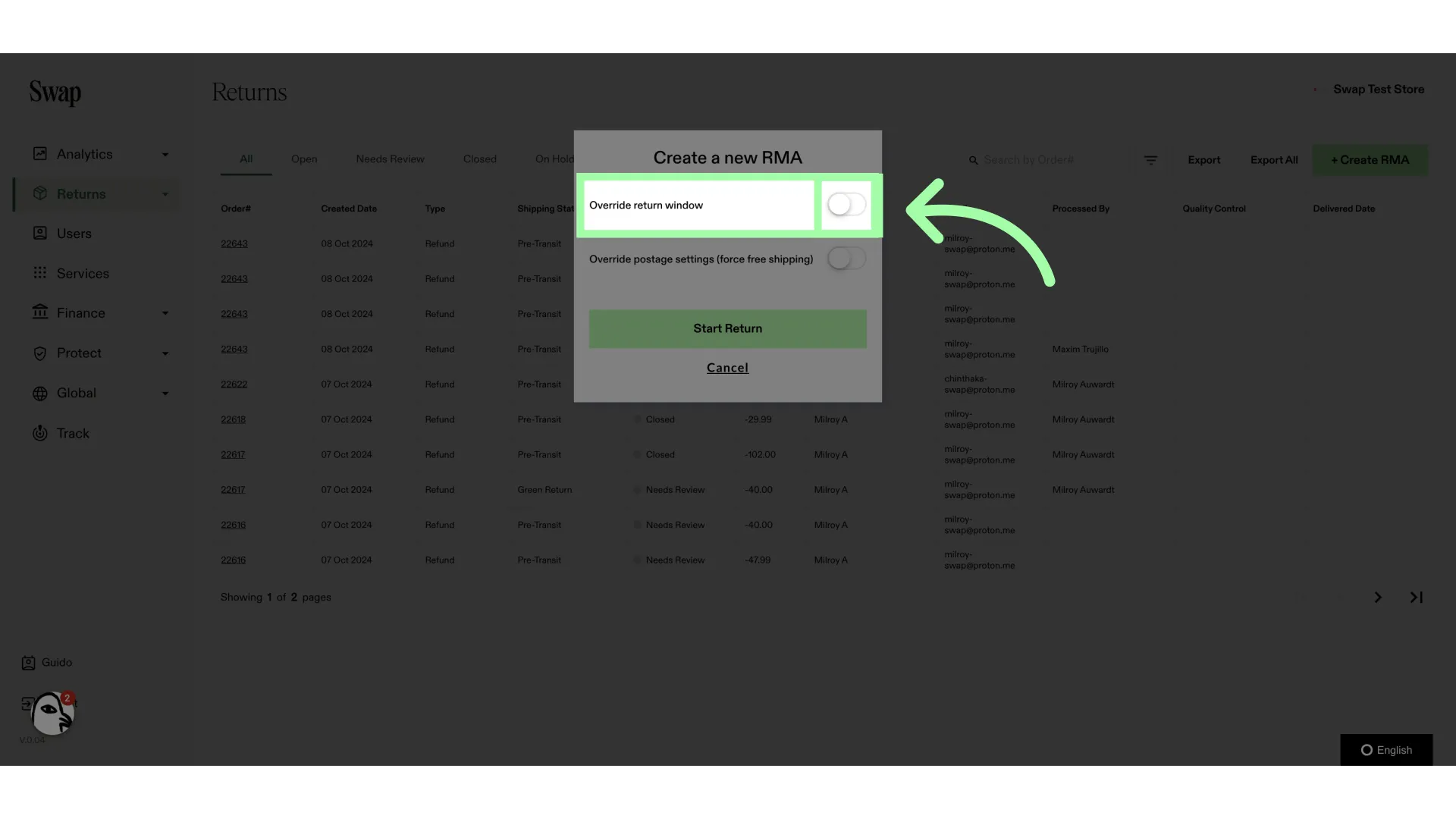
4. Click "Start Return"
5. You can now follow the steps as normal. The portal will ignore the return window policy