















If a customer receives the wrong item, there are two ways to resolve this in Shopify. The right approach depends on whether you want to process an exchange or a return with a new order.
Option 1: Process as an exchange (via Shopify)
This option ensures the customer is not refunded during the process.
- Go to the order in Shopify and initiate an exchange for the incorrect item.
- Select the correct item to send out.
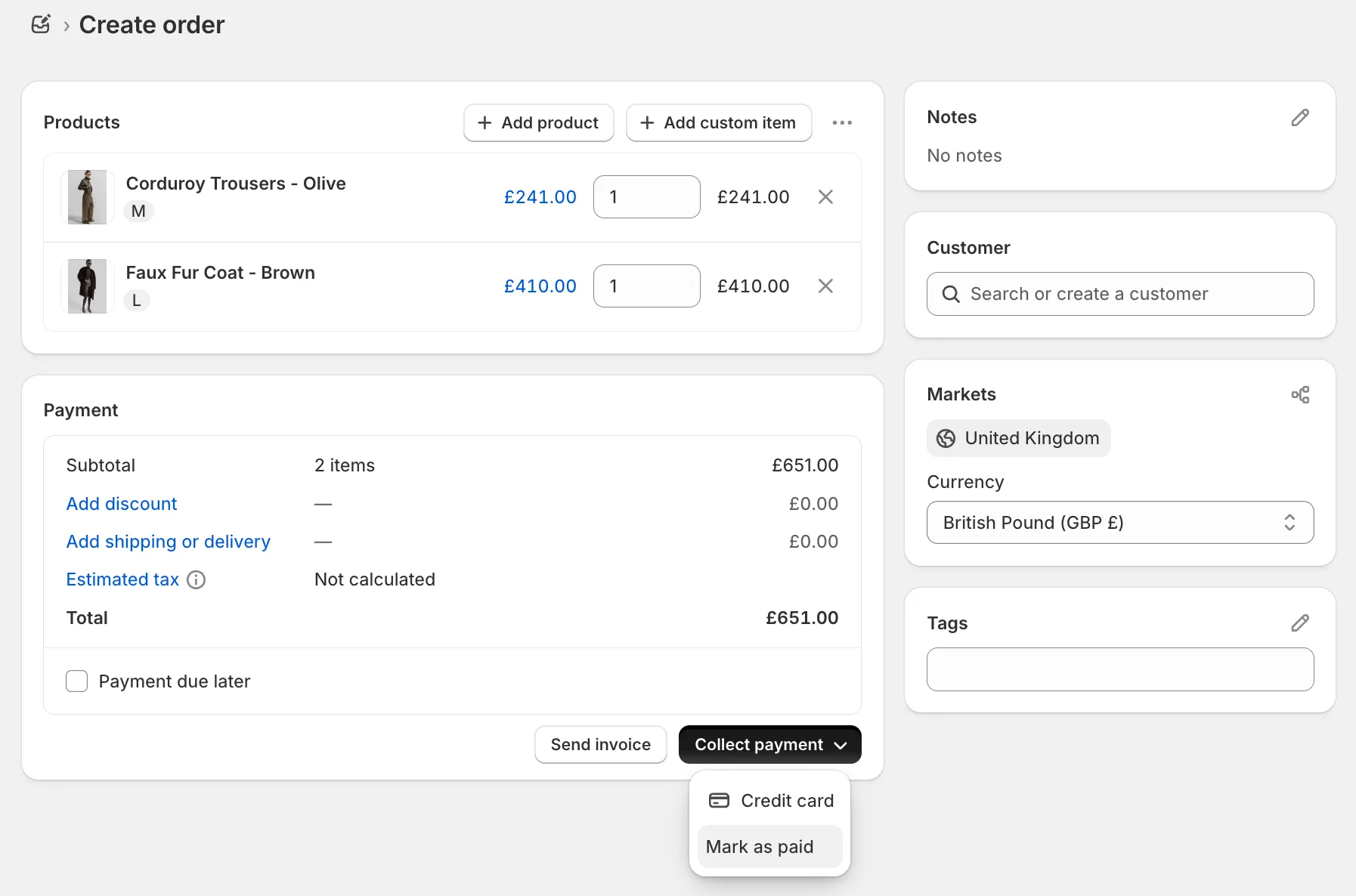
| Note: The replacement shipment must be placed using a courier separate to Swap Global. Swap Global rates are not available directly through the Shopify exchange flow.
Option 2: Process as a return + new draft order (via Shopify + Swap Global)
This option allows you to reship the correct item using a Swap Global rate without double-charging the customer.
- Initiate a return on the original order in Shopify.
- Provide the customer with a return label so they can send back the incorrect item.
- When marking the order as returned in Shopify, do not issue a refund to the customer.
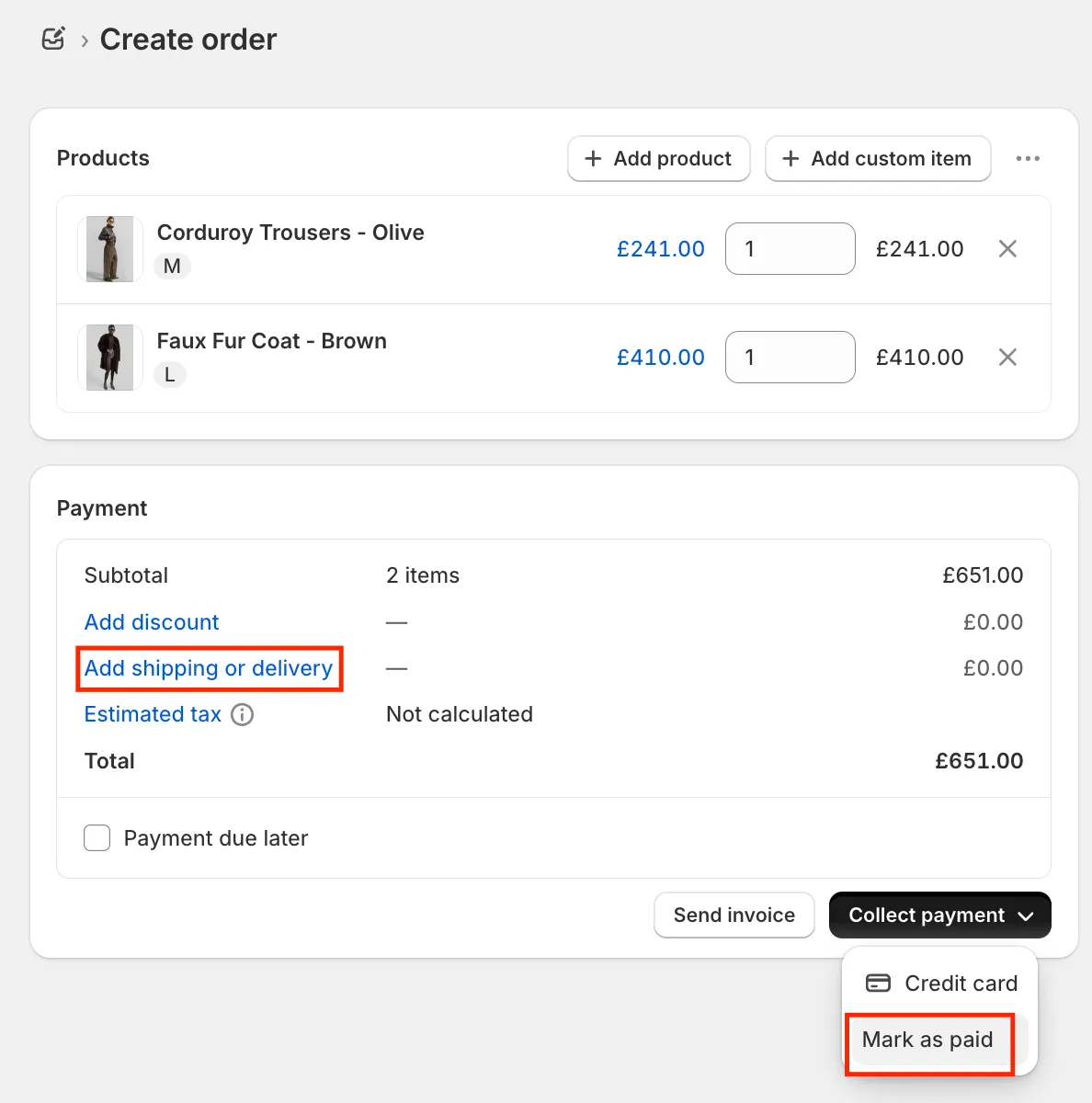
- Create a new order via draft order in Shopify for the correct item, applying a Swap Global shipping rate.
- Mark the draft order as paid. This creates a new outbound shipment via the Swap courier without charging the customer again.
Which option should I choose?
- Choose Option 1 (exchange) if you want a simpler process and are happy to use a non-Swap courier for the replacement shipment.
- Choose Option 2 (return + draft order) if you want to use Swap Global for the replacement shipment or need more control over the fulfilment process.