















Some stores use virtual SKUs or product bundles in Shopify, where a single item on the order represents multiple physical products. For example, a SKU like BUNDLE-X3 may include three units of a physical variant such as SKU-X. By default, these virtual SKUs are not recognised in Swap Returns, which operates on physical variants.
Swap now supports the ability to return these virtual bundles by unpacking them into their component products during the return process.
How It Works
Once enabled, Swap will automatically translate eligible virtual SKUs into their physical components when the customer enters their order in the Return Portal. This allows customers to return individual items from a bundle without confusion or manual intervention.
How to Set Up Virtual Bundle Returns
To enable this feature, you will need to add a metafield to each virtual bundle variant in Shopify.
- Go to admin.shopify.com
- Click "Settings"
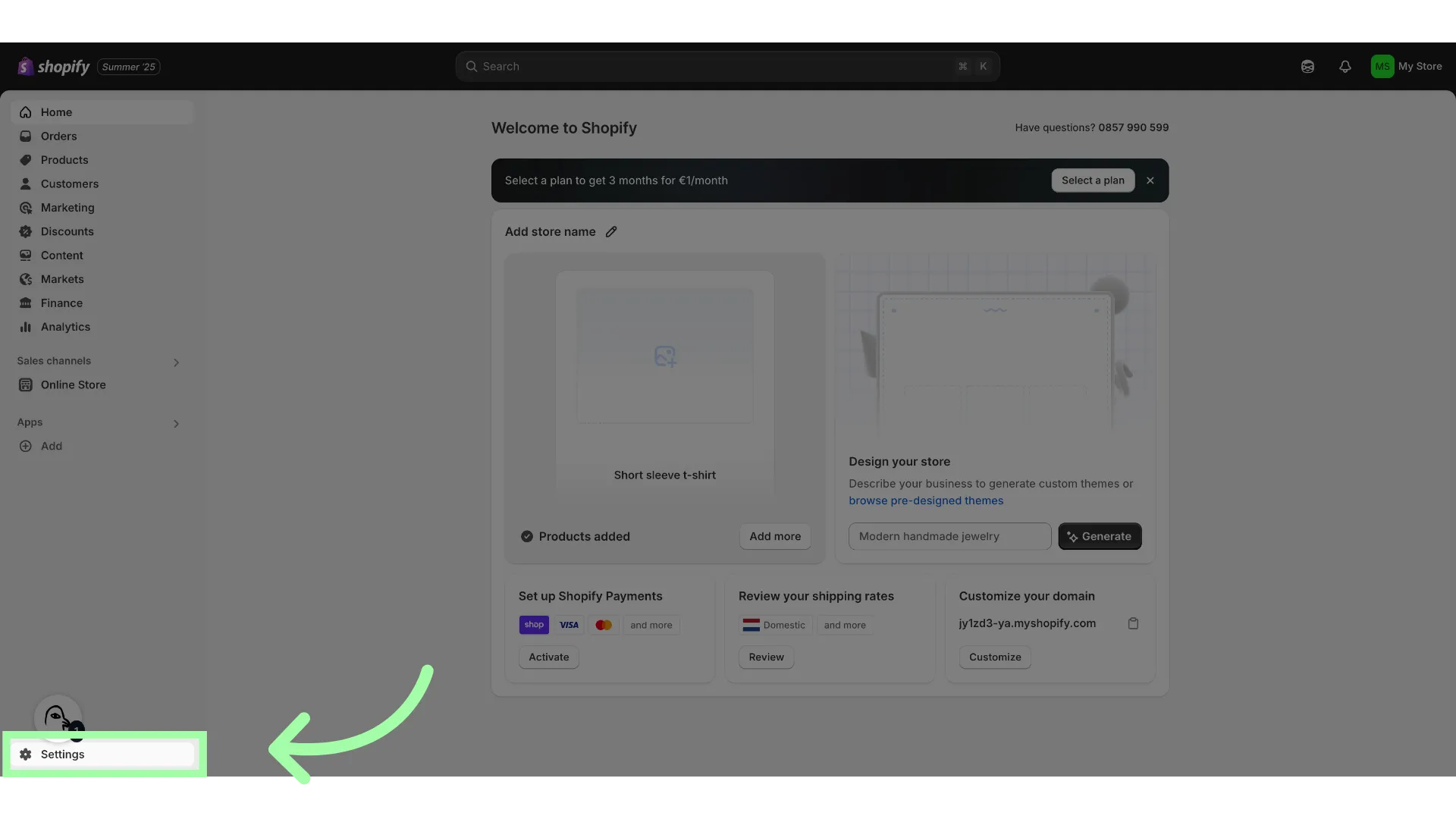
- Open "Metafields and metaobjects"
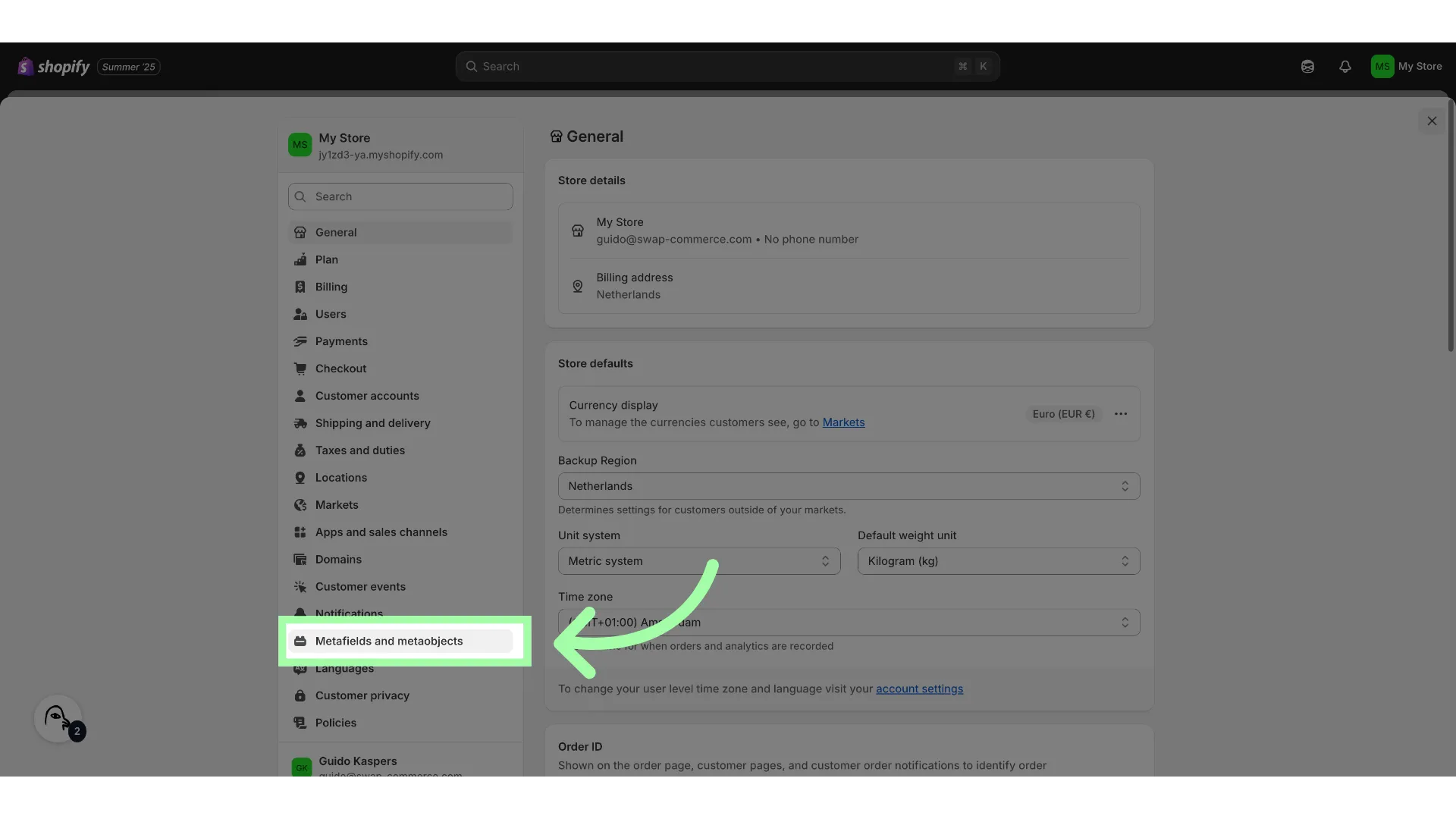
- Open "Variants"
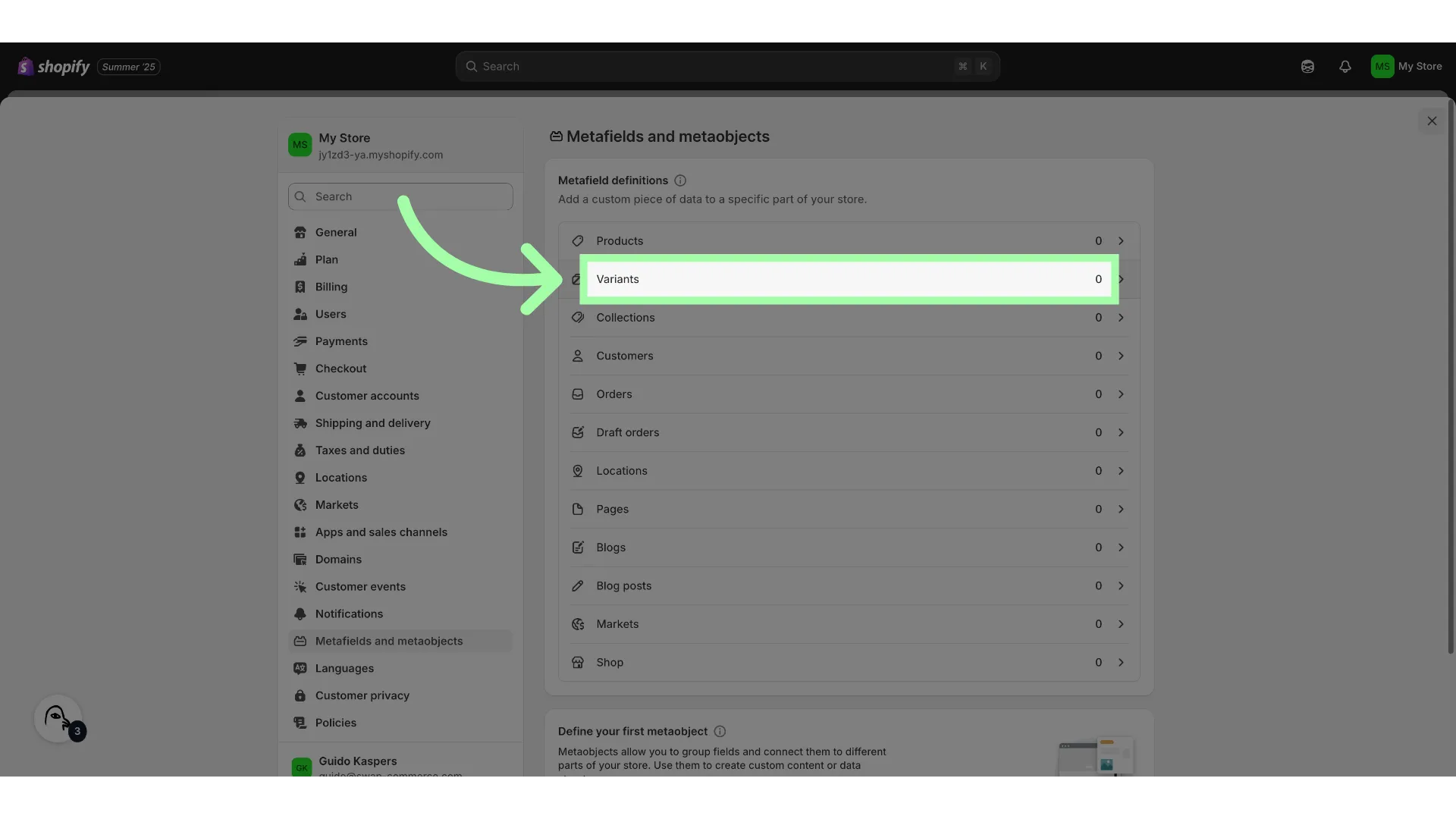
- Click "Add definition"
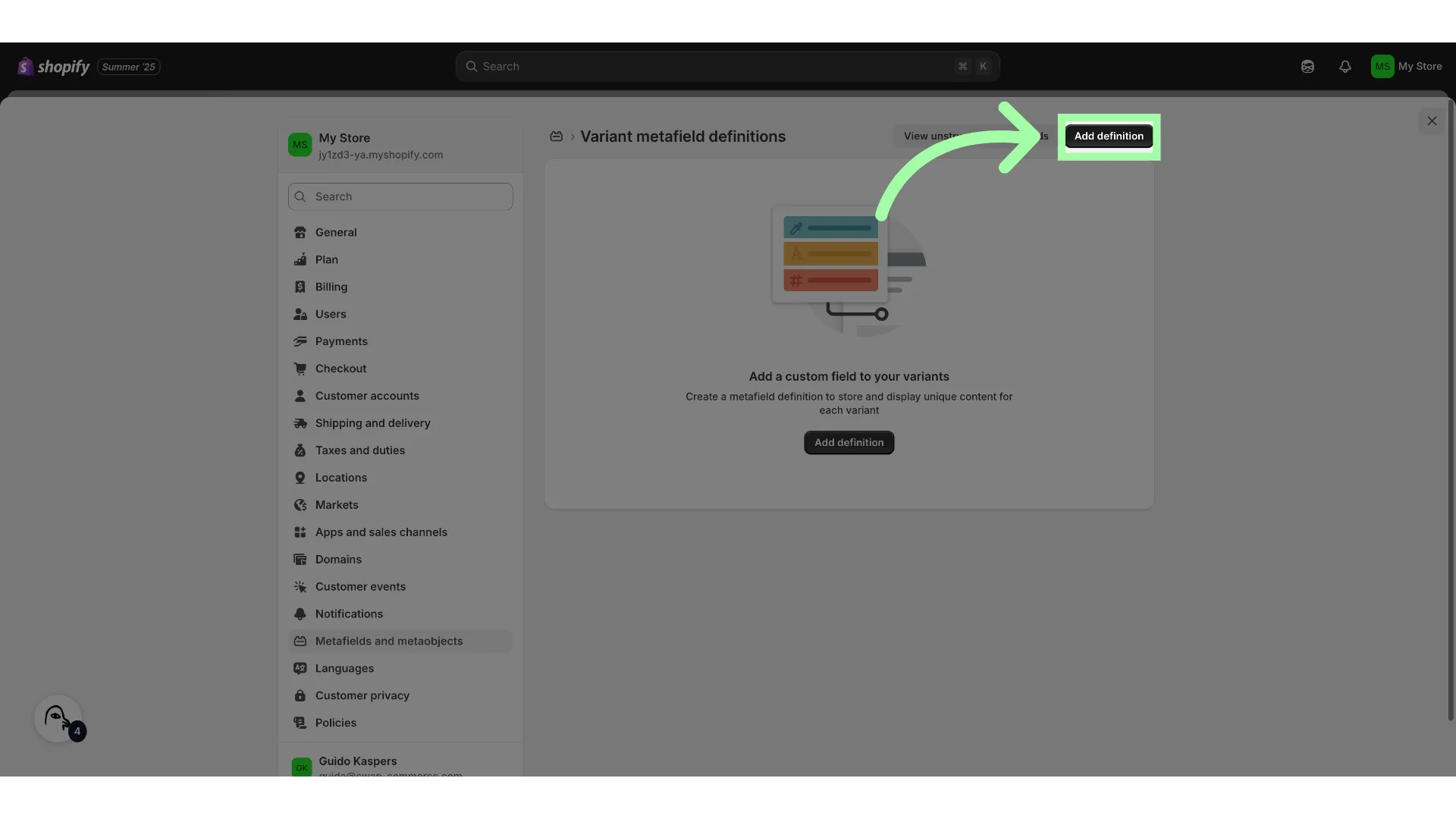
- Add a "Name"
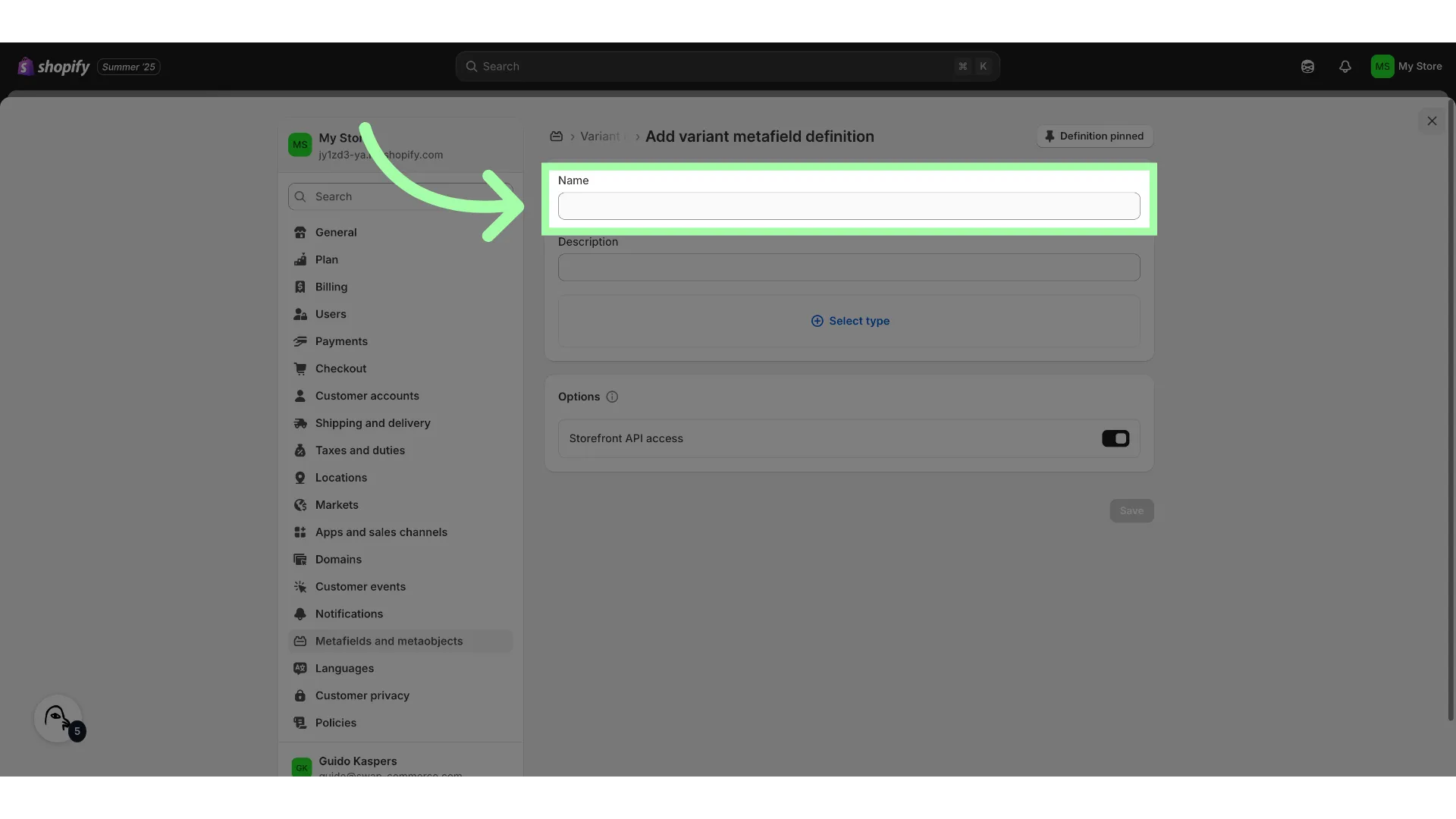
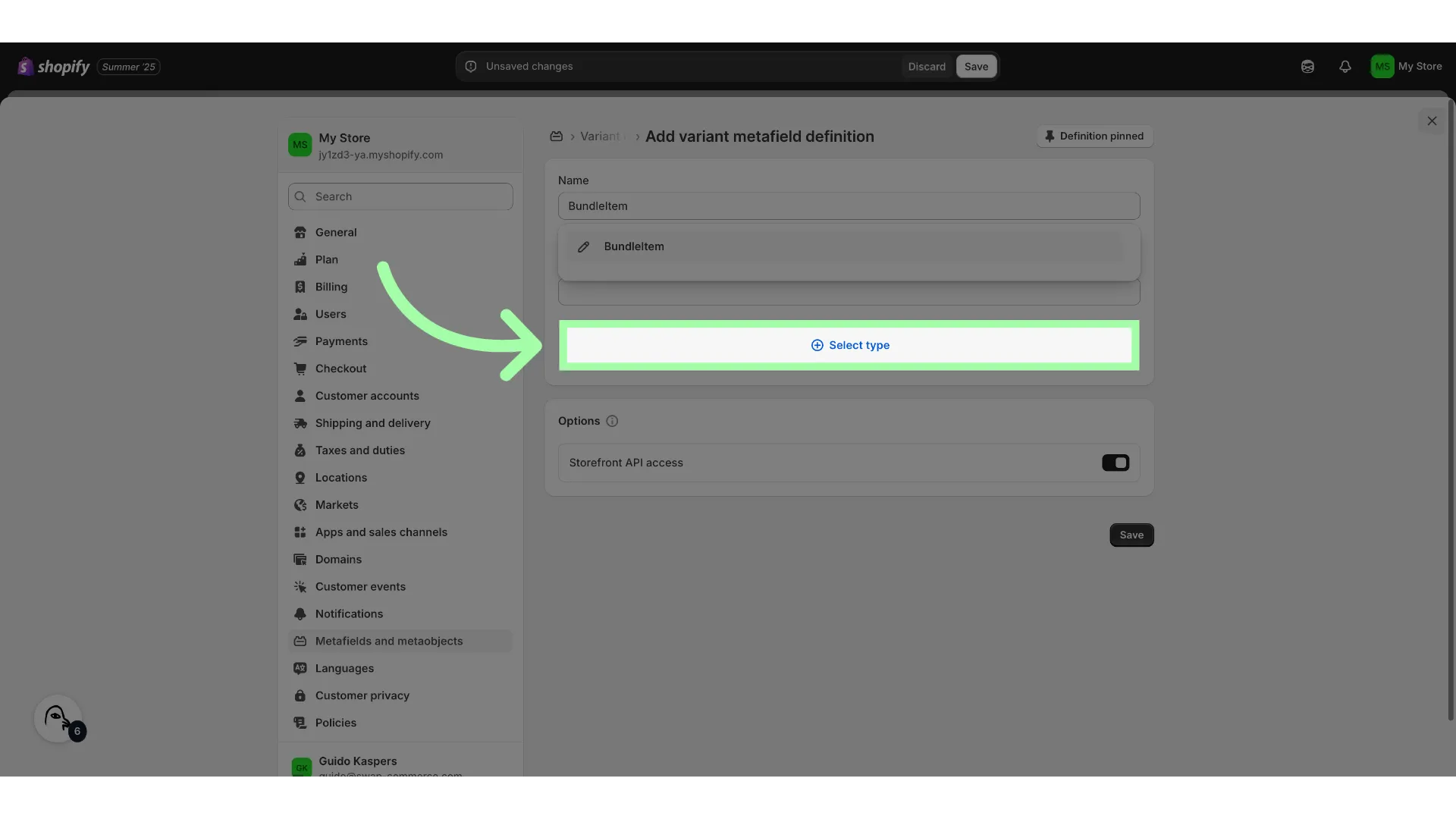
- Click "Select type"
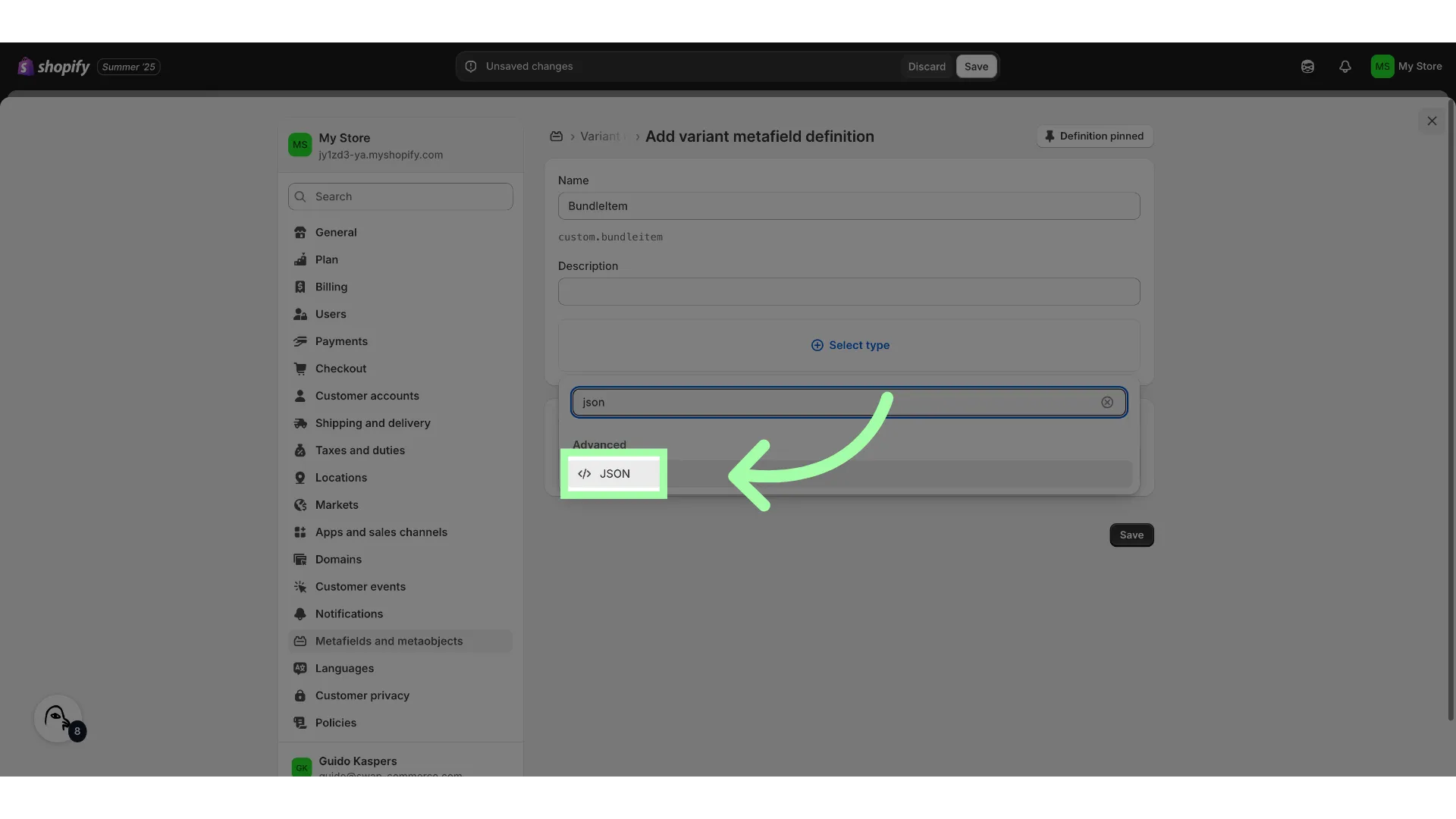
- Select "JSON"
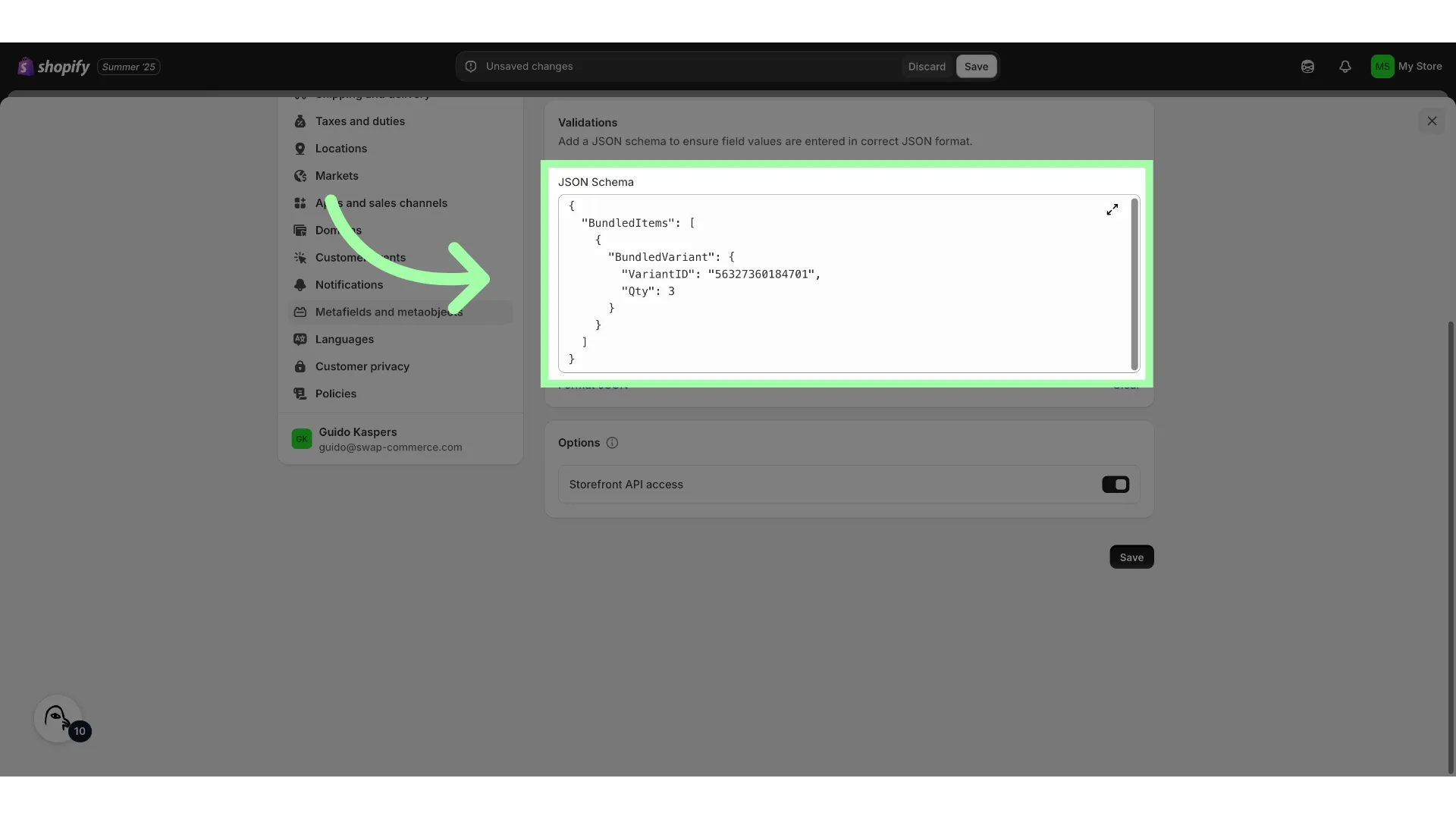
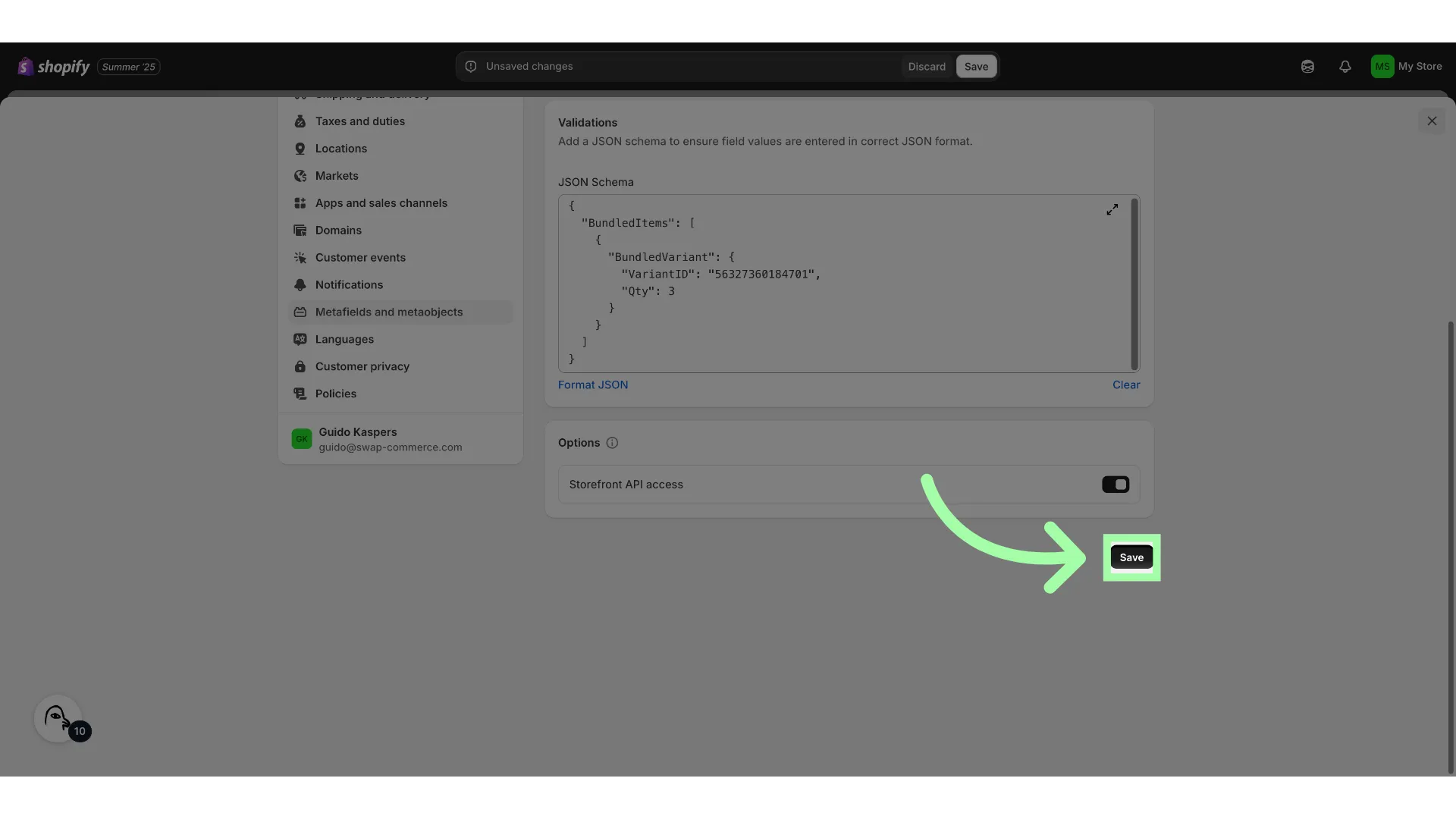
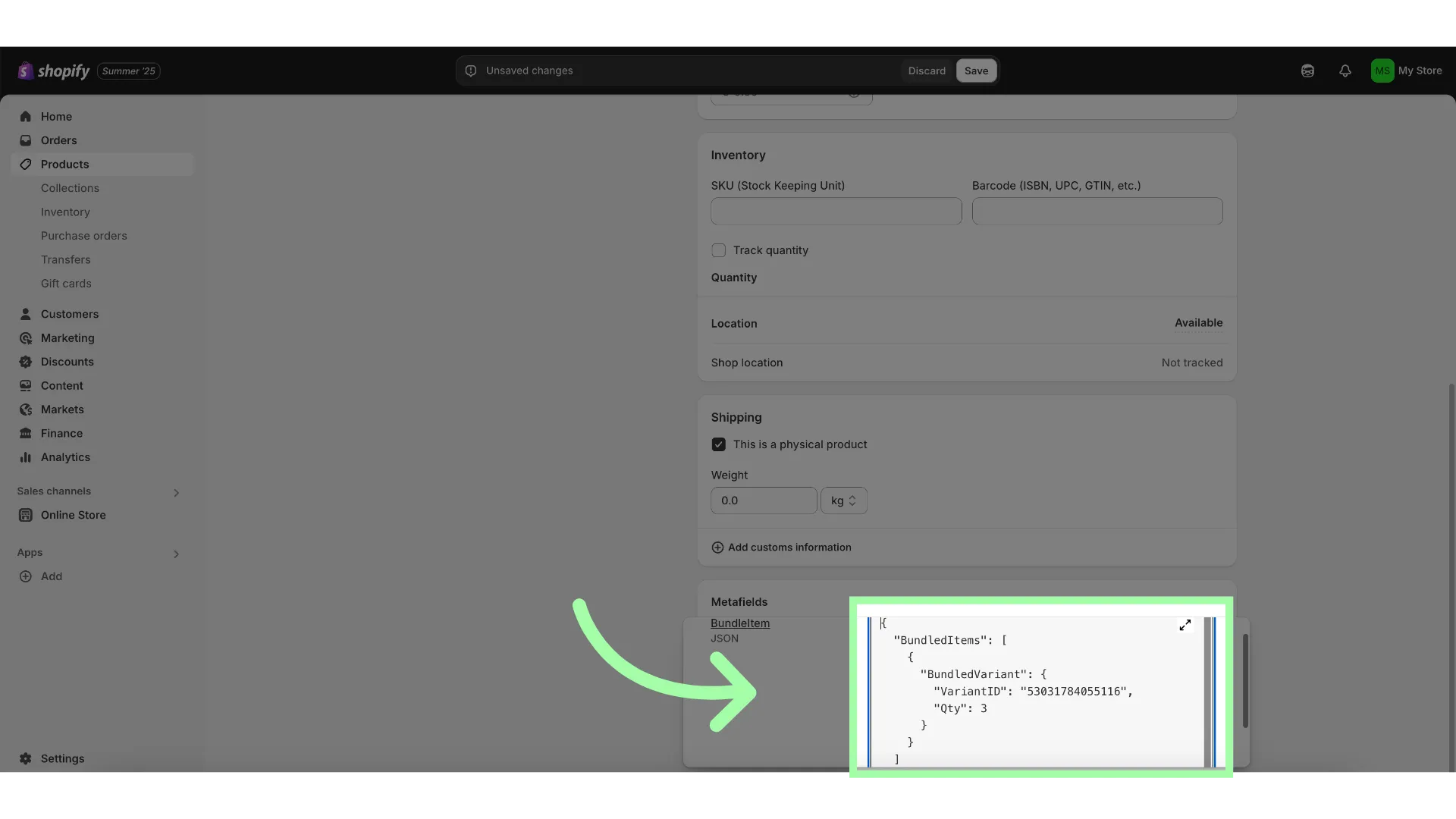
- Add the JSON SchemaExample format:
{
   "BundledItems": [
    {
      "BundledVariant": {
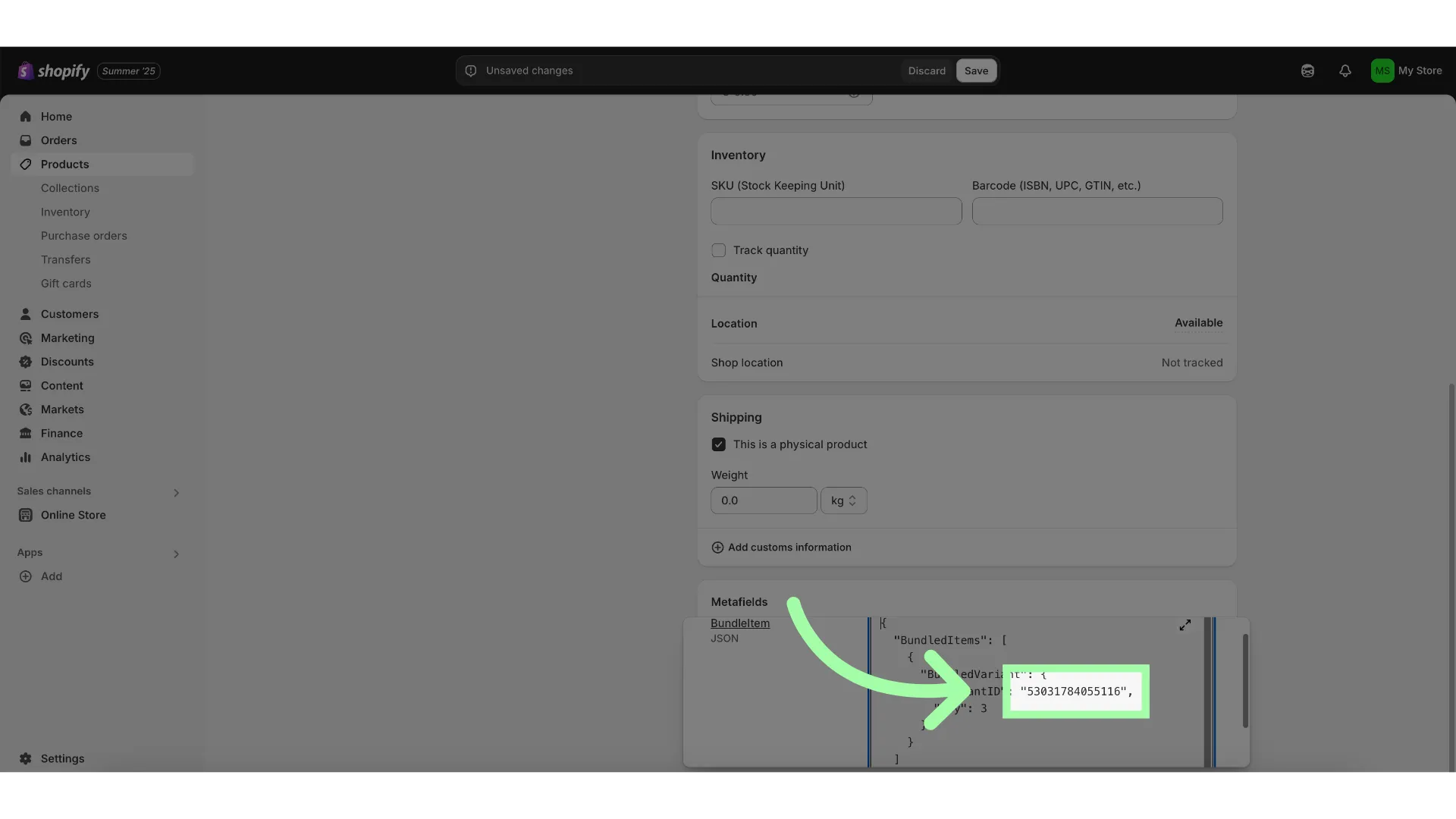
         "VariantID": "56327360184701",
         "Qty": 3
      }
    }
  ]
}
- Click "Save"
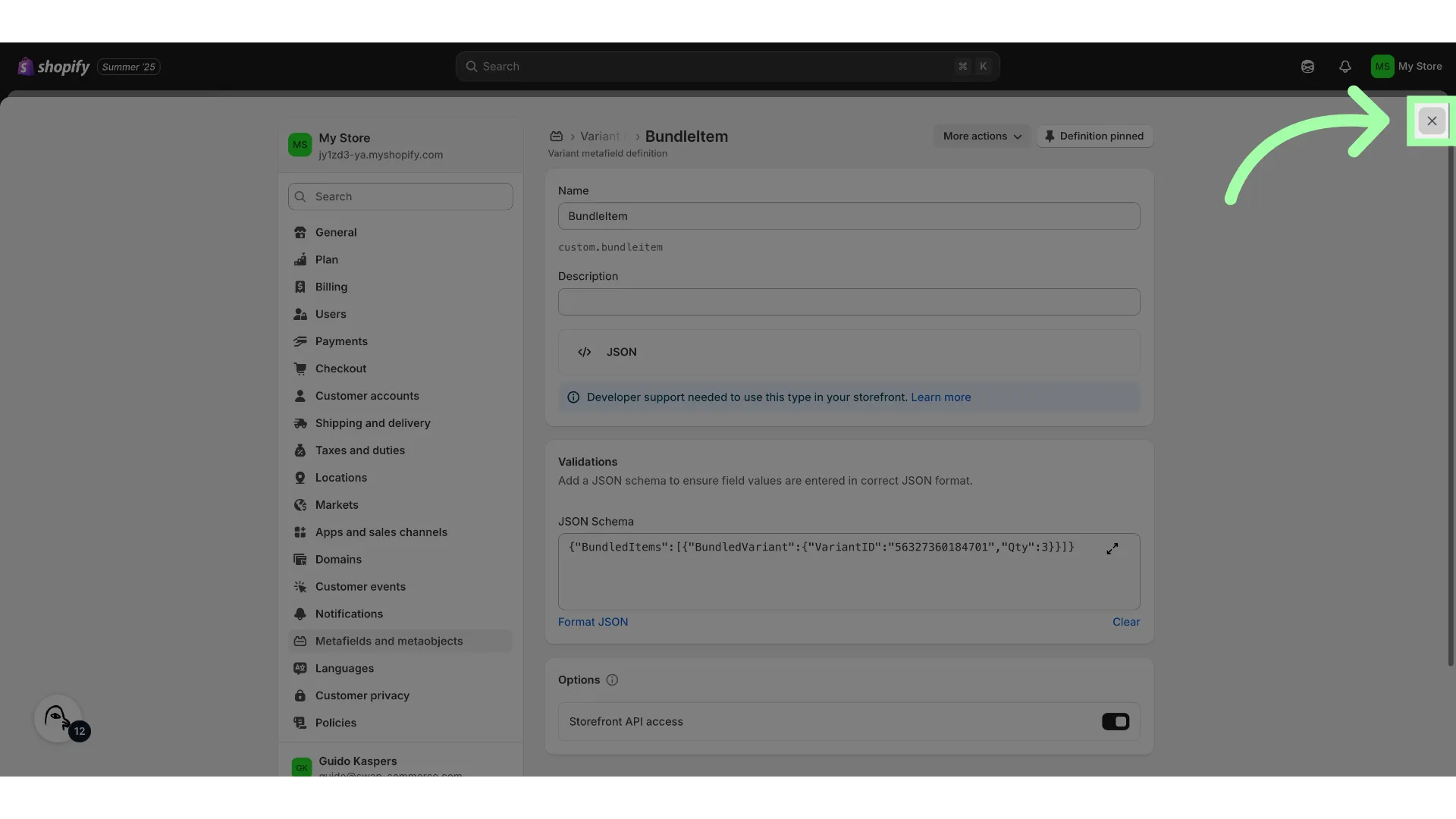
- Close the settings
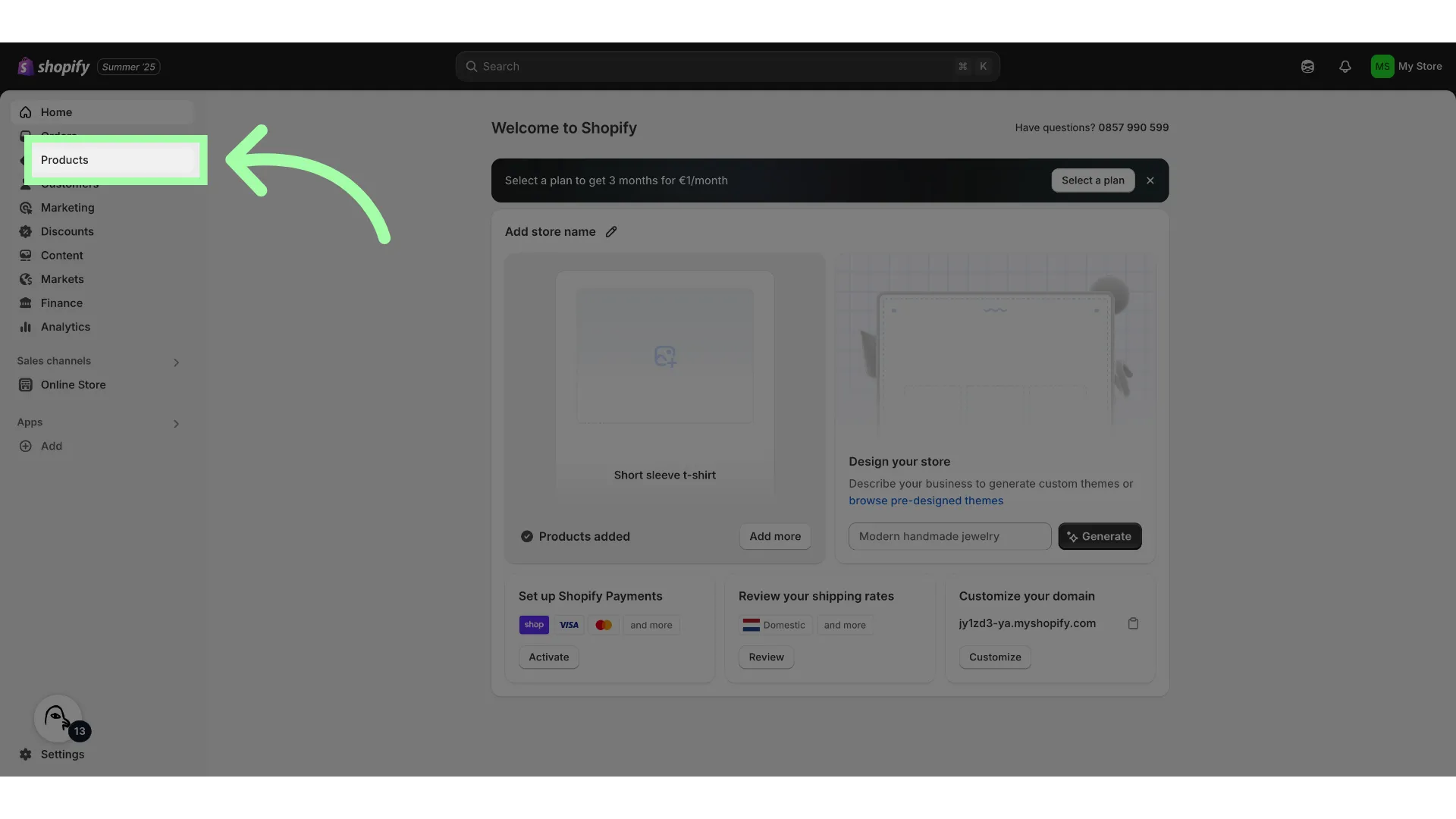
- Go to "Products"
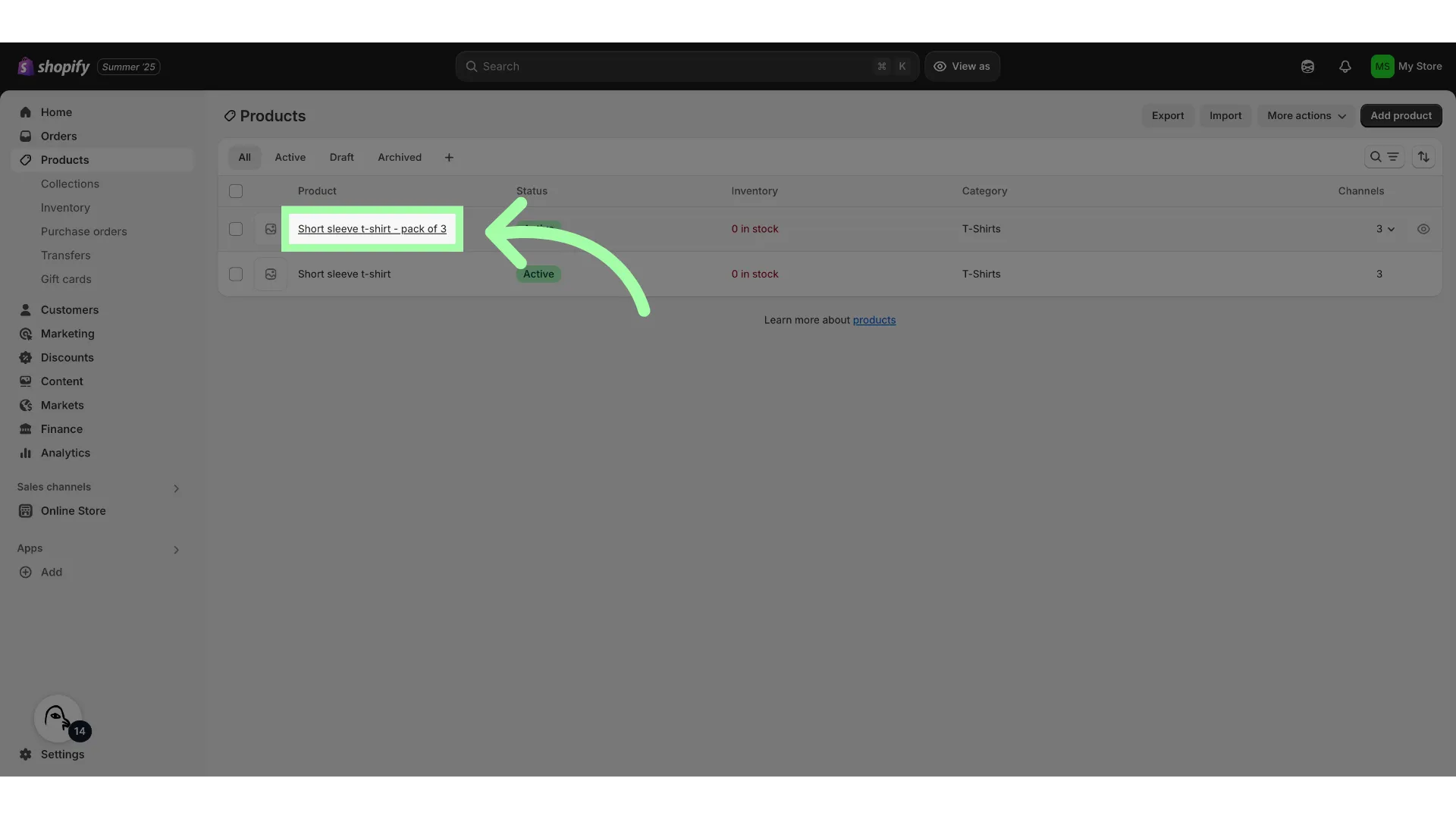
- Open the bundle item
- Open the variant
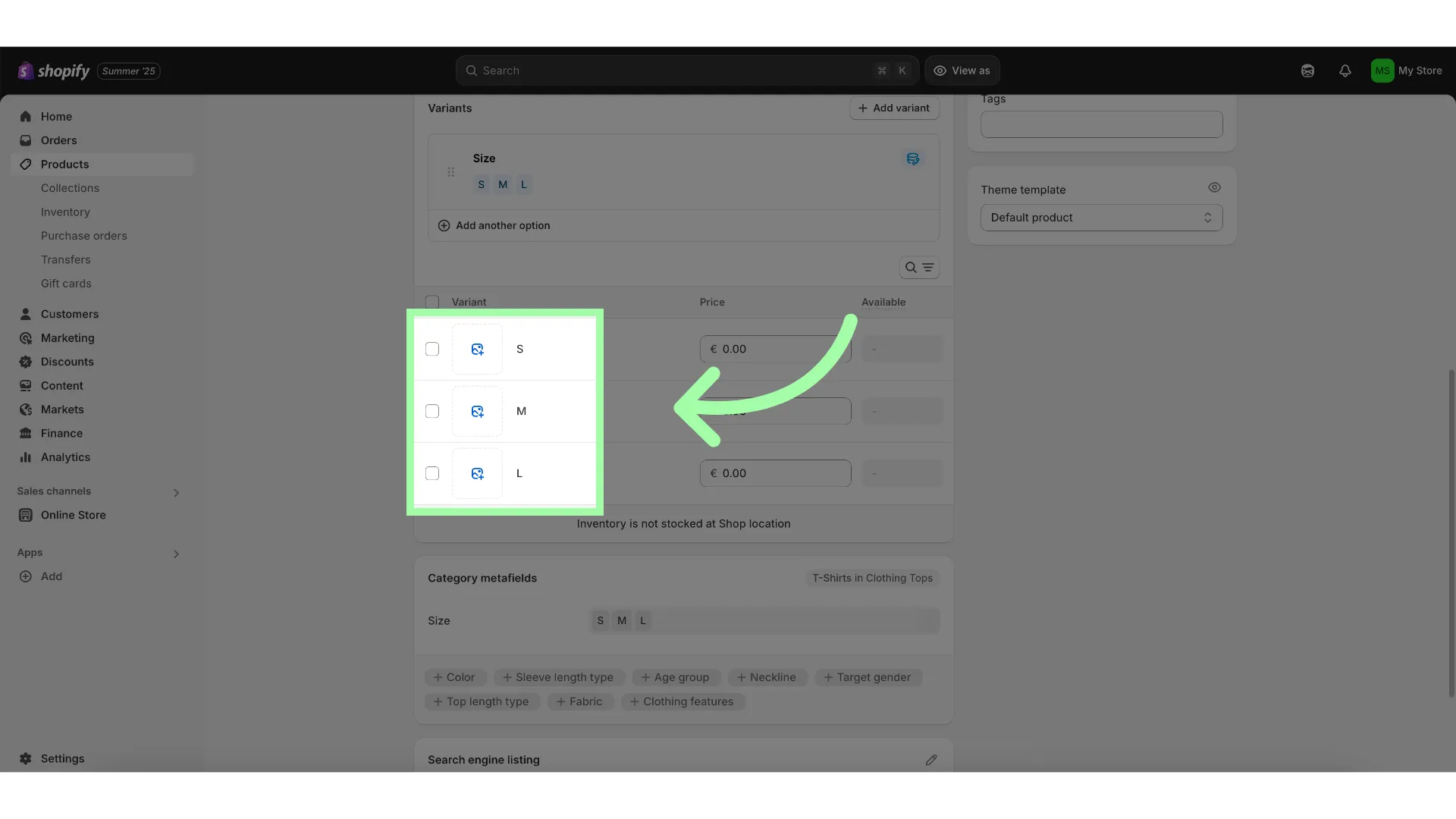
- Scroll down to "Metafields"
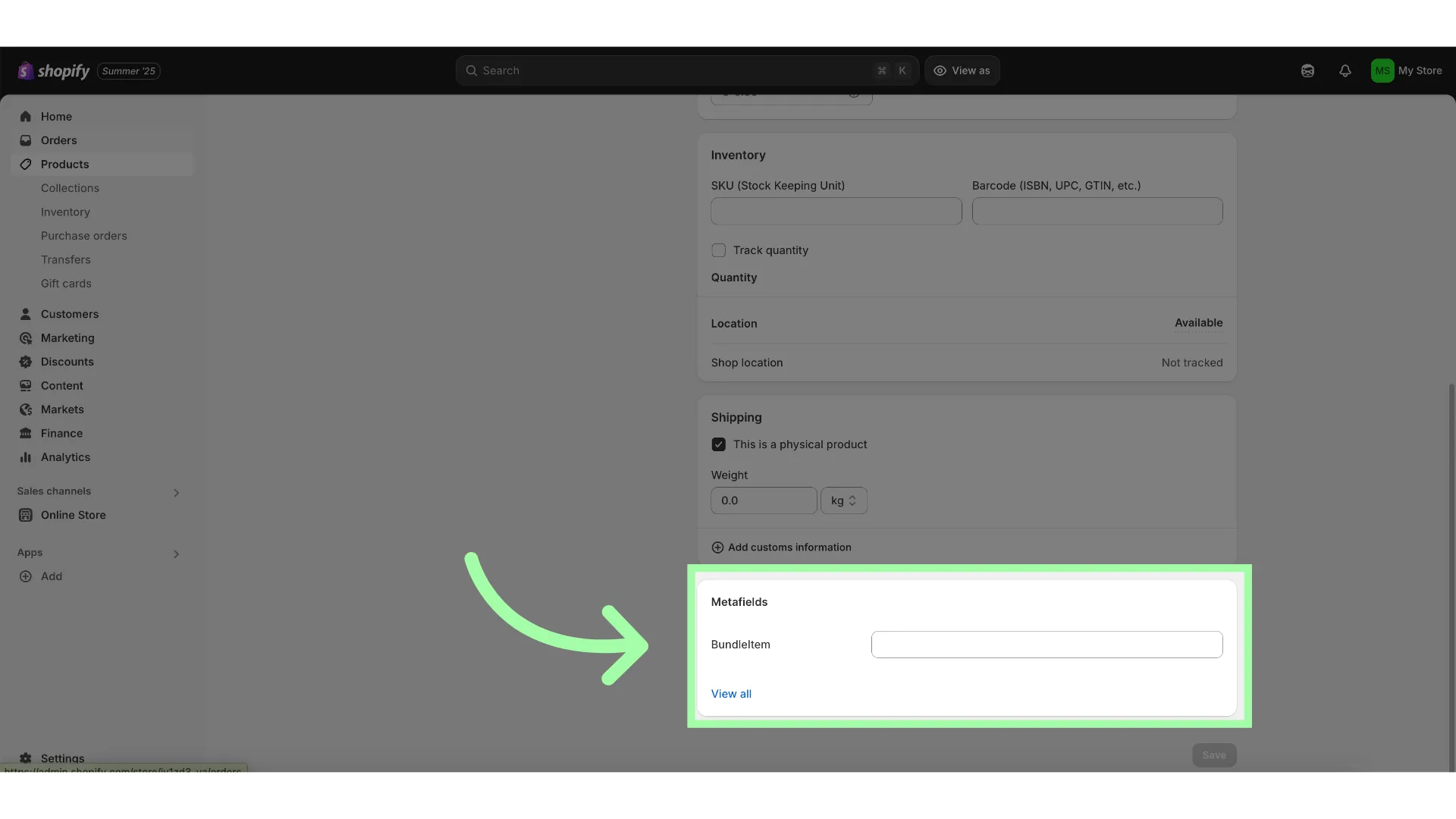
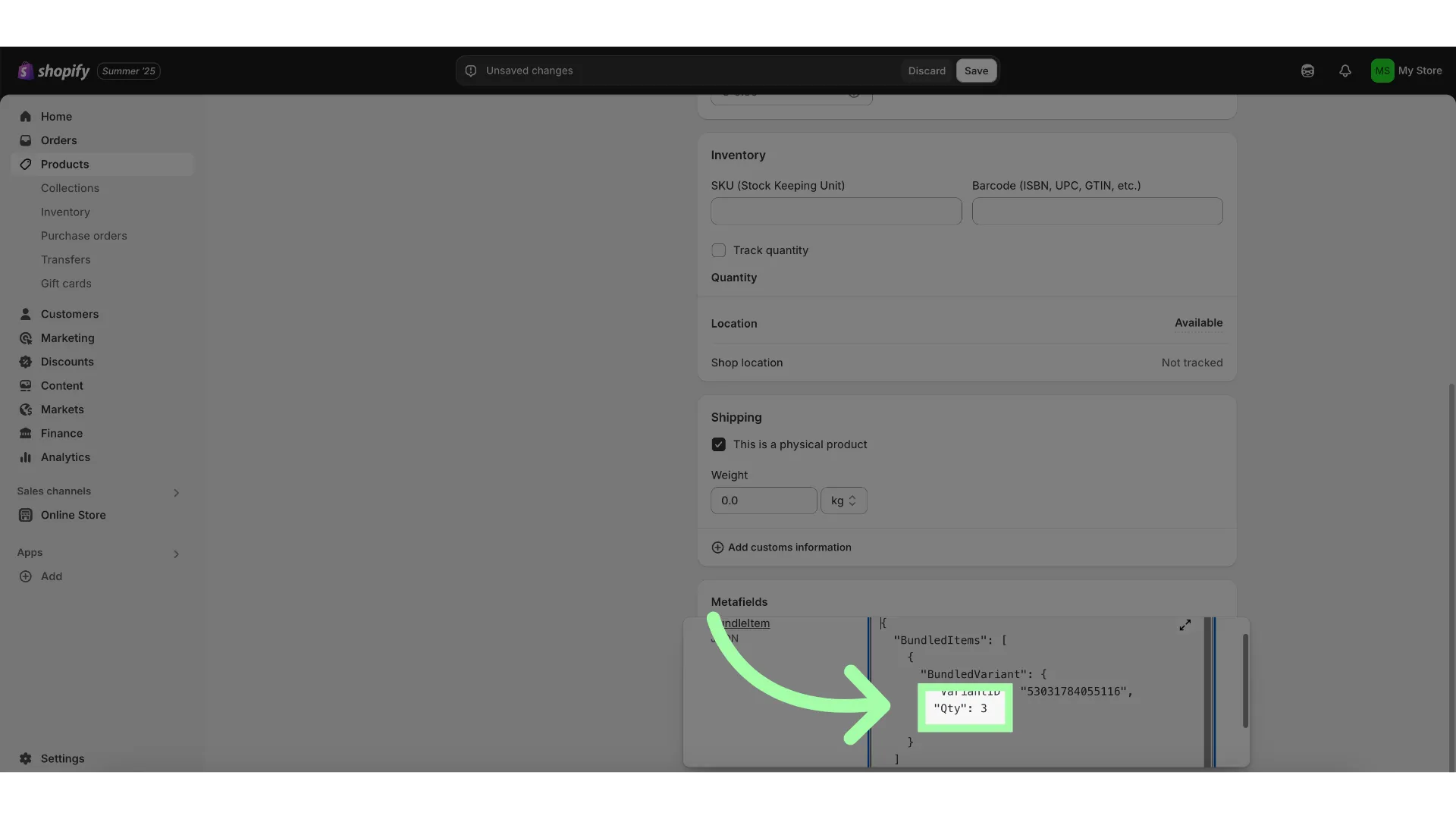
- Add the JSON Schema
- Make sure to enter the correct Variant ID
- Add the correct quantity
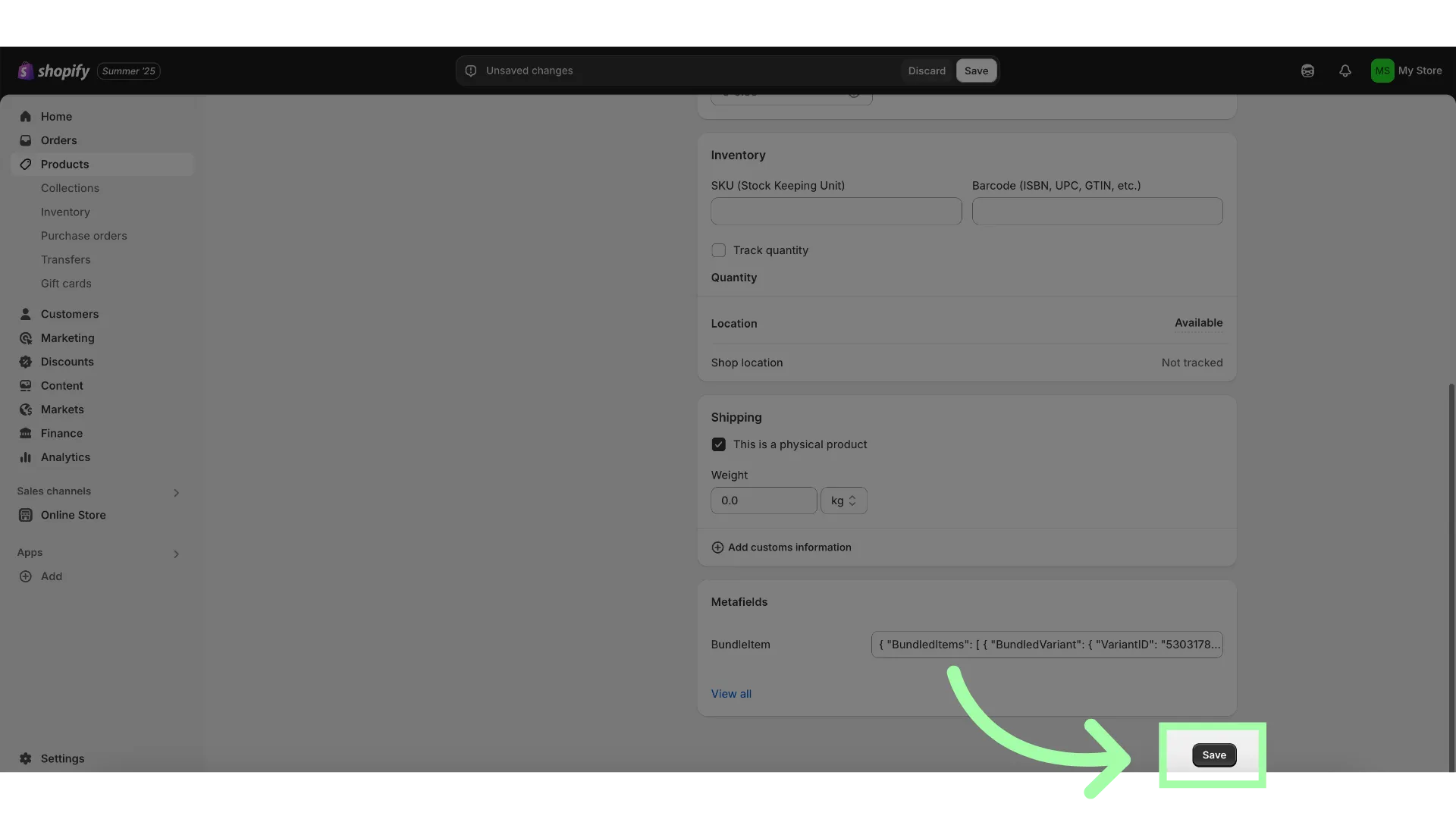
- Click Save
Example with Multiple Products
If a bundle consists of multiple product, you can use the following JSON schema.
{ "BundledItems": [ { "BundledVariant": { "VariantID": "variantid1", "Qty": 2 } }, { "BundledVariant": { "VariantID": "variantid2", "Qty": 1 } } ]}Requesting Access
To use this feature, please contact your Swap account manager. They will ensure enablement of the functionality for your store and ensure it works as expected with your setup.