This guide will walk you through using the Contact Widget in the Swap Dashboard.
Using the Widget
- Open your Swap Dashboard
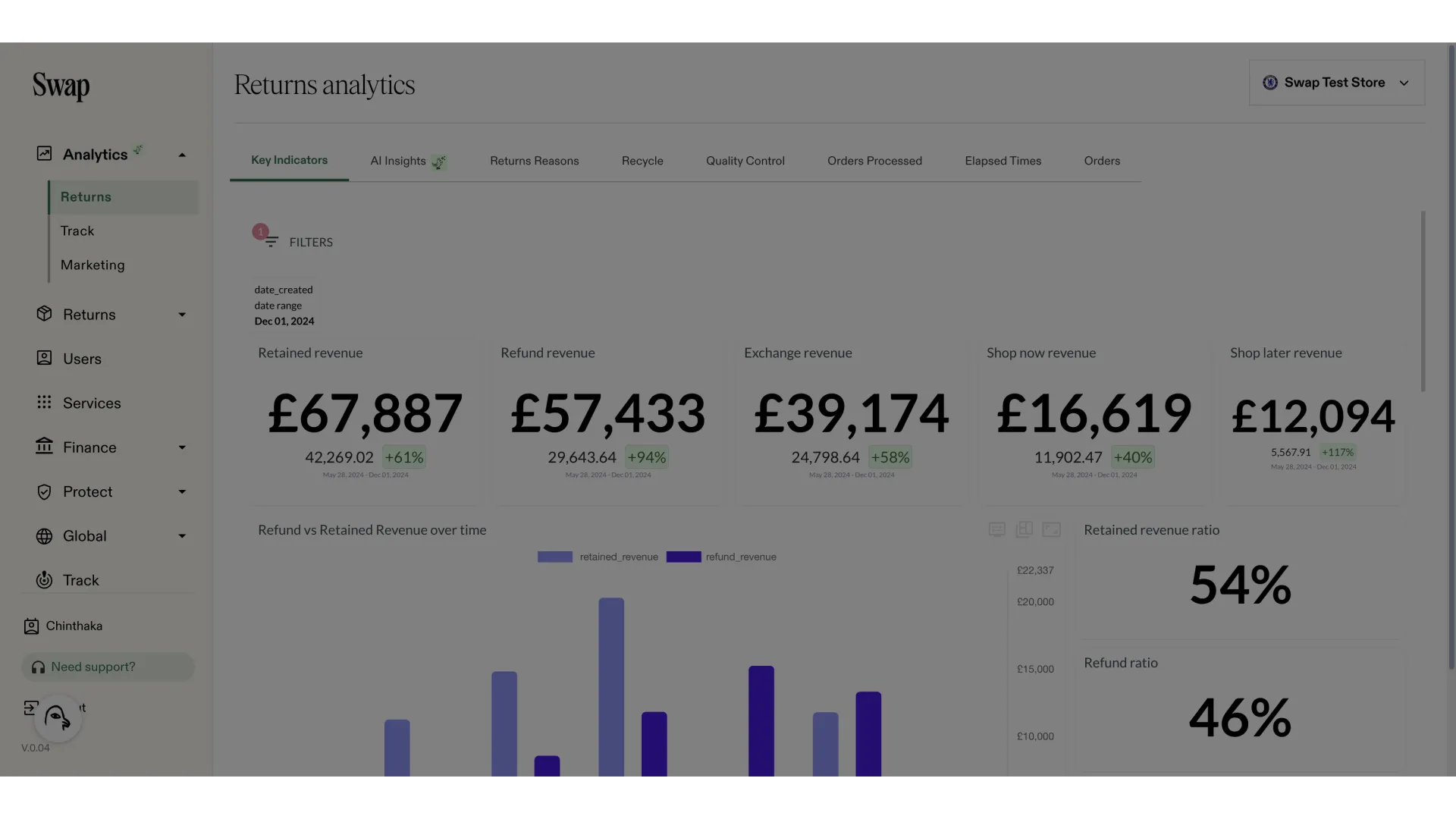
- Click "Need support?"
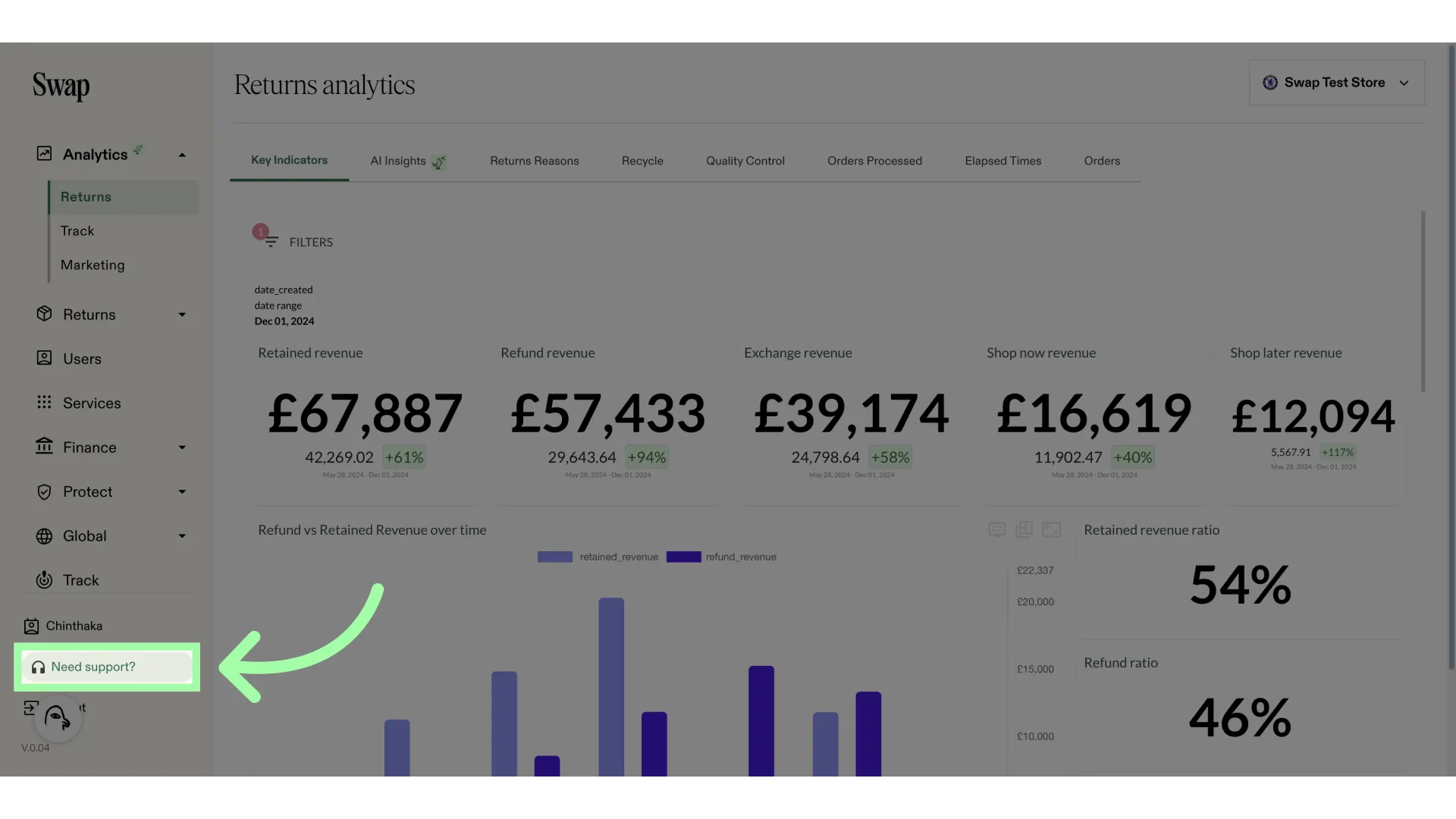
- A new window will open
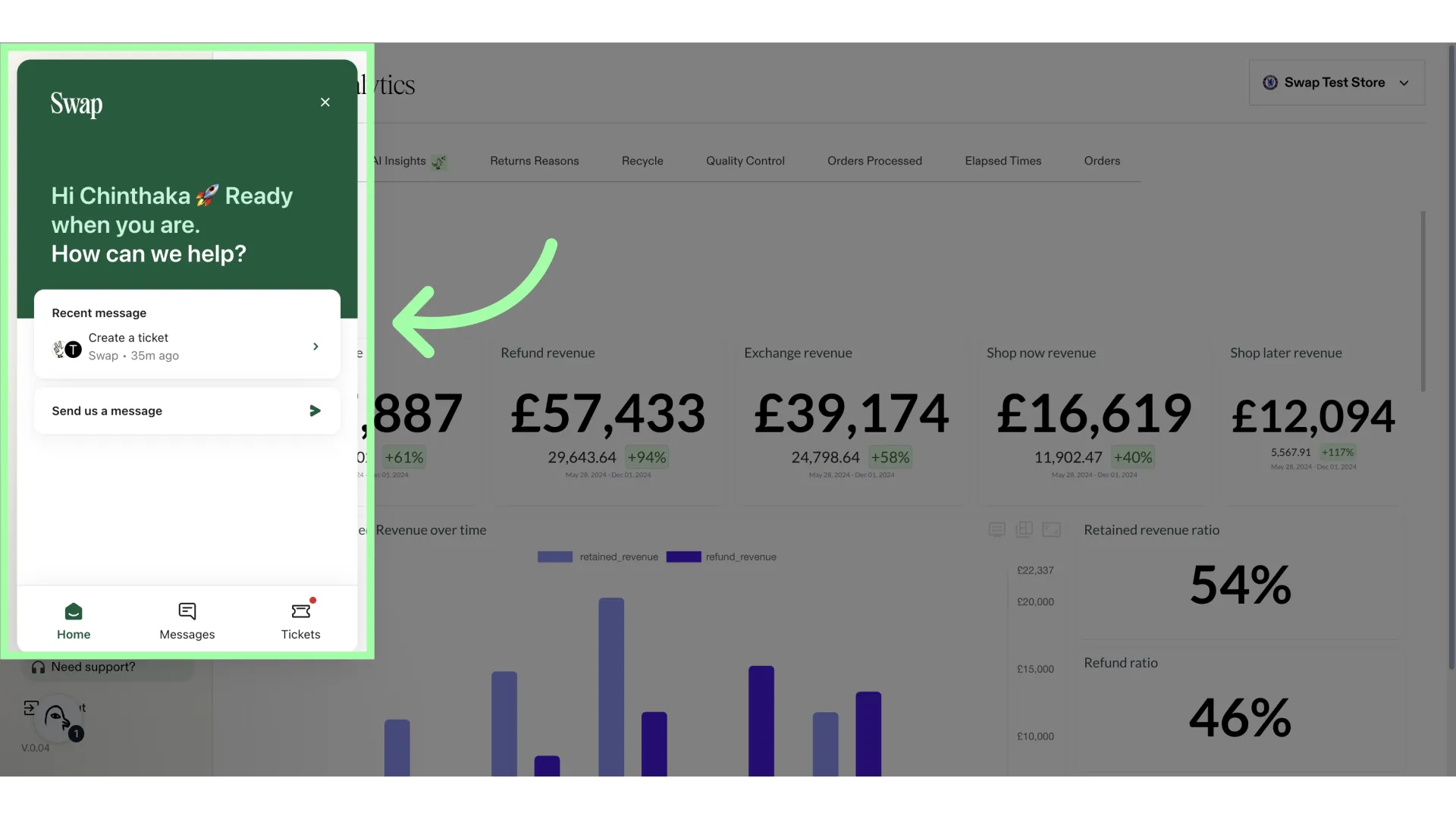
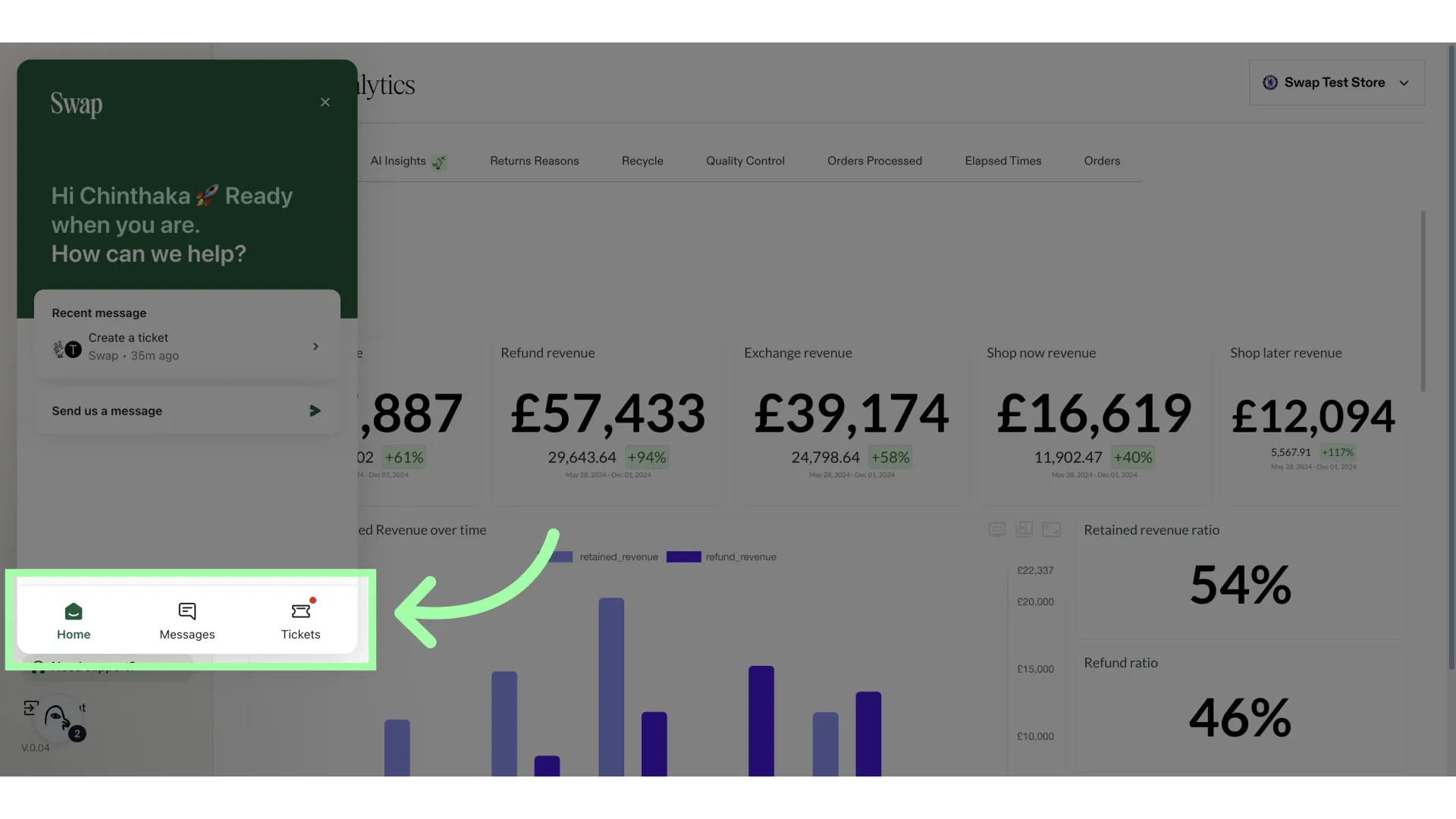
- Use these buttons to navigate to your previous messages, and previous tickets
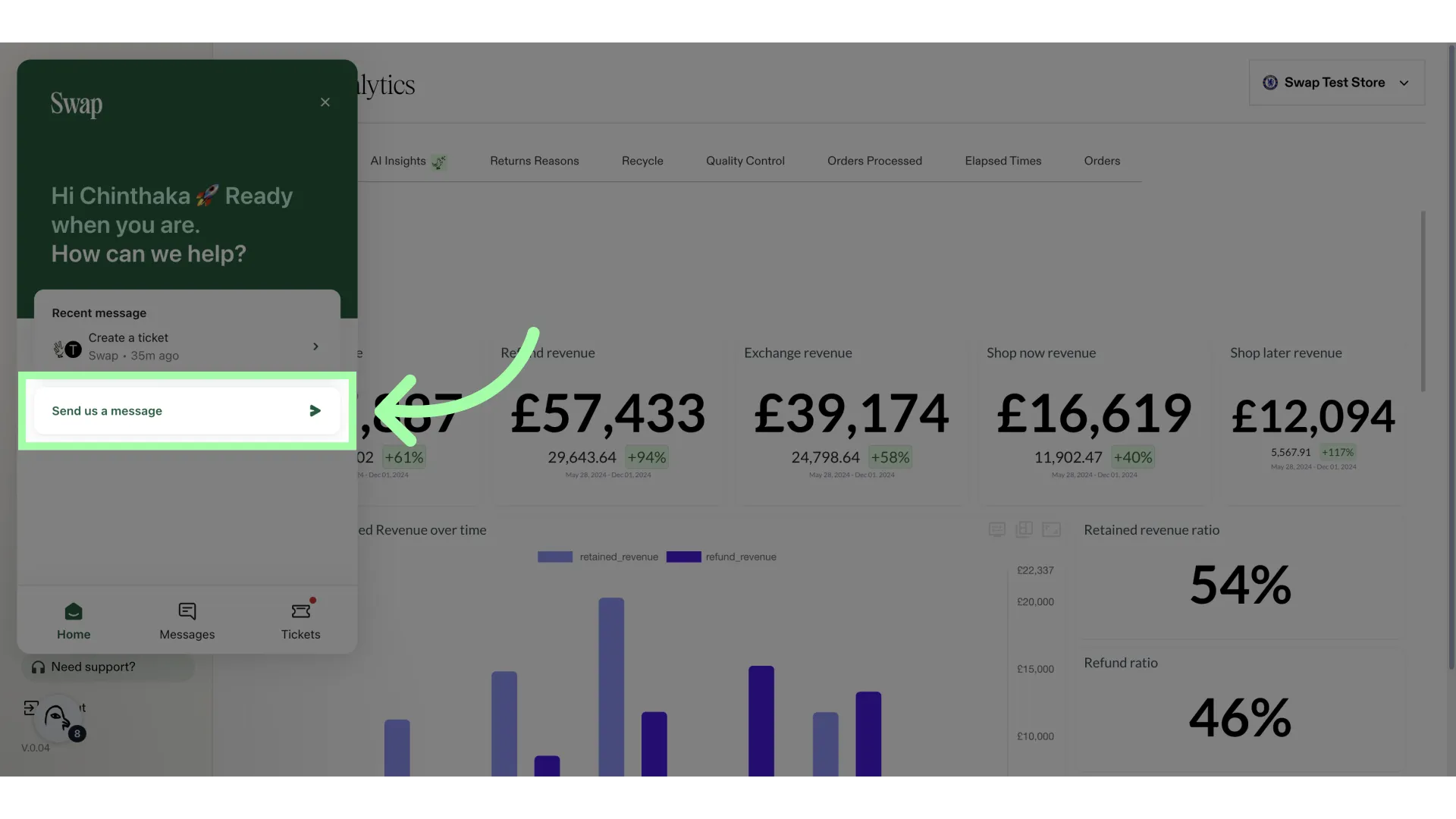
- To send a new message, click "Send us a message"
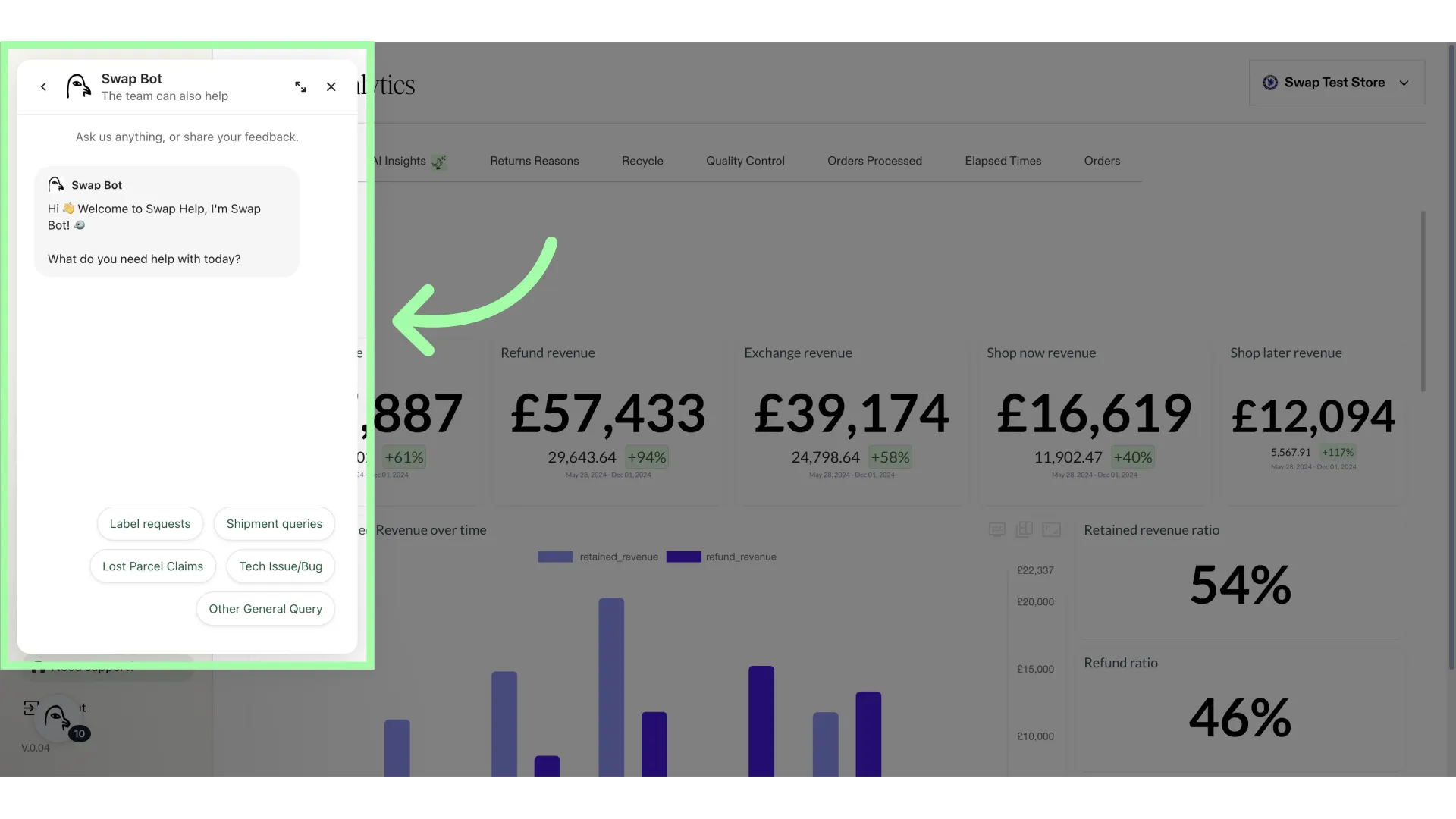
- The chatbot window will open.
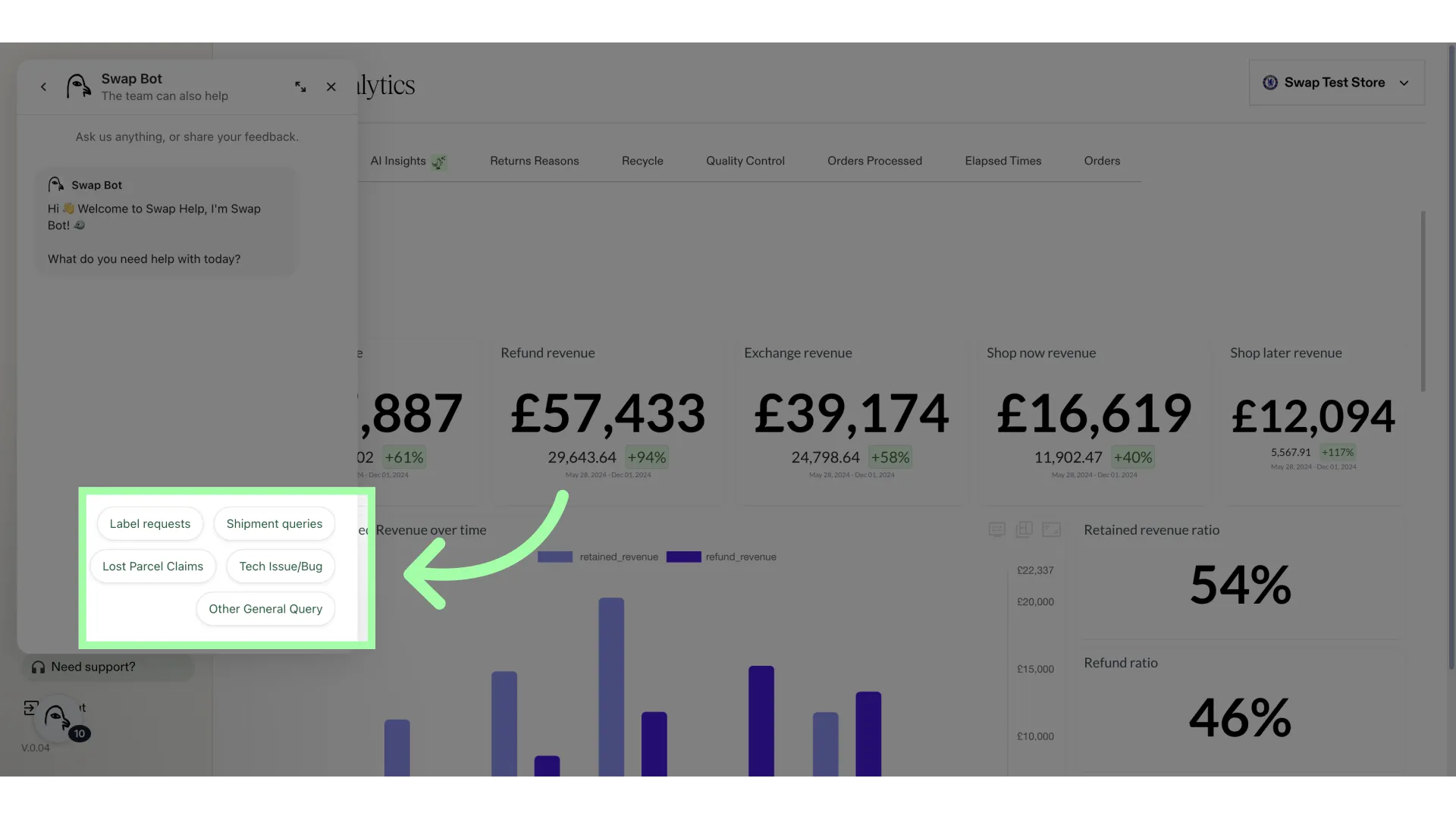
- To start the conversation, select one of the options
- Depending on the query, chatbot will try to help solve the issue or answer the question
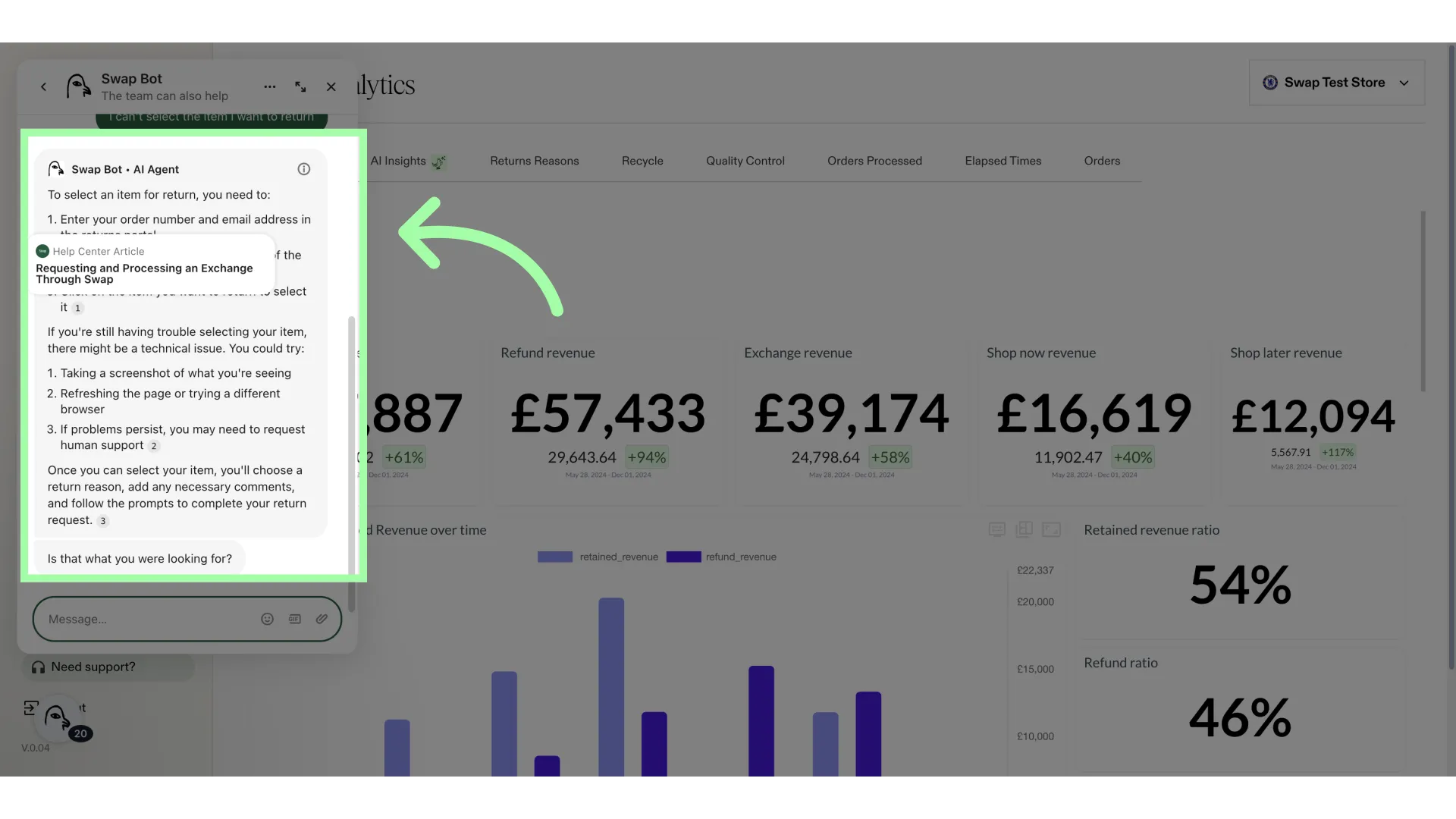
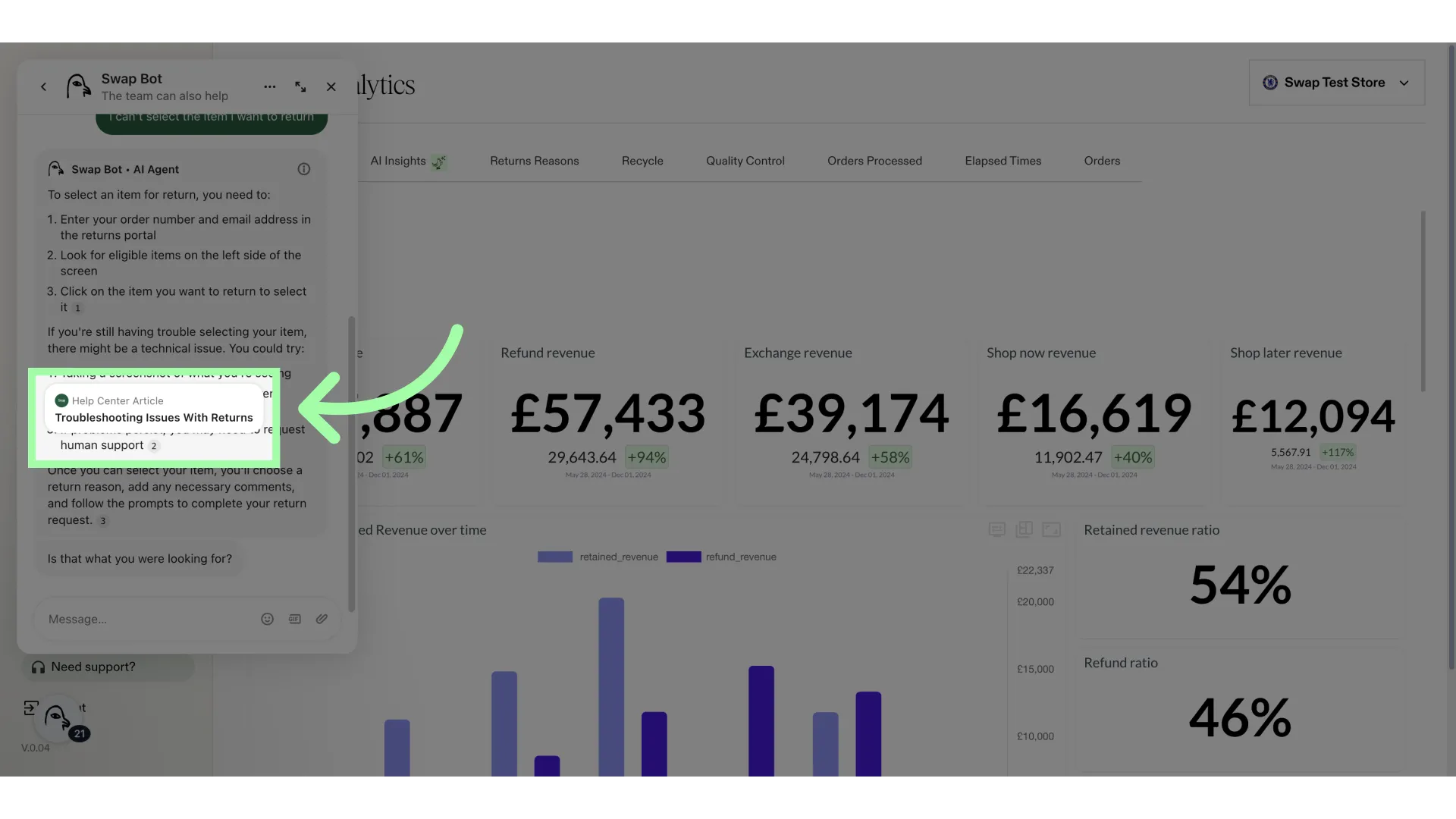
- The chatbot references the Knowledge Base to help you with your query. You can open any article it mentions by clicking on it.
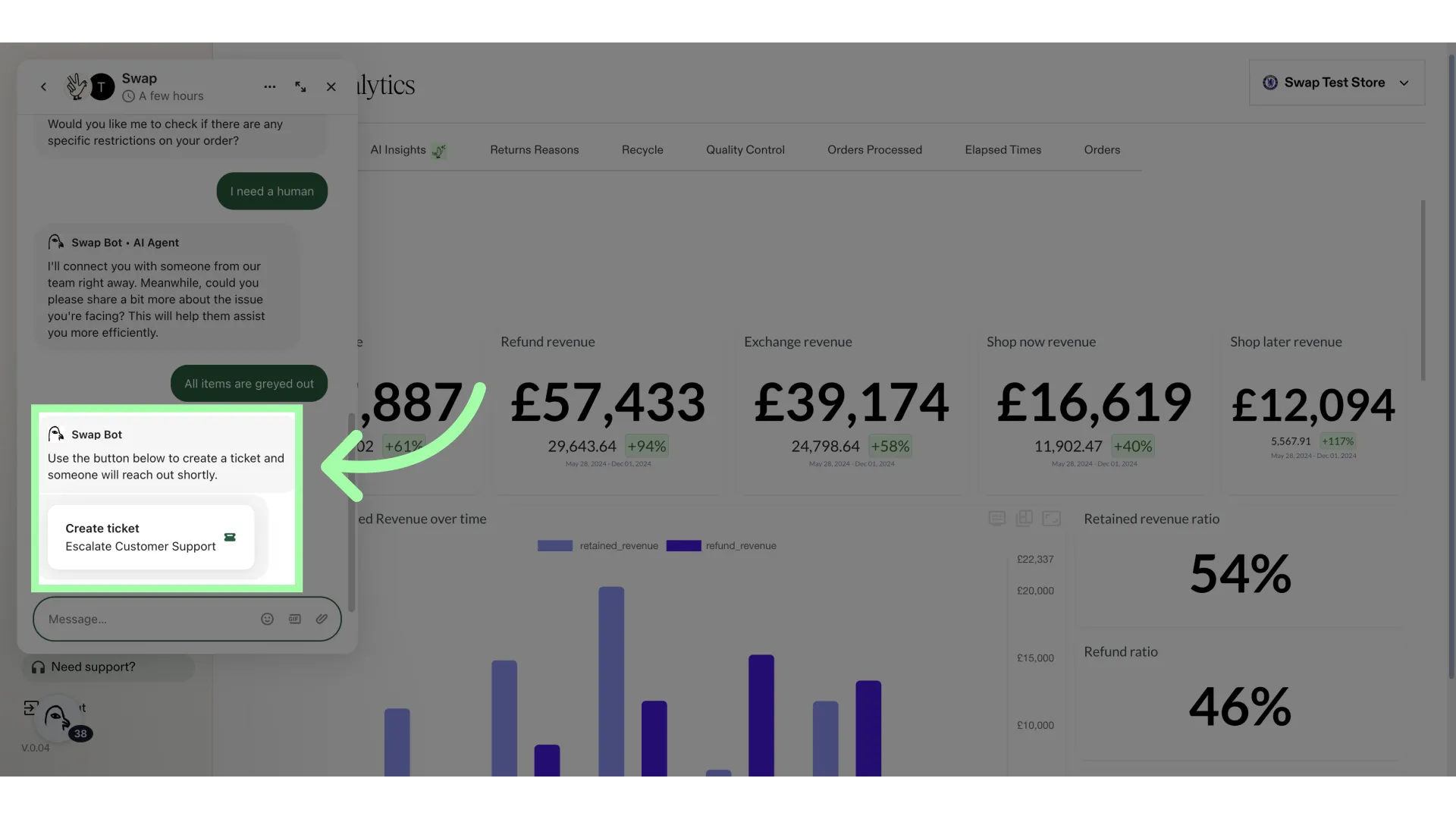
- If you need human assistance, please let the bot know
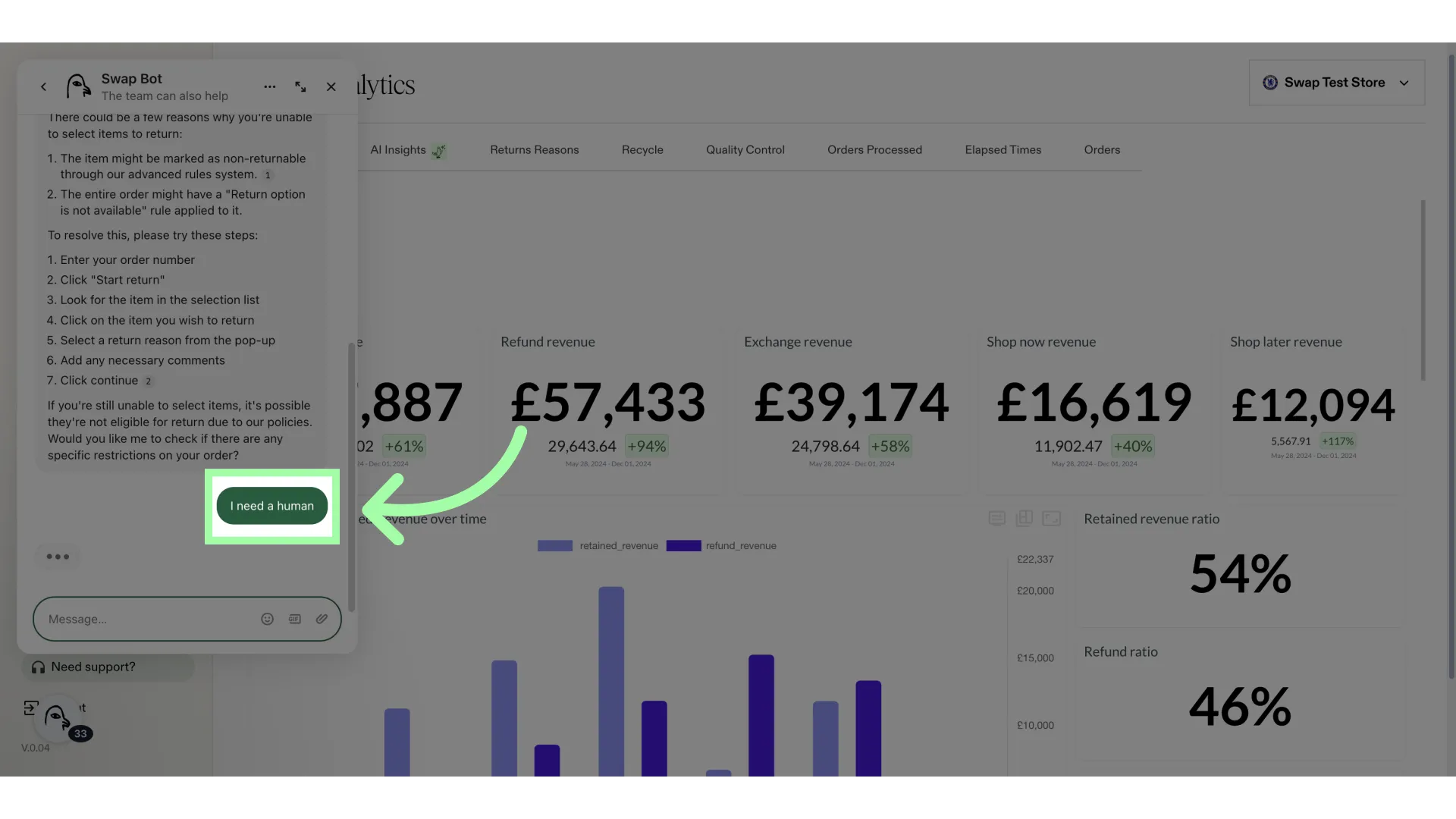
- When in need of assistance, please use the button to create a ticket. Not doing so will result in no ticket being opened.