















This article explains how to connect your Swap account to Pimento using your API credentials, so you can use Swap's international shipping services directly within Pimento.
Before you begin: You'll need your API User and API Token. These are provided by your Swap account manager.
Connecting Swap to Pimento
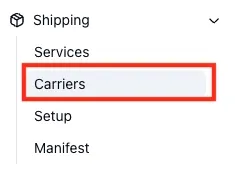
- In Pimento, go to Shipping > Carriers in the left-hand navigation.
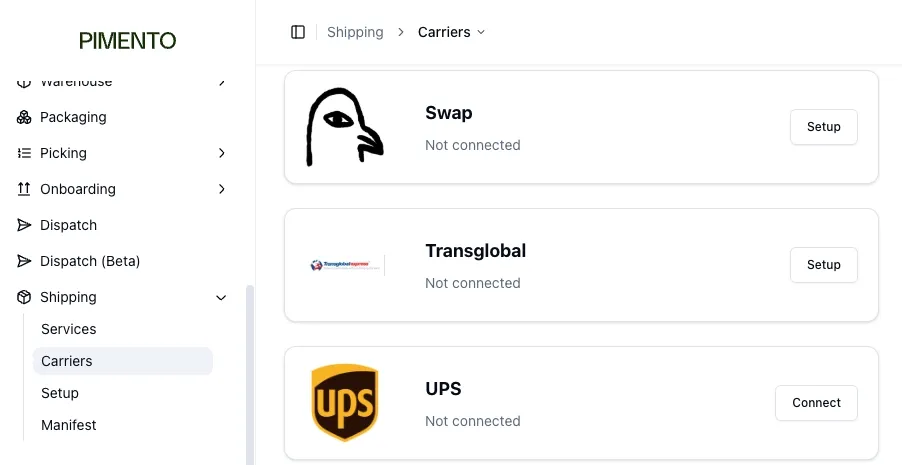
- Find Swap in the carrier list.
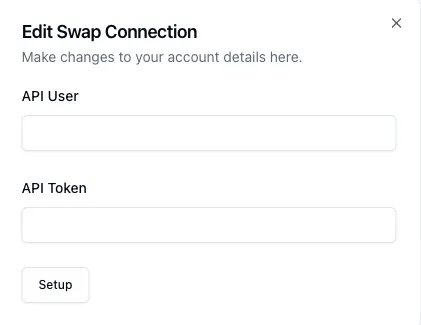
- Enter the API User and API Token provided by your Swap account manager.
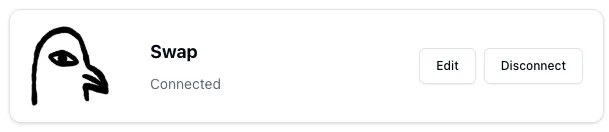
- Click Save. If the connection is successful, you will see a confirmation screen.
Supported services
Once connected, the following Swap services are available in Pimento:
- Swap FedEx International Priority DDP
- Swap FedEx International Connect Plus DDP